Gamers sharing a room with someone who’s asleep
If someone else is sleeping in the same room, quiet clicks matter. Check the exact switch version and listen to the scroll wheel and extra buttons too.


If clicks could disturb someone else in a shared bedroom, a version explicitly described as having silent switches is a sensible place to start. Check the scroll wheel and side buttons too: gaming specifications alone don’t guarantee quiet inputs. The buttons, shape and connection also need to work for the commands you use frequently in-game.
If someone else is sleeping in the same room, quiet clicks matter. Check the exact switch version and listen to the scroll wheel and extra buttons too.
If you want to map actions to your mouse, make sure the buttons you need are easy to reach with your grip. Gaming features alone don’t tell you how loud a mouse is.
Check how the shape, cable and freedom of movement suit your hand and desk. A small or lightweight mouse isn’t necessarily quiet.
Start by checking the sound of the switches, scroll wheel and side buttons. Then make sure the mouse suits your game commands, fits your hand and offers the right connection.
| What matters | What to check before buying | Who it matters to |
|---|---|---|
| Click and scrolling noise | Check the exact switch version and assess the main buttons, scroll wheel and side buttons separately. Keychron offers Silent and All-Silent switch versions for the M6; this doesn’t apply to every configuration. | If someone is sleeping next to me, I want repeated inputs to be as unobtrusive as possible, so I also pay attention to the scroll wheel and side buttons. Around 36% of consumers put quiet inputs first. |
| Easy-to-reach game commands | Think about which actions you need on your mouse and check that the buttons are easy to reach with your grip. If relevant, check that the software is compatible with your operating system too. | If I use the same game actions frequently, I want the commands I need to be easy to reach without compromising on quiet clicks. Around 29% of consumers put controls and game commands first. |
| Grip and fit | Compare the shape with your current mouse and check that you can reach the main, side and middle buttons in your preferred hand position. | If a mouse doesn’t sit comfortably in my hand, it’s harder to reach the buttons too, so the shape needs to suit my grip. Around 21% of consumers put fit first. |
| Freedom of movement and connection | Check whether a wired or wireless connection suits your desk and whether you have a suitable port available. For wireless models, also consider the charging or battery setup for the specific version. | If a cable gets in the way in my limited space, I look for a connection that suits my desk and computer. Around 14% of consumers prioritise freedom of movement and connection. |
Keychron offers different switch versions for the M6. The Silent or All-Silent version isn’t automatically included in every configuration.
Before buying, check the full specification, especially the switches, sensor and scroll wheel.
A high polling rate tells you nothing about click noise. Razer explicitly describes the Viper 8KHz as having audible click feedback.
Assess the sound of the buttons and scroll wheel you’ll actually use, separately from the DPI and polling rate.
The CHERRY GENTIX SILENT has three buttons and no thumb buttons. This could limit the game actions you can assign directly to the mouse.
Think beforehand about which commands you want to use on the mouse rather than the keyboard.
The M6 combines customisable controls and different connection options with a choice of switch versions.
The GENTIX SILENT is a quiet office mouse for gamers who value low click noise over lots of extra buttons.
The MX Master 3S is a productivity mouse for people who use the same space for more than gaming.
The wired KATAR PRO XT is a gaming model that focuses on shape and programmable buttons.
The Viper 8KHz and Viper Mini cater to different gaming priorities, such as polling rate and compact design.
This selection includes wireless and wired mice, including models with buttons explicitly described as quiet, as well as gaming-focused options. Check the button description and connections you need for the specific model before deciding.
 No image available
For consumers looking for a vertical wireless mouse with buttons explicitly described as quiet.
The product name specifies a rechargeable version with six buttons and adjustable DPI.
 No image available
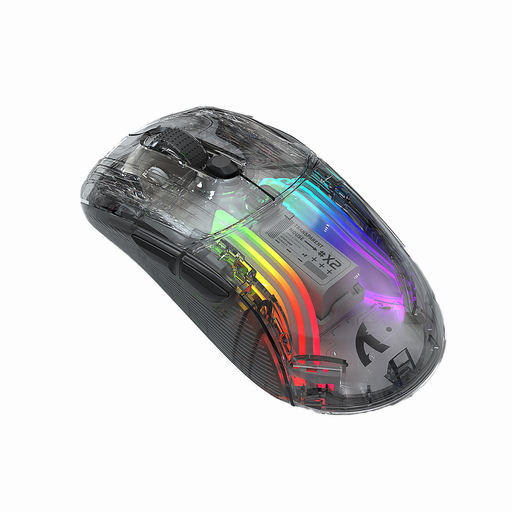
For gaming-focused use when you want a wireless mouse with clicks explicitly described as Silent.
The product name specifies three modes, Bluetooth, 2400 DPI, RGB and a rechargeable battery.
 No image available
For consumers who want to use several programmable game commands and different connection options.
The product name specifies wired, 2.4 GHz wireless and Bluetooth connections, as well as 12800 DPI and RGB lighting. Gaming features alone don’t tell you how loud the clicks or scroll wheel are.
 No image available
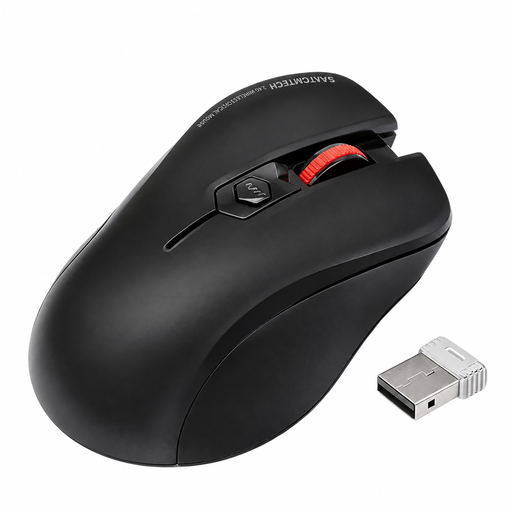
For consumers who prefer wireless use and clicks explicitly described as quiet.
The product name specifies precise tracking and a USB receiver included in the box. Keep the small receiver out of reach of young children.
 No image available
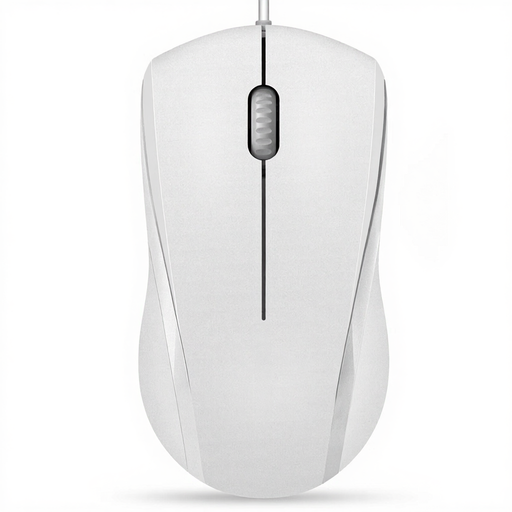
For consumers who prefer a wired mouse with quiet left and right clicks.
The product information explicitly states that the middle click isn’t quiet; the mouse has three buttons.
No. DPI and polling rate describe control and data transmission, not the sound of the buttons and scroll wheel. Check the switch version and the sound of the controls separately.
Check that your computer has the port needed for your chosen connection. The Glorious Model O Classic Wireless manual specifies a USB receiver and recommends fully charging the mouse before using it wirelessly for the first time; this doesn’t automatically apply to other models.
For consumer purchases in Germany, the seller is generally responsible for statutory consumer rights; this is separate from a voluntary manufacturer’s guarantee. For goods bought online, you generally have 14 days from delivery to cancel, subject to statutory exceptions. The Verbraucherzentrale explains the difference between statutory consumer rights and a guarantee; Your Europe explains the cancellation period for online purchases in the EU.
No. The German Environment Agency recommends disposing of old electrical equipment at designated collection points and taking used batteries or rechargeable batteries to collection points. Easily removable batteries or rechargeable batteries should be taken out before you return the device.