What to consider when buying
First, check that the wheel works with your platform and game. Then decide whether you’re happy practising with two pedals or need a physical clutch or a supported dual-clutch function. Finally, check that the wheel and pedals can be securely mounted in your chosen spot and put away afterwards.
| What you’re looking for |
What to check before buying |
Who it matters most to |
| Minimising disruption in a shared room |
Check the setup in the space where you’ll use it; look out for rattling parts and vibrations travelling through the furniture or floor. |
If I want to practise repeatedly without unnecessarily disturbing others in the room, I consider the whole setup: desk, pedals and floor. Around 27% of consumers put consideration for others in a shared room first. |
| Clutch control and race starts |
Check the number of pedals and whether the game supports the start function you want to use. |
If you want to practise finding the bite point or using a supported dual-clutch function, consider the set contents and game support together. Around 26% of consumers prioritise clutch and throttle control at race starts. |
| Setting up and putting away at a desk |
Check the shape and thickness of the desktop, the space for the pedals and how securely they sit on the floor. |
If I need to put the set away after practising, I need a mounting system that suits the desk I have. Around 21% of consumers prioritise a setup that can be dismantled and stored in a small space. |
| Platform and racing game |
Check the exact model version and confirm that the wheel, pedals and, where relevant, dual-clutch function are supported. |
If you race on a particular console or PC, you’ll need the right version and should check that your game supports the functions you want. Around 26% of consumers put compatibility with their platform and racing game first. |
Joybuy products
The following Joybuy product options are racing wheels for virtual race starts. For each model, check the exact version, what’s included and whether it works with your platform and game.
 No image available
Logitech G923 SE racing wheel with pedals
The product title describes this model as a racing wheel with pedals. Before buying, check the exact version and whether your racing game supports it.
View at Joybuy
 No image available
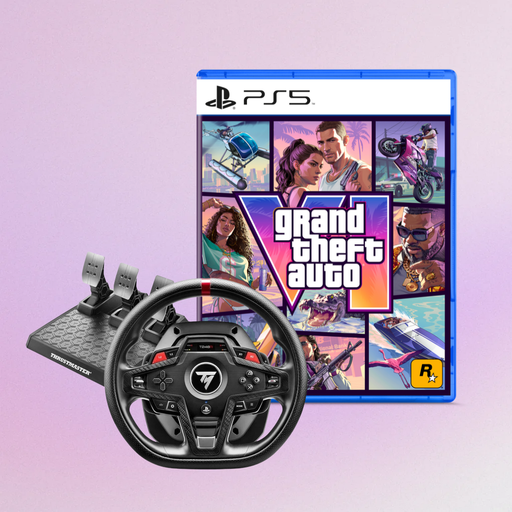
Thrustmaster T248R Racing Wheel (PS5/PS4/PC) with GTA 6 PS5 German Edition
The product title lists PS5, PS4 and PC, as well as a GTA 6 PS5 edition in the bundle. Check that the platform and included items suit the way you want to practise starts.
View at Joybuy
 No image available
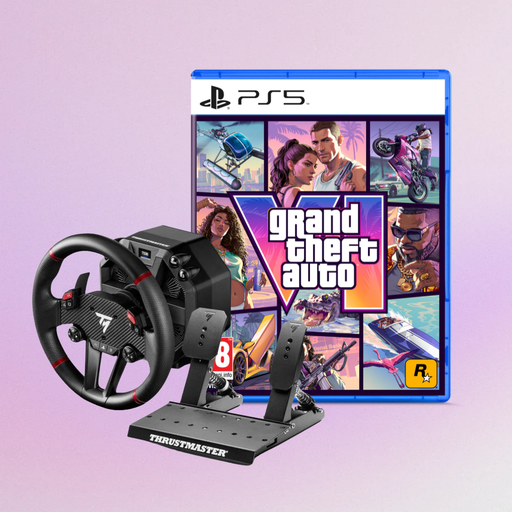
Thrustmaster T598-P force feedback racing wheel (PS5/PS4/PC) with GTA 6 PS5 German Edition
The product title describes the T598-P as a force feedback racing wheel for PS5, PS4 and PC, and lists a GTA 6 PS5 edition in the bundle. Before buying, check that the model version and included items suit your platform and game.
View at Joybuy
 No image available
Thrustmaster T128-P force feedback racing wheel (PC/PS4/PS5)
The T128 for PlayStation/PC is described as coming with two pedals, making it suitable for practising with the throttle and brake. This two-pedal set doesn’t include a physical clutch pedal.
Thrustmaster lists a desk mount for the T128 PlayStation/PC version.
View at Joybuy
 No image available
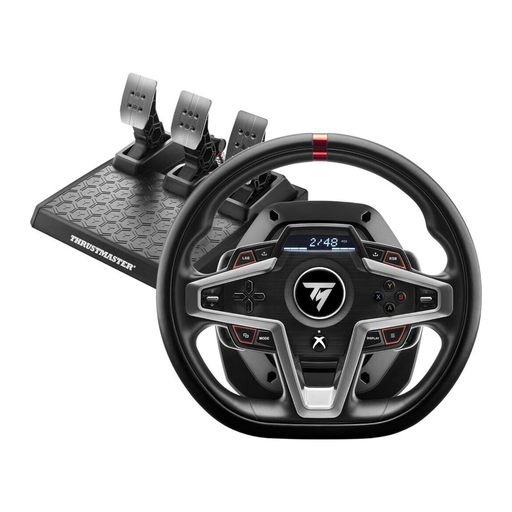
Thrustmaster T248X force feedback racing wheel (Xbox/PC)
The product title identifies the T248X as a force feedback racing wheel for Xbox and PC. Check that the exact version and support for your racing game match how you plan to use it.
View at Joybuy
Frequently asked questions
Do I need a clutch pedal for race starts?
Only if you want to practise using a physical clutch input. The T248 set for PlayStation/PC described here includes three pedals; the MOZA R3 and Fanatec base sets mentioned come with two pedals to start with. The G923’s dual-clutch function also requires support from the game you’re playing.
How can I set up a racing wheel with consideration for my housemates?
First, check that the desk mount and pedals are secure. While playing, listen for rattling parts and watch out for vibrations travelling through the setup. You can try isolating the wheel from the desk or using a less intense force feedback setting, but that doesn’t prove the set is quiet.
What should I check before buying to make sure it’s compatible with my platform?
Check the exact model version against your console or PC, and confirm that it’s supported by the racing game you want to play. For special start features such as dual clutch, the wheel’s general compatibility isn’t enough.
What are my rights when buying a racing wheel online in Germany?
According to the European Union’s Your Europe website, for a standard online purchase from a trader, you generally have 14 days from receiving the goods to withdraw from the contract; exceptions and possible return costs should be taken into account. The Verbraucherzentrale distinguishes between your statutory rights against the seller and a voluntary manufacturer’s guarantee.


