Recording straight to your phone
If you want to record someone telling a story while seated, with minimal equipment, first check that your phone’s microphone input matches the plug.


For recording someone who is seated, a wired lavalier microphone is an obvious starting point, provided the plug and microphone input are compatible. Wireless is more useful if someone needs to move around, or if two people each need a microphone. For a story that may be hard to repeat, a lavalier microphone with its own recorder could be a good fit. Check the connection, what’s included in the set and the recording before the conversation.
If you want to record someone telling a story while seated, with minimal equipment, first check that your phone’s microphone input matches the plug.
If a memory is hard to repeat, it may be particularly important to have control over when recording starts and to make sure the file is safely stored.
If you want to move around during the conversation or record two voices separately, a wireless set may be worth considering. Check how many transmitters are included.
The wired examples use different connections: Sennheiser lists a 3.5 mm TRRS plug for the XS Lav Mobile, while RØDE lists a 3.5 mm TRS plug for the Lavalier GO.
| What you need | What to check before buying | Who is this important to? |
|---|---|---|
| Connecting to your recording device | Match the plug to the microphone input; if you have USB-C or Lightning, check that you have a suitable adapter. | If I want to record using the phone I already own, I need to know that the microphone and input are compatible. That’s why around 33% of consumers put finding the right connection first. |
| Clear speech | Attach the microphone so that it won’t rub against clothing; listen to a test recording made in the actual environment where you’ll be talking. | For a one-off story, I want to be able to make out names and details clearly. That’s why around 27% of consumers prioritise speech clarity. |
| Recording control | Check how recording starts, the power supply and storage; listen to a test recording and save the finished file. | If the memory is hard to repeat, I want to be able to check when recording starts and that the file has been saved. That’s why around 27% of consumers put recording security first. |
| Freedom to move and number of speakers | Check the number of transmitters and the receiver connection; check the power supply before the conversation. | If I want to move around or record two voices separately, freedom of movement matters. That’s why around 13% of consumers prioritise this. |
A 3.5 mm plug won’t necessarily fit the recording device’s microphone input. For the Lavalier GO, RØDE distinguishes between TRS and a smartphone’s TRRS input.
Compare the plug with your device’s input and test the whole connection before the conversation.
DJI offers the Mic Mini in combinations with one or two transmitters. A single transmitter isn’t automatically designed to record two voices, each with its own microphone.
Before buying, decide how many people need their own microphone and check what’s included in the set.
DJI quotes range figures for an open environment without interference. Conditions where you’re recording may be different.
Test the set where you’ll be recording and check the power supply before you start.
With the Zoom F2, you need to start recording on the recorder, then transfer and save the file afterwards.
Before the conversation, check that it’s ready to record and that it has power. Listen to a test recording and plan how you’ll transfer the file. The F2 requires a suitable microSD card for recording.
The XS Lav Mobile is a wired TRRS option for compatible mobile devices and computers.
The Lavalier GO is designed for compatible 3.5 mm TRS microphone inputs.
The Mic Mini is a wireless microphone system with options for one or two people to be miked up.
The F2 combines a portable recorder with a lavalier microphone, so the recording is saved as a file on the recorder.
The MVL is a wired option for compatible mobile devices with a 3.5 mm TRRS input or a suitable adapter.
This selection includes wireless lavalier microphones for mobile recording. Before buying, check that the receiver and connection are compatible with your recording device.
 No image available
This set may suit you if you want to use two transmitters for a recording.
The product description lists internal 32-bit float recording and 8 GB of storage per transmitter.
 No image available
This set is listed for wireless recording with a compatible USB-C device.
The product description states that OTG must be enabled for Android.
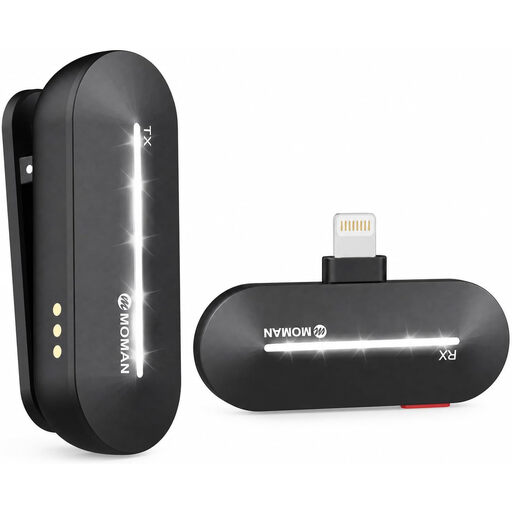 No image available
This set is listed as a wireless lavalier microphone with one transmitter and one receiver.
The product name lists iPhone 14, 13, 12, 11 and X.
 No image available
This set is listed for compatible USB-C phones.
The product name specifies 2.4 GHz and one transmitter and one receiver. Before use, check the technical specifications against the relevant current frequency allocation.
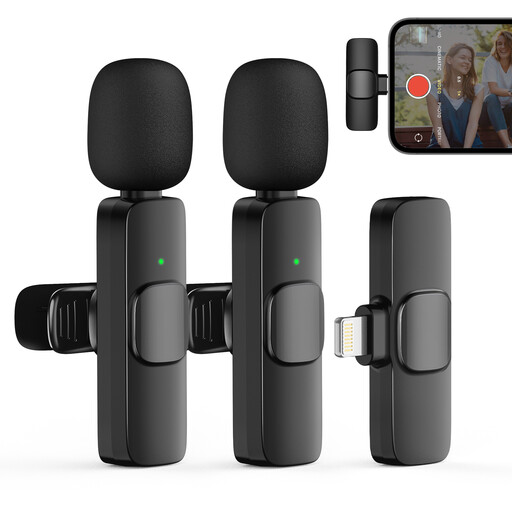 No image available
This set is listed for recording with two transmitters.
The product description says the receiver connects to an iPhone or iPad.
No. Check the microphone input on your specific device: Sennheiser’s XS Lav Mobile has a 3.5 mm TRRS plug; for the TRS Lavalier GO, RØDE specifies an adapter when connecting to a suitable smartphone TRRS input. If your device doesn’t have a 3.5 mm socket, you may need another suitable adapter. A short test recording will show whether the external microphone is actually being used.
Beforehand, check the connection and microphone position, then make and listen to a short voice recording. If you’re using a wireless system or a recorder, also check the power supply and that recording has started. Afterwards, transfer and save the file; Zoom lists recording to microSD and transfer via USB among the F2’s features.
Depending on your setup, you may need a suitable audio adapter, a compatible microSD card and power supply for a recorder, or a transmitter-and-receiver combination that suits the number of speakers for a wireless system. So check what’s included in the specific set and the connections on your recording device.
For a non-public conversation, § 201 StGB makes it a criminal offence to record spoken words without authorisation or to make such a recording available to others. Get the speaker’s consent before recording, and discuss separately any plans to share or publish the recording. The Data Protection Conference explains that, where consent under data protection law is required, it must be freely given, informed and tied to a specific purpose.
No. You need to check the frequency and technical specifications of the specific system against the relevant general allocation issued by the Federal Network Agency (Bundesnetzagentur). Notice 37/2026, published in April 2026, replaces the older allocations it lists for certain wireless microphone bands; this does not mean that every device is automatically authorised.