Joybuy products
The cameras below are intended for hosting quizzes at a computer or use in small meeting rooms. The key is to make sure the field of view, audio pickup and connections suit your seating arrangement and existing equipment.
 No image available
Logitech ConferenceCam, 10.4 × 15 × 15.4 cm
For a small group at a computer: the full-duplex speakerphone is designed for two-way conversations. Check that everyone can be heard clearly from all seats.
Features listed include HD video, a 78° field of view, 180° pan and a USB-A connection.
Joybuy
 No image available
DELL Pro WB5023 2K Webcam
For hosting from a laptop or monitor: according to the product description, this USB webcam can be attached with a clip. Check whether the microphone picks up people sitting further away.
Features listed include 2K QHD, up to 60 fps, a 78° horizontal field of view, a built-in stereo microphone with noise reduction and automatic framing.
Joybuy
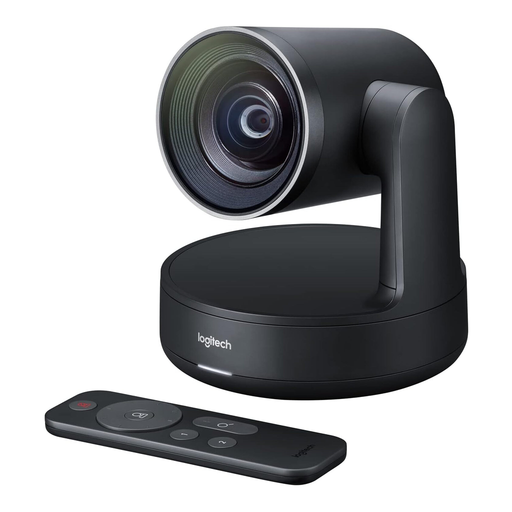 No image available
Logitech Conference Camera Rally 960-001227
For video calls in a small meeting room: position the conference camera to suit the seating arrangement and test the audio pickup before the quiz.
The product description lists 4K video, a CMOS sensor and a USB connection.
Joybuy
 No image available
Insta360 Link 2C Standard Bundle, Graphite Black
For hosting on a PC or Mac: auto-framing is listed in the description. Check that the framing suits your planned seating arrangement.
Features listed include 4K video, HDR, autofocus, a 1/2" sensor, a privacy switch and a microphone with AI Noise Cancellation.
Joybuy
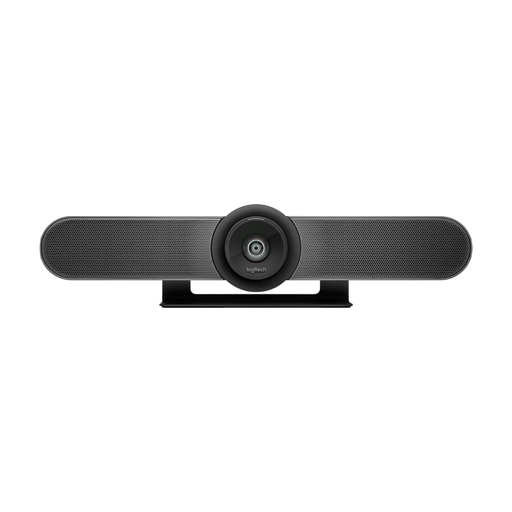 No image available
Logitech MeetUp All-in-One 4K Conference Camera
For small meeting rooms: according to the description, this all-in-one camera can be mounted on a table or wall. Check that the chosen position suits the seating arrangement.
Features listed include 4K video, a 120° diagonal field of view, motorised pan and tilt, built-in microphones and speakers, and automatic framing.
Joybuy
Frequently asked questions
Does the webcam need to film the quiz questions on a screen?
No. For digital questions, it’s usually better to share the relevant window or screen through your video conferencing software. In Microsoft Teams, you can share computer audio separately if needed, although this may also make notifications audible.
How do I test a new room camera before the first quiz?
Place the camera where you plan to use it, check the picture from the intended seats and make a test call with answers from each position. HP lists a power supply and USB connection as setup steps for the Studio R30.
What should I look for when adding other room equipment?
Check whether the camera, microphones, speakers, power supply and any required cables are included in the actual package. A stated microphone pickup range is no substitute for listening to it in the room.
Can a remote quiz organised by an organisation simply be recorded?
Not just because the camera or video conferencing software has a recording feature. In its 2020 guidance, the Data Protection Conference notes that images and sound contain personal data, and that recording requires an assessment of its legal basis and transparency for the people affected. Whether a particular recording is permitted depends on the circumstances.


