
Lieferung heute & morgen

Qualitätsgarantie

Willkommens-Angebote freischalten: KOSTENLOSE Lieferung | Bis zu 80 % RABATT | Kostenlose 30-Tage-JoyPlus-Testphase
App herunterladen
A resin 3D printer is ideal for miniatures, model making, prototypes, jewellery models and highly detailed components. Its fine layer structure enables high surface resolution, but it also brings requirements for materials, ventilation and post-processing. If you focus only on a high K rating or stated print speed, you can quickly end up buying a machine that does not suit your workflow.
Specifications such as 10K, 14K or 16K primarily describe the resolution of the exposure display. The actual level of detail also depends on the pixel size in the X/Y direction, light distribution, Z-axis guidance, exposure parameters and the resin used.
A high-resolution 3D printer with a small build volume may be suitable for figures and jewellery models, while a larger machine is more practical for prototypes and printing several models in one go.
Manufacturers’ speed specifications often refer to High-Speed Resin, a specific layer height and defined exposure values. Standard Resin, ABS-Like Resin or water-washable resin may require different settings. Temperature, viscosity, model geometry and support structures also affect the actual process.
If you intend to print exclusively with standard material, check the speed specified for it rather than simply relying on the maximum figure.
Liquid UV resin must not be touched without protection. Post-processing requires, among other things, nitrile gloves, safety goggles, a suitable cleaning solution, filters, a scraper and UV curing equipment. Standard Resin and ABS-Like Resin are usually cleaned with at least 95% isopropyl alcohol. Water-washable resin can be cleaned with water or a suitable cleaning solution, but the wastewater must not be poured down the drain without checking the applicable requirements. Residues must be collected and fully cured.
A Wash & Cure Station can combine washing and UV curing, making the workflow more organised.
For miniatures and small models, compact machines with 10K resolution and a build area of around 153.4 × 87 mm are often sufficient. The ANYCUBIC Photon Mono 4 Ultra combines a 7-inch display with 10K resolution, an X/Y pixel size of 17 × 17 µm and a build volume of 153.4 × 87 × 165 mm. Its stated maximum speed is up to 120 mm/h with suitable High-Speed Resin at a layer height of 0.1 mm.
For larger models or several parts per print, machines with a greater build volume make sense. The ANYCUBIC Photon Mono M7 and the ANYCUBIC Photon Mono M7 Pro each offer a build volume of 223 × 126 × 230 mm and a 10.1-inch display with 14K resolution. For the M7, the manufacturer specifies up to 150 mm/h with High-Speed Resin, while the M7 Pro reaches up to 170 mm/h. These figures should be understood as manufacturer specifications under defined conditions.
UV resin for LCD, DLP or SLA printers must match the machine’s exposure wavelength. Many products are designed for 365–405 nm; however, you should still check the specific compatibility in the product description and data sheet.
The recommended exposure times are not universal fixed values. A calibration print is advisable before starting larger or detail-critical models.
Automatic levelling, heated resin vats, resin refill systems, camera monitoring and sensors can simplify operation. However, they do not replace regular checks of the release film, build platform, resin vat and LCD screen protector.
According to the product specifications, the ELEGOO Saturn 4 Ultra 16K features automatic levelling, intelligent tank heating with a target temperature of 30 °C, an AI camera and tilt-release technology. These features may appeal to frequent users, but they generally also increase the machine’s range of functions and purchase price.
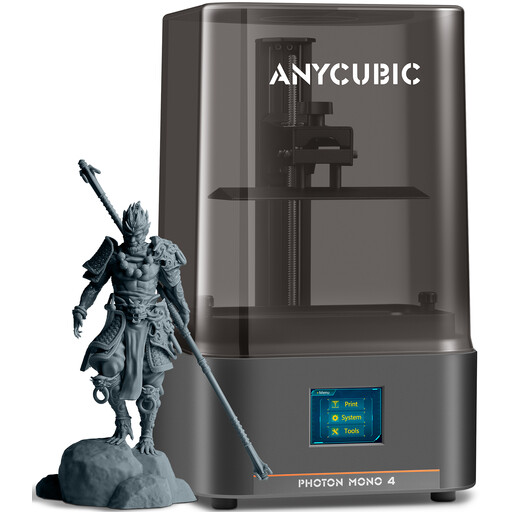
Why this product suits this profile: This compact machine is suitable for a desk, miniatures and getting started with resin printing. It offers a build volume of 153.4 × 87 × 165 mm.
The technical specifications list resolution, build volume and material compatibility separately, so the choice is not based solely on a speed specification.
7-inch monochrome LCD with 10K resolution, 17 × 17 µm X/Y resolution and USB file transfer.
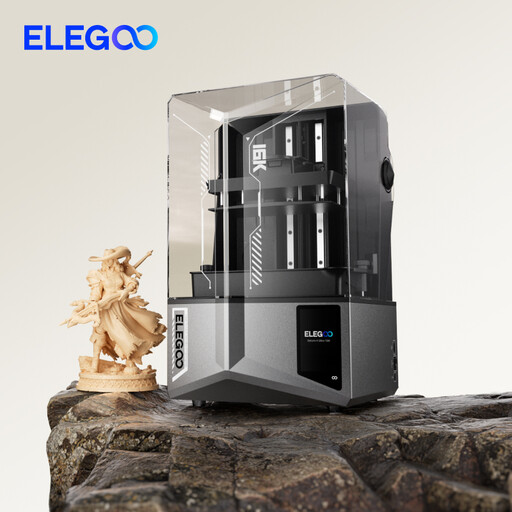
Why this product suits this profile: The combination of a 16K display, automatic levelling and tank heating is aimed at users who want to reduce setup time and effort.
Automatic levelling and resin temperature control address two common causes of failed first layers and uneven processing.
16K resolution, a build volume of 211.68 × 118.37 × 220 mm and an AI camera according to the product description.
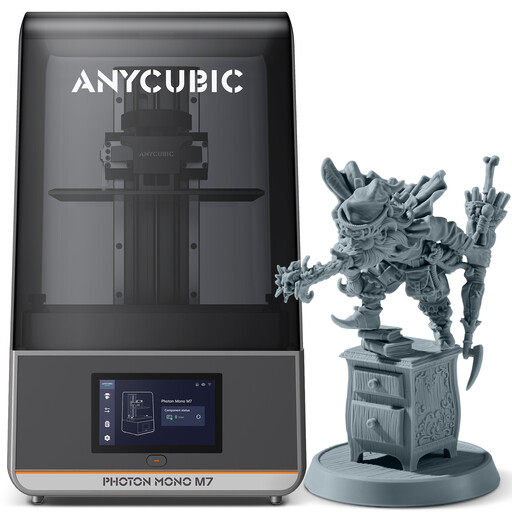
Why this product suits this profile: The larger build volume supports prototypes, larger models and printing several parts in one go.
The balance between 14K resolution and a 6.5-litre build volume means you do not have to sacrifice print area for high detail resolution.
223 × 126 × 230 mm build volume, dual linear rails and support for Standard, ABS-Like and water-washable resin.
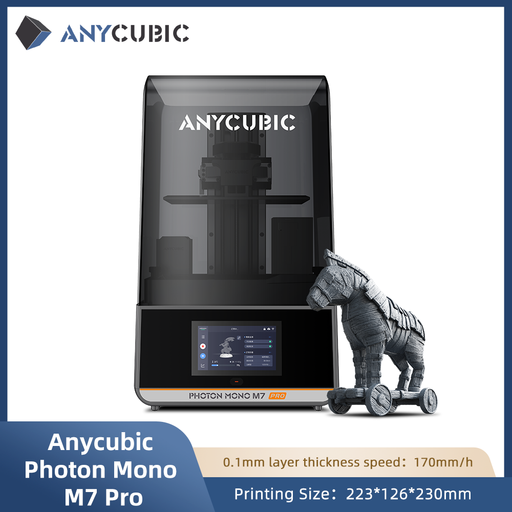
Why this product suits this profile: For commercial users, design studios and regular prototype production, automatic resin feeding and temperature control are valuable features.
The automatic refill function and heated resin vat reduce manual steps between prints, but they do not replace checks of consumables and print status.
Up to 170 mm/h with High-Speed Resin, 14K LCD, 6.5-litre build volume and automatic resin feeding according to the manufacturer’s specifications.
We have put together a complete, regularly updated list of products that fully meet these strict selection criteria and the safety regulations applicable in the EU.
For a controlled workflow, buyers should plan for the following accessories alongside the printer:
In addition to the purchase price, you will need to budget for resin, cleaning solution, gloves, filters, release film and, where applicable, a Wash & Cure Station. Material consumption depends on the model, supports and infill. For a realistic calculation, you should also allow for failed prints and regular replacement parts.
Its lifespan depends on print volume, cleaning, storage and the replacement of wear parts. The release film, LCD screen protector and display in particular should be checked regularly for scratches or cured resin residue. The manufacturer’s maintenance and replacement-part information should be checked before buying.
Yes, provided that you take protective measures and account for exposure calibration and post-processing. Models with automatic levelling or guided setup functions can make it easier to get started. However, liquid resin, UV light and cleaning agents require careful handling regardless of the machine’s price.