The right console for you depends above all on whether you want to play specific arcade games on cartridges, from a pre-installed selection or as individual downloads. The Evercade VS-R and dock-compatible Nintendo Switch models offer different ways to play, while My Arcade lists a set selection of games, an HDMI cable and two wireless joysticks for the Atari Gamestation Pro. Before you buy, check the specific games, TV connection and what’s included.
Who are the different consoles best suited to?
Arcade collectors playing on a TV
If you want to choose specific arcade titles and build your collection with compatible game cartridges, the key thing to check is the games list for each cartridge. Evercade says the VS-R supports compatible cartridges.
Players who want to get started straight away with friends
If you want to connect via HDMI and start playing with a selection of included games and several controllers, compare the specific titles and the number of controllers included. My Arcade lists two wireless joysticks for the Atari Gamestation Pro.
Players looking for specific classics
If you want to play a particular Atari cartridge or a digital arcade title, check compatibility or which platform it’s available on. Atari provides a compatibility list for individual games, while Nintendo offers Switch downloads of arcade titles such as PAC-MAN.
What should you look for when buying?
Evercade VS-R with cartridges
A good fit if: you want to choose arcade collections carefully and play them on physical cartridges.
Bear in mind: the games depend on the cartridge and bundle you buy; according to Evercade, an HDMI cable and power supply are not part of the standard specification.
Atari Gamestation Pro
A good fit if: you want to start playing on your TV with a pre-installed selection and two wireless joysticks.
Bear in mind: the more than 200 games listed by My Arcade include console and bonus titles, not just arcade games.
Taito EGRET II mini
A good fit if: you’re after Taito’s specific selection of arcade games and the feel of a mini arcade machine.
Bear in mind: Taito lists 40 Japanese game versions; you’ll need to provide a suitable USB power supply separately.
Atari 2600+ with cartridges
A good fit if: you want to use existing or specially purchased Atari 2600 or 7800 cartridges on your TV.
Bear in mind: Atari refers to a compatibility list for individual games; according to Atari, a USB-C power supply is not included.
Nintendo Switch – OLED model
A good fit if: you want to buy arcade titles individually as digital downloads and play other Switch games too.
Bear in mind: Nintendo lists Arcade Archives PAC-MAN as a separate download; you’ll need a dock-compatible model to play on your TV.
| What to consider |
What to check before buying |
Who it matters most to |
| Arcade games you want |
Check the specific games list, as well as the cartridge format and platform for each game. |
If I want to collect specific arcade titles and add to my collection later, I compare the games and versions. Around 31% of consumers put the games selection first. |
| Getting started on the big screen |
Check the TV output or dock for the exact model, along with the HDMI cable and power supply. |
I want to be able to start playing on my TV without missing connection accessories. Around 25% of consumers prioritise an easy TV set-up. |
| Playing together |
Compare the number of players supported by the game you want with the number and type of controllers included. |
If we want to play together in front of the TV, the game and controllers need to be compatible. Around 25% of consumers prioritise multiplayer play. |
| Arcade controls |
Check whether your games support a joystick, paddle or directional inputs. |
I’m looking for controls that suit specific classics, rather than just any standard controller. Around 19% of consumers prioritise suitable arcade controls. |
Common buying misconceptions
-
A big games count means lots of the arcade originals you want
For the Atari Gamestation Pro, My Arcade counts console, arcade and bonus titles together. So the total doesn’t tell you whether your favourites are included.
Check the games list against the specific titles you want and the versions available.
-
TV-compatible means everything you need to get started is included
What’s included and the accessories vary: Evercade says the VS-R doesn’t come with an HDMI cable or power supply, while the EGRET II mini needs a suitable USB power supply.
Check what comes with the specific model and compare it with the accessories you already have.
-
Every Switch model can be used with a TV
Nintendo says the Switch Lite doesn’t support TV mode. The OLED model uses its dock to play on a TV.
Check the full model name to confirm it supports TV mode before you decide.
-
A compatible cartridge format guarantees every game will work
For the 2600+, Atari refers to a compatibility list for individual games. Taito says the EGRET II mini includes Japanese game versions.
Check the compatibility of the specific cartridge, as well as the game version and power supply required for the product you’re considering.
Brands to consider
Evercade
The VS-R is designed for TV gaming with retro and arcade cartridges chosen separately.
- Evercade lists 1080p HDMI output, two cartridge slots and four USB controller ports.
- The games included depend on the bundle; according to Evercade, an HDMI cable and power supply are not part of the standard specification.
My Arcade
The Atari Gamestation Pro is aimed at players who want to use a pre-installed selection on their TV.
- My Arcade lists an HDMI cable and two wireless joysticks with paddle functionality as included.
- The stated total of more than 200 games covers different types of games and doesn’t guarantee that every arcade title you want is included.
Taito
The EGRET II mini combines a specific selection of Taito games with a mini arcade machine and the option to connect an external screen.
- Taito lists 40 games in the main unit, a built-in rotating screen and a joystick that can be set to 4- or 8-way movement.
- The games included are Japanese versions; you’ll need to provide a suitable USB power supply separately.
Atari
The Atari 2600+ is designed for compatible Atari 2600 and 7800 cartridges, played on an HDMI TV.
- Atari confirms support for both cartridge ranges and refers to a compatibility list for individual games.
- According to Atari, a USB-C power supply is not included; the device is not a pre-installed collection of arcade originals.
Nintendo
Dock-compatible Switch models, such as the OLED model, support TV output and digital arcade downloads.
- Nintendo Germany lists Arcade Archives PAC-MAN as a Switch download; the OLED model’s dock has an HDMI port.
- Games are bought individually. Nintendo notes that the Switch Lite doesn’t support TV mode.
Retro games consoles at Joybuy
The HDMI retro games consoles below are designed for TV gaming with pre-installed games. Before you buy, check whether the arcade titles you want are actually included.
 No image available
Retro games console with 20,000+ games and 23 emulators
An option if you want to play a pre-installed selection of retro games on your TV via HDMI.
According to the product details: more than 20,000 games, 23 emulators, 4K HDMI output and two wireless 2.4 GHz controllers; use with a TV, PC and projector is listed. Check the individual titles included.
View at Joybuy
 No image available
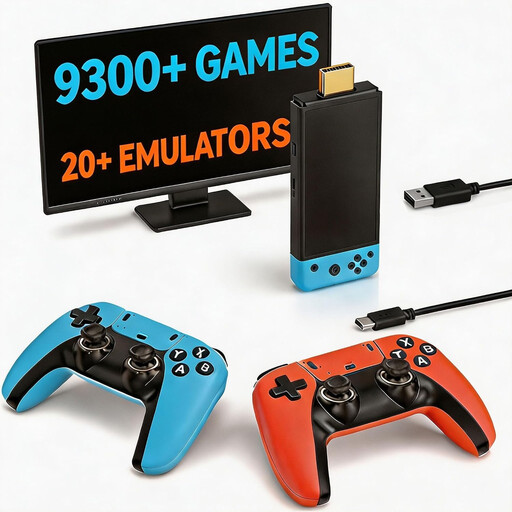
Retro games console with 9,300+ games and two controllers
For you if you’re looking for a pre-installed selection of games and two controllers to connect to your TV.
The product details list more than 9,300 games, HDMI output and plug-and-play TV connection. Arcade games are listed as one of the included genres; check the specific games list against the titles you want.
View at Joybuy
 No image available
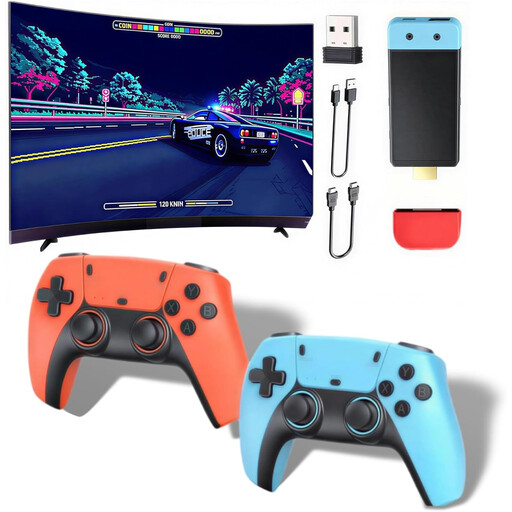
Retro games console with 20,000+ games and 28+ emulators
An option for TV gaming with a pre-installed selection and wireless controllers.
The product details list more than 20,000 games, HDMI output at 1080P/720P and support for 28+ emulators. The description mentions arcade and MAME games, as well as support for up to four players; the controllers need four AAA batteries, which are not included.
View at Joybuy
 No image available
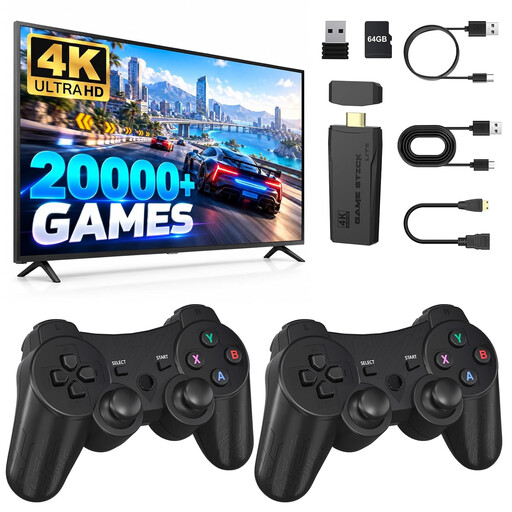
Retro HDMI game stick with two wireless 2.4 GHz controllers
For you if you’re looking for an HDMI game stick and two wireless controllers for compatible games.
The product details list 4K HDMI and two 2.4 GHz controllers. According to the description, the controllers are for supported two-player games; check how many players your chosen titles support.
View at Joybuy
 No image available
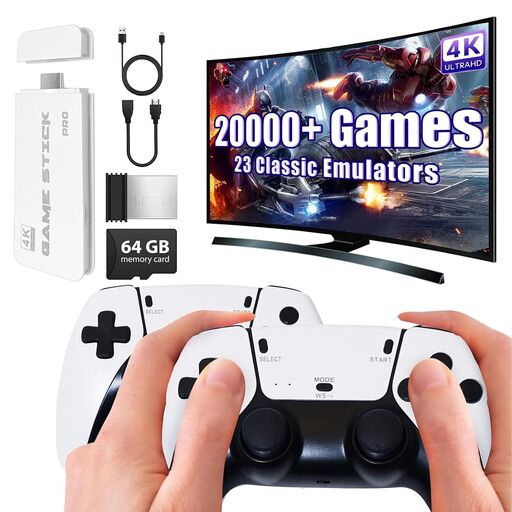
Retro games console with 20,000+ games and two gamepads
An option if you want to play pre-installed retro games on your TV with two wireless gamepads.
According to the product details, it includes or supports more than 20,000 games, 23 emulators and 4K HDMI output; two wireless 2.4 GHz gamepads are listed. The description mentions classic arcade and console games. Check whether the titles you want are included.
View at Joybuy
Frequently asked questions
Can I connect a Nintendo Switch Lite to my TV to play arcade games?
No. Nintendo says the Switch Lite doesn’t support TV mode. The Switch OLED model uses its dock to play on a TV.
What else do I need for the Evercade VS-R?
According to Evercade, you’ll need a suitable screen, an HDMI cable and a compatible power supply; an HDMI cable and power supply are not part of the VS-R’s standard specification. Also check whether your bundle includes the arcade cartridge you want.
How do I change a game cartridge on the VS-R without risking my save data?
Evercade recommends closing the game via the menu first. Don’t remove the cartridge while saving, loading or updating.
Can I download any arcade ROMs from the internet?
A game’s age doesn’t mean you’re automatically allowed to download or copy it. Under § 69c UrhG, the rights holder generally controls the right to reproduce computer programs; whether a particular file is offered and used lawfully depends on the relevant rights and terms of use. Buying licensed cartridges and available downloads avoids any uncertainty about where the file came from.


