You don’t always need a ring light. Logitech recommends lighting your face from the front, so first try changing your seating position or using existing, diffused lighting to reduce shadows in your webcam image. If shadows persist, choose a dimmable model with a position and mounting option that suit your desk, then check for reflections in your glasses and on your screen using your webcam preview.
Who could benefit from a ring light when working from home?
Home workers whose faces look shadowy on camera
If your face is in shadow on calls or there’s a bright window behind you, first check your seating position and the light in front of you. Logitech recommends placing the light source in front of you; strong backlighting can make your face look dark on camera.
Laptop users with limited space
If there’s barely room on your desk for a tripod base, a suitable clip mount could be important. Hama also lists its ToGo model as suitable for laptops; even so, check that the clamp fits your device and doesn’t block the webcam.
People who wear glasses on video calls
If you wear glasses, you should be able to adjust the light’s position or brightness so reflections don’t distract you in the actual webcam image. Logitech recommends lighting your face from the front; test the angle with your glasses and screen.
Which buying criteria matter most?
Logitech recommends lighting your face from the front and notes that strong backlighting can make your face look dark on camera. Then check whether the mounting option, angle and brightness suit your workspace.
| What matters |
What to check before buying |
Who is this important for? |
| Shadows on your face |
Position the light in front of your face; choose dimming so you can adjust the look on camera. |
If a window behind me makes me look dark on webcam, I want to try front lighting and changing my seating position first. Shadows on the face are the main concern for around 33% of consumers. |
| Space and mounting |
Check that the clamp fits and leaves the webcam unobstructed, or that there’s enough room for the tripod base. |
If there’s barely any free space on my desk, I need a suitable mount that won’t cover the camera. Space and mounting are the main concern for around 27% of consumers. |
| Reflections |
Look for an adjustable angle and dimmable light; test it on your webcam while wearing glasses. |
If I wear glasses, I want to be able to adjust the position and brightness so reflections aren’t distracting on calls. Controlling reflections is the top priority for around 20% of consumers. |
| Changing room light |
Check whether you can adjust the brightness and, if available, the light colour. |
If the room’s light changes throughout the day, I want to be able to adjust the lighting for calls. Around 20% of consumers prioritise being able to adapt to changing light conditions. |
Which mistakes should you avoid?
-
Trying to counter a bright window behind you with a stronger light
Strong backlighting can make your face look dark on camera. A ring light won’t automatically solve the problem if the light source is still behind you; Logitech recommends lighting your face from the front.
Check your seating position and existing lighting in the webcam preview before choosing an additional light.
-
Assuming a smartphone kit will also hold your webcam
A smartphone holder doesn’t mean you can attach your webcam to it too.
Check the connections and what’s included with the specific model against your camera before relying on it as a mount.
-
Comparing only ring size or brightness
For calls, you also need to consider distance, the angle of the light, the space it takes up and possible reflections.
Decide where you plan to position it and check that the specific model can be mounted and angled appropriately in that spot.
-
Assuming a USB light comes with a mains adaptor
A USB power specification doesn’t automatically tell you what accessories are included.
Check the power supply needed and what’s included with the specific listing.
Useful brands to consider
Hama
Hama offers a range of ring light designs for use near a laptop, on a desk or with a larger tripod.
- Hama also lists its ToGo model as suitable for laptops. The SpotLight Smart 80 II is described as having a table tripod and tilting head, while Hama says the Steady 120 III has a tripod extending to 215 cm.
- The clip fit, available desk space and room for a floor stand vary by model and need to suit your setup.
NEEWER
The BASICS R10 is described as a desk-mounted ring light for recording and video calls.
- NEEWER lists five colour temperature settings and a height-adjustable stand measuring 58–74 cm for the R10.
- Check the specifications for the exact model when comparing features or dimensions.
Rollei
The LUMIS Comfort Bi-Color is also aimed at people who want to use a smartphone with a ring light and tripod as well as making video calls.
- Rollei lists three lighting modes, ten brightness levels and a tripod extending to 1.6 m.
- The included phone holder doesn’t mean you can attach an existing webcam to it, and the tripod base needs space.
Razer
Razer describes a ring light with USB power, a tripod and mounts for a camera or smartphone.
- For the model described, Razer lists three light tones, dimming and a tripod measuring 40–135 cm.
- The manufacturer’s website refers to the MENA region. This doesn’t tell you whether a German version has the same features or is available.
Ring lights for webcam calls at Joybuy
This selection includes ring lights with a battery-powered or tripod design for video calls. Before buying, check that the mounting option, space required and power supply suit your webcam setup.
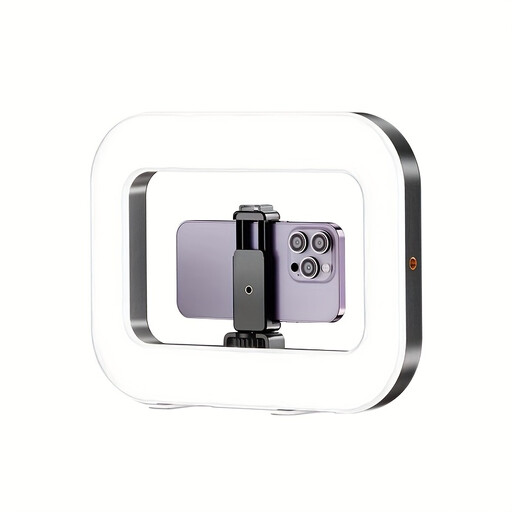 No image available
Yoever smartphone ring light with stabiliser and battery
A useful option for video calls if you’re looking for a ring light with a built-in battery. Check that the intended holder suits your webcam setup.
View at Joybuy
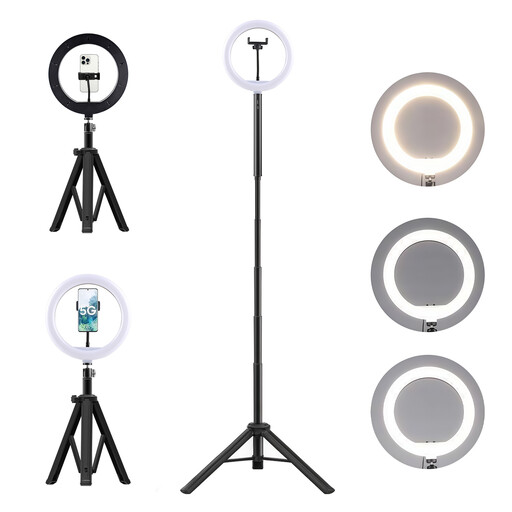 No image available
LED ring light kit with 10,000-mAh power bank and floor tripod
A higher light position could be useful for calls; check that the tripod fits your workspace and is compatible with your webcam setup. The kit is listed with a 10,000-mAh power bank.
The description says it contains a lithium-ion battery. Keep away from heat, fire and water, do not damage it and keep it out of reach of children.
View at Joybuy
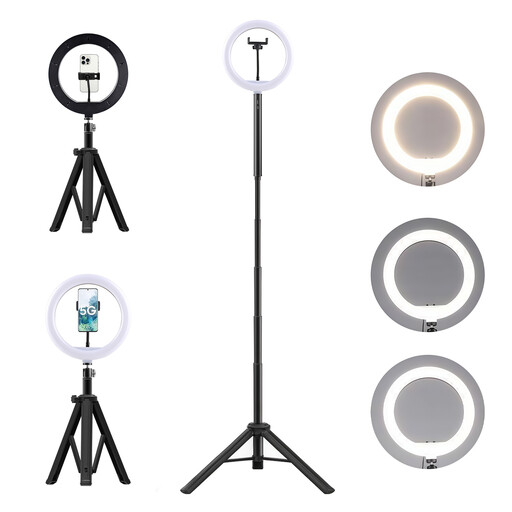 No image available
3-in-1 tripod with 10,000-mAh power bank and ring light
The combination of a table tripod and floor tripod could suit you if you want to vary the setup. The product is listed with a 10,000-mAh power bank.
The description says it contains a lithium-ion battery. Do not dismantle, crush or pierce it, and keep it away from heat, fire and water.
View at Joybuy
 No image available
10-inch ring light with 63-inch tripod and remote control
If you want to position the light higher than the monitor, check how much space the 63-inch tripod needs and whether it can reach the right height for your workspace.
View at Joybuy
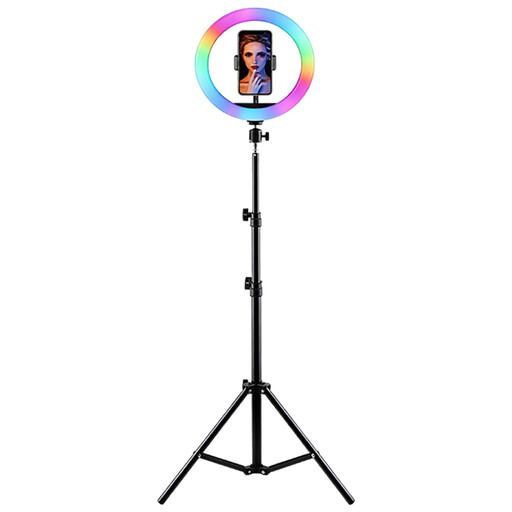 No image available
LED ring light with RGB, adjustable tripod and smartphone holder
Listed in the title for video conferences, with adjustable brightness and colour temperature. Check that the smartphone holder and tripod suit your preferred camera position.
According to the description, place it on a stable surface, keep it away from moisture and use it with the appropriate power supply.
View at Joybuy
Frequently asked questions
Do I need to buy a ring light for video calls when working from home?
No. Logitech recommends using existing light from the front and avoiding bright backlighting. Your actual camera image will show whether you need an additional light.
Can I use a clip-on smartphone light with my laptop?
For its ToGo model, Hama specifically lists laptops as suitable devices. Even so, check that the clamp fits and doesn’t obstruct the camera or image.
How should I adjust the light if my glasses reflect it?
Check the reflection in your webcam preview and first try changing the angle, position or brightness. A tilting head and dimming levels give you options, but they can’t guarantee a reflection-free image.
Which power supply and accessories should I check?
It depends on the model: Hama lists an external 5 V/1.8 A USB power supply for the SpotLight Smart 80 II, while the ToGo is rechargeable. Check the specific listing to see which power source and accessories are included, rather than assuming there’s a mains adaptor in the box.
Are there specific lighting rules for a home-working space?
The answer depends on the type of working arrangement. The published recommendation from the Committee for Workplaces distinguishes employer-provided, permanently set up teleworking spaces from occasional mobile working. Requirements for teleworking spaces therefore can’t automatically be applied to every personal webcam workspace; nor does this mean there’s a general requirement to buy a ring light.


