What should you look for when buying?
First, work out where the shadow is coming from and whether you can reposition your existing light. Then choose a fitting that suits your webcam and available space, and compare the lighting from your usual seated position.
| What you need |
What to check before buying |
Who will find this especially important |
| Reducing shadows on your face |
Test the light’s position and dimming in the camera image from your usual seated position. |
If a side window lights my face unevenly, I want to brighten the darker side without overexposing the image. Around 29% of consumers put reducing shadows on their face first. |
| Fitting and space |
Check the screen surround, desk edge, available depth and camera position. |
At a cramped desk, I need a fitting that won’t cover the webcam or get in the way of my workspace. Around 24% of consumers prioritise the space required or the fitting. |
| Glare and reflections |
Record a test video wearing glasses and with the screen on; if you see reflections, change the angle or type of light. |
If light reflects off my glasses or screen, I want to find a position that won’t be distracting on a call. Around 18% of consumers focus first on reflections and glare. |
| Changing room light |
Check whether the specific version lets you adjust brightness and colour temperature; compare typical daytime and evening conditions. |
If I make calls at different times of day, I want to adjust the lighting to suit changing light from the window and around the room. Around 18% of consumers put adjustable lighting settings first. |
| Power supply |
For the exact model, check the battery life at the brightness you need, as well as the USB connection and required power source. |
On long calls, I want to avoid the power supply interrupting my conversation. Around 11% of consumers prioritise a power supply that suits the length of their calls. |
Joybuy products
Here you’ll find ring lights and freestanding lights for video calls, including models with tripod mounts or floor tripods.
 No image available
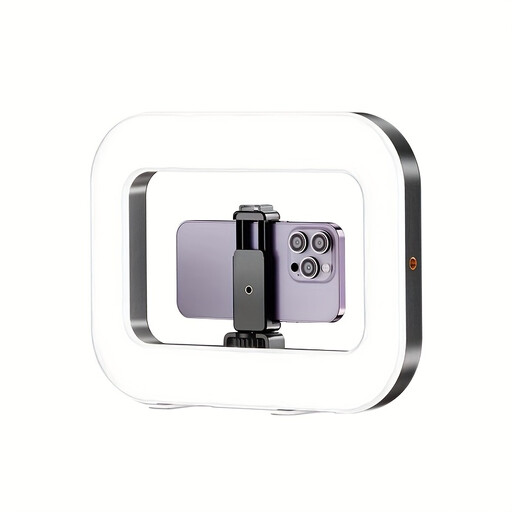
Yoever smartphone ring light with tripod mount
For video calls on your smartphone and positioning the light separately on a tripod.
Three adjustable brightness and colour temperature settings; 1/4-inch thread for tripod mounting.
Joybuy
 No image available
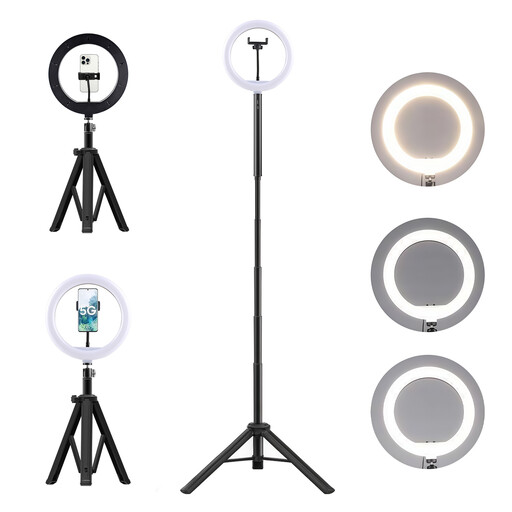
LED ring light kit with 70-inch floor tripod
For webcam calls when you want to position the light separately from your screen.
70-inch tripod, ten brightness levels and three colour temperature modes; the product name also mentions a 10,000 mAh power bank.
Joybuy
 No image available
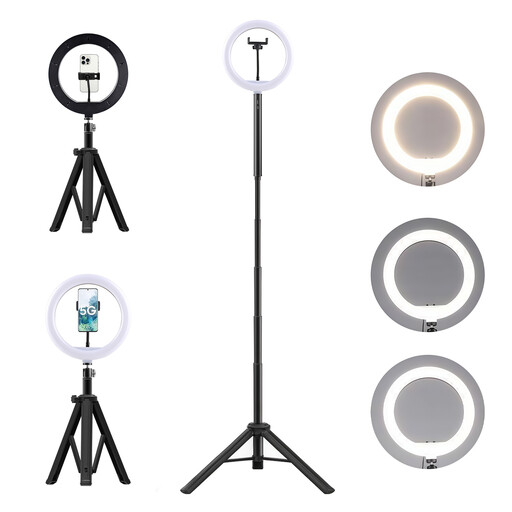
3-in-1 tripod with ring light and 10,000 mAh power bank
For video calls when a combination of floor and desk tripod suits your set-up.
70-inch tripod and 360° adjustable holder; according to the product description, brightness and colour temperature can be adjusted across ten and three settings respectively.
Joybuy
 No image available
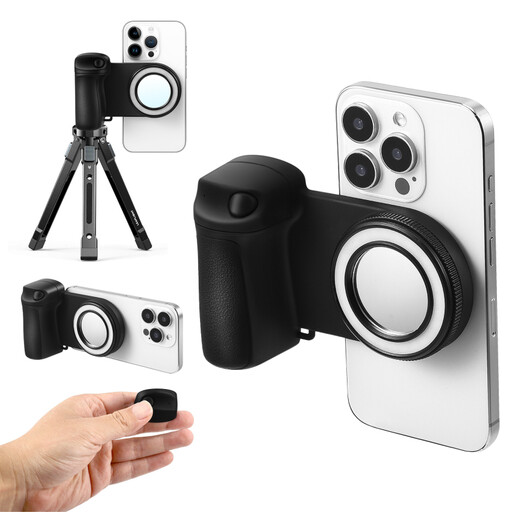
Magnetic smartphone stand with ring light
For freestanding smartphone lighting when a standard tripod with a 1/4-inch thread suits your set-up.
Five brightness levels, warm and neutral white light, and an adjustable light, according to the product description.
Joybuy
 No image available
10-inch ring light with 63-inch tripod
For webcam calls when an adjustable-height floor tripod suits your workspace.
Three light colours, ten brightness levels and a remote; the product title specifies a 63-inch tripod.
Joybuy
Frequently asked questions
Where should I first place a light if there’s a side window?
First, try placing a light on the side opposite the window and compare the webcam image. c’t describes this as a simple way to soften shadows on your face; Zoom recommends balanced lighting without overexposure.
How can I avoid glare on longer calls?
Don’t point the light directly at your eyes. Start with low brightness and check for reflections on your glasses and screen from your usual seated position. The Federal Institute for Occupational Safety and Health recommends avoiding distracting reflections and glare in workplace lighting.
What should I check before a long call if I’m using a battery-powered light?
Compare the expected length of your call with the battery life at the brightness you need, and check whether the light can be used while connected to USB power. For the NEEWER N16, the manufacturer quotes up to 104 minutes at full brightness and USB operation; these specifications don’t automatically apply to other versions.
What electrical product safety information should I look for when buying in Germany?
Check that the product can be identified and that the manufacturer’s details, required markings and German-language instructions with any necessary warnings are provided. The Federal Network Agency lists these points for its market surveillance. CE marking is relevant to products covered by EU rules that require it; it isn’t an independent quality mark for the lighting effect.
What should I know about returns, faults and disposal?
For a typical online purchase by a consumer, you generally have 14 days from receiving the goods to cancel the contract; exceptions and the specific contract should be taken into account. The consumer advice centre distinguishes your statutory rights against the seller from a voluntary guarantee. An old electric ring light shouldn’t go in household rubbish; take it to an appropriate collection point for electrical waste.


