Teachers on camera
If you mainly explain photography basics while appearing on camera, a ring light can brighten a shadowed area of your face without completely replacing the window light.


A ring light can gently brighten shadows on your face when you’re explaining something on camera and don’t want to replace the window light. If you’re demonstrating lighting techniques or shadows on a subject, however, reflected window light or a continuous light that can be positioned to one side may be more suitable; Nikon describes window light as a way to make shadows stand out. Match the light colour and white balance to your shot, then check a test clip for flicker using your camera settings.
If you mainly explain photography basics while appearing on camera, a ring light can brighten a shadowed area of your face without completely replacing the window light.
If you’re showing colours, textures or directional shadows, you should be able to position the light so its effect on the subject remains visible. Nikon explains how window light can be used to make shadows stand out.
If you switch between filming yourself, your camera and a demonstration area, the height, angle and mounting options should suit each setup and your recording device.
Adobe Stock Contributor points out that the weather and time of day can affect exposure and colour balance in natural light. If you’re filming a photography lesson by a window, your choice will depend mainly on whether you want to brighten faces, assess the colour of subjects, switch between setups or check for flicker.
| Consideration | What to look for when buying | Who is this important for? |
|---|---|---|
| Adding to window light | Check that the light is dimmable, and test its effect on your face and the subject you’re demonstrating separately. | If I brighten my face, I still want the light and shadows on the subject to remain visible. Around 36% of consumers put supplementary fill light first. |
| Checking colours | Compare the colour temperature and colour rendering specifications for the exact model, and review a test shot taken in window light. | When I explain colours and textures, I want to assess the ring light and daylight together in the camera image. Around 29% of consumers prioritise colour control. |
| Adjusting the setup | Check the tripod height, footprint, ability to swivel and whether the mount is suitable for your camera or smartphone. | When I switch between filming myself and demonstrating a subject, I need a suitable angle and mount. Around 21% of consumers focus mainly on flexible positioning. |
| Checking for flicker | Record and review a short test clip at the dimming levels and camera settings you plan to use. | When I record longer videos, I want to spot visible bands or changes in brightness before starting the lesson. Around 14% of consumers put flicker checks first. |
Extra light from the front can soften the side shadows you’re trying to explain.
First decide whether your face or the lighting effect on the subject should take centre stage. Compare a ring light at low brightness with window light alone and with indirect fill light.
Mounts and included accessories vary by model. A smartphone holder doesn’t mean that your camera can also be mounted securely.
Check the mount, load capacity, tripod and power supply against the instructions for the specific model and your equipment.
If your setup needs a compatible camera mount or a separate tripod, check before buying whether you’ll need to purchase these separately.
These figures apply to the specific model; window light and your camera’s white balance also affect the colours in your footage.
Only compare specifications that use the same definitions, and assess the colour effect with a test shot of the subject you plan to film.
The result you see also depends on the light source and your camera settings. Sony describes shutter speed as one possible way to reduce flicker effects.
Test a clip using the frame rate, exposure time and brightness you plan to use when recording.
An image issue that goes unnoticed could mean you have to record again.
The RP18B Pro is a ring light kit for setups with a camera or smartphone, with adjustable light colour.
The LR150 is designed for portraits, with continuously adjustable light colour and brightness.
The SpotLight Steady 120 III is a ring light kit with a smartphone holder and tripod for different recording heights.
The LUMIS Comfort Bi-Color is a smartphone-focused ring light kit for talking-to-camera and demonstration videos.
The LM19 MagSafe is a compact ring light that attaches to your smartphone, making it an option for short explainer videos.
The Joybuy products below are ring lights for video and teaching recordings that could work as close-up fill lighting. Check that each mount and the included accessories suit your recording device.
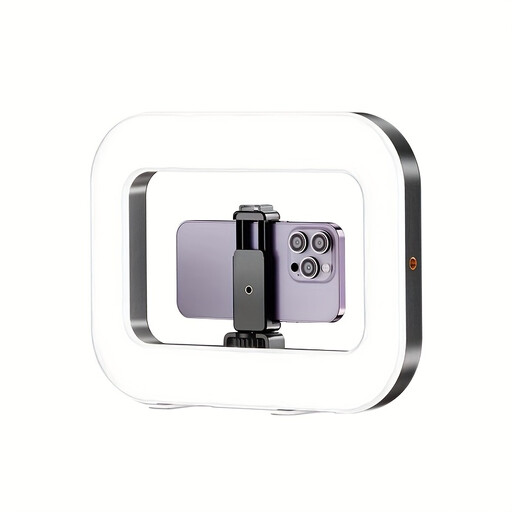 No image available
For smartphone videos and live streaming; the product title mentions a built-in battery.
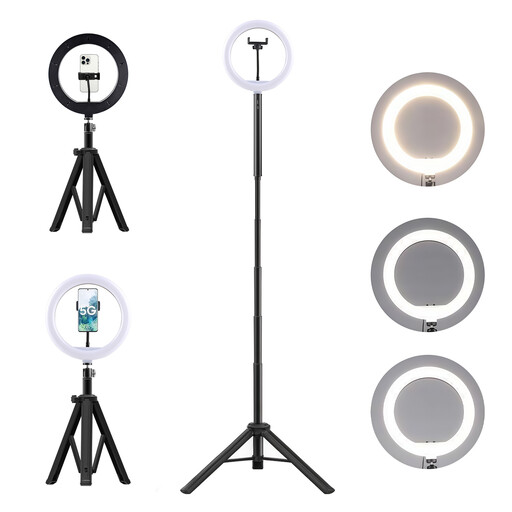 No image available
For video and live streaming if you’re looking for a ring light kit with a floor stand.
 No image available
For online teaching or video if you want to use a remote control and a taller tripod in your setup.
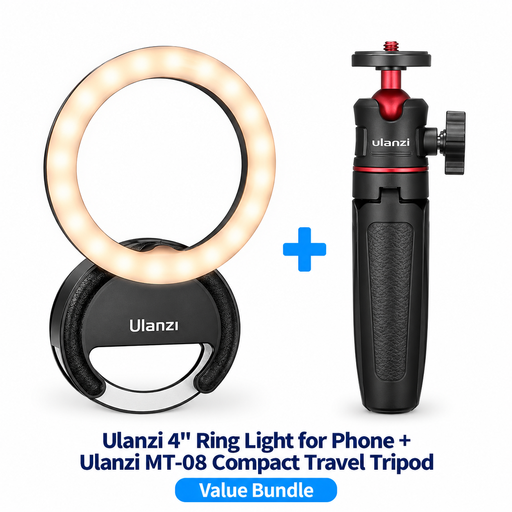 No image available
For vlogging and photography if a compact travel tripod suits your setup.
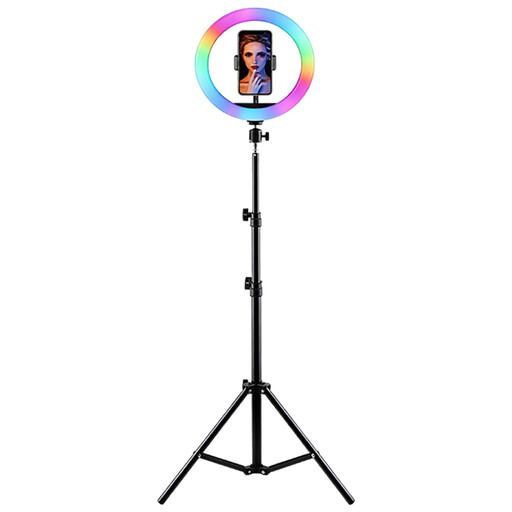 No image available
For video recordings and video calls if RGB lighting and adjustable settings suit your setup.
Not necessarily. If you’re demonstrating the effect of window light, start by positioning it, then brighten dark areas only as much as the subject requires; a reflector may also be suitable. As Adobe Stock Contributor explains, natural light can change during a recording.
Assess both light sources together in the camera image, then adjust the light colour and white balance to get the look you want. A Kelvin setting alone can’t guarantee identical colours, as daylight changes too; Canon explains that natural light can look different depending on the conditions.
Check that the setup is stable and that the power supply is suitable, following the instructions for the specific model. Also record a test clip using your planned camera settings and dimming levels, then check it for bands or changes in brightness; Sony describes shutter speed as one possible way to reduce flicker effects.
No. The Verbraucherzentrale distinguishes the statutory warranty you have against the seller from a voluntary guarantee. Check the specific offer to see who the seller is and what conditions apply to any additional guarantee.