What should schools look for when buying?
First, decide whether the priority is building, developing programming skills or supervised operation. Then check that the materials and hardware version suit your group, and identify the devices, supervision and safety measures required.
| Consideration |
What to check before buying |
Who will find this most important? |
| Learning materials |
Check that the activities, devices required and set-up time match the exact model version. |
If I need repeatable learning activities for different groups, a suitable teaching pathway matters more than a one-off demonstration. Around 26% of consumers put learning materials first. |
| Programming options |
Check the specific model to see which functions can be controlled using blocks and which require text-based code. |
If learners are to move from visual commands to writing their own code, the system must genuinely support that transition. Around 21% of consumers prioritise programming options for different ability levels. |
| Supervision and shared use |
Include the movement area, ways to intervene, supervision and battery handling in your school’s assessment. |
When different groups are using the robot, I want to be able to supervise its operation on site and plan for it safely. Around 21% of consumers put manageable shared use first. |
| Support and ongoing costs |
Check what’s included, which computers are needed, whether spare parts are available and whether any software conditions apply to the specific version. |
If several groups are going to use the system, I want to keep set-up and support requirements manageable. Around 16% of consumers prioritise this ongoing workload. |
| Expandability |
Check the interfaces, compatible modules and documentation for the specific control board. |
For future projects of my own, I need clearly documented connections and expansion options. Around 16% of consumers put projects that expand the system first. |
Petoi describes Bittle X V2 as available in both kit and pre-assembled versions, with block-based programming and Python. SunFounder offers an online course in German for PiDog; the Raspberry Pi is not included with the kit described. This information can help you narrow down your options, but it doesn’t replace checking the exact version and what’s included.
Joybuy products on this topic
The Joybuy products below are four-legged robot dogs. For use in schools, pay particular attention to the programming options, exact model version, what’s included, and the requirements for supervision and operation.
 No image available
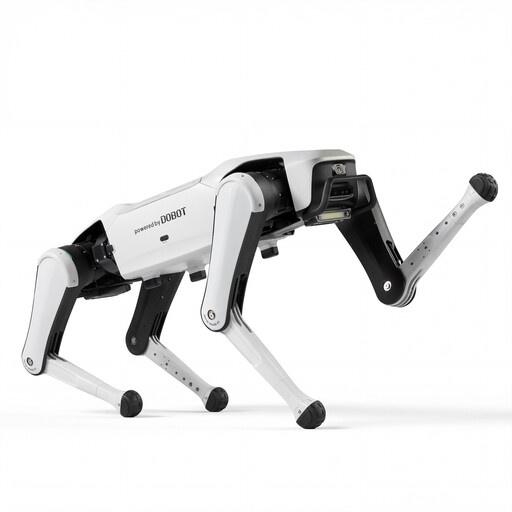
DOBOT Rover X1 AI Robot Dog
Described as a four-legged robot dog; the product title mentions Vision Follow and voice interaction.
View at Joybuy
 No image available
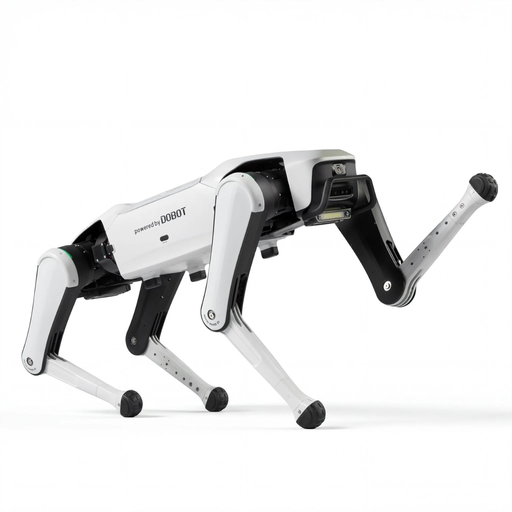
DOBOT Rover X1 Pro AI Robot
Described as a four-legged robot dog; the product title mentions Vision and UWB Follow, as well as voice interaction.
View at Joybuy
 No image available
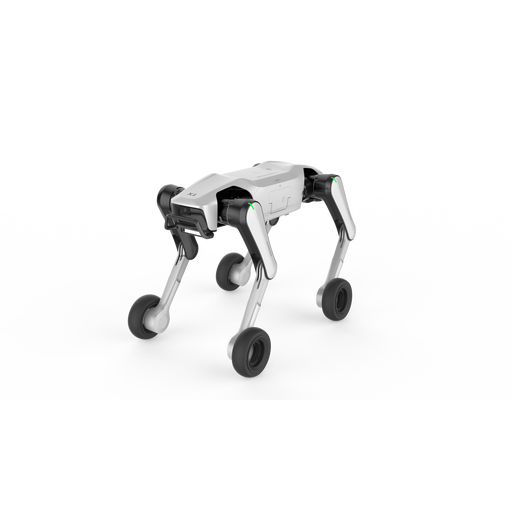
DOBOT Rover X1-W Pro AI Robot
Described as a four-legged robot dog; the product title mentions a wheeled-leg mode and UWB and Vision Follow.
View at Joybuy
 No image available
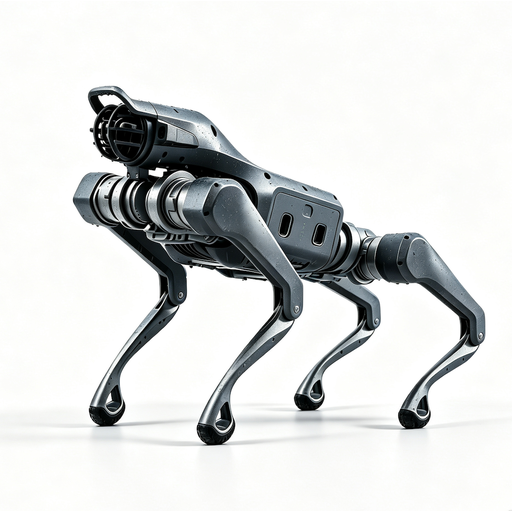
Unitree As2 Pro
Described as a four-legged robot dog; the product title mentions voice interaction and obstacle avoidance.
View at Joybuy
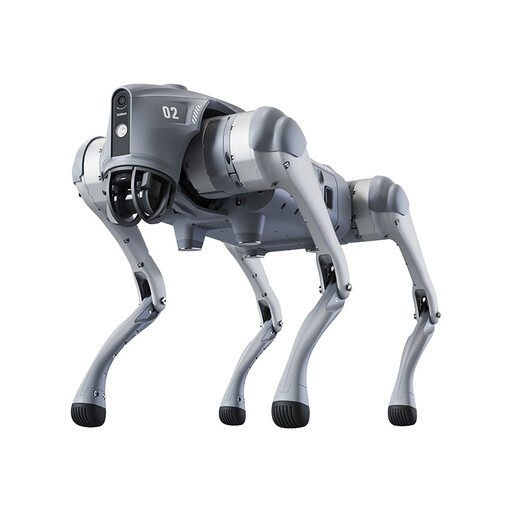 No image available
Unitree Go2 Pro
The product description mentions app-based visual programming, but explicitly rules out secondary development.
The product description warns against use by anyone under 14; check the age guidance before using it with your intended school group.
View at Joybuy
Frequently asked questions
How can a robot dog be shared between teaching groups?
Plan a short, repeatable introductory activity and keep a record of handovers, battery charge and projects that have been reset. Check whether the specific system supports separate pupil projects and school-managed devices; programmability alone doesn’t tell you this.
What should be checked before the first supervised session?
The German Social Accident Insurance (DGUV) describes risk assessment in educational settings as a useful tool for school activities. For the specific model and location, assess the movement area, supervision, potential injuries, ways to intervene and battery handling in particular.
What should you consider when charging and maintaining the robot?
The charger and battery must be suitable for the specific version. The German Social Accident Insurance (DGUV) lists improper handling and unsuitable charging facilities as possible causes of battery fires. Your school’s operating procedures should therefore cover damaged batteries and repairs.
Is CE marking compulsory for every robot dog in Germany?
No, not simply because a product is called a “robot dog”. CE marking is required for products covered by relevant harmonised EU legislation that requires it. Check which regulations apply to the specific product and what conformity documents are required. According to EUR-Lex, the Machinery Regulation (EU) 2023/1230 will only replace the current Machinery Directive in most respects from 20 January 2027.
Can the camera capture images of learners during lessons?
There’s no general answer without details of the recording, storage, purpose and school’s legal basis for processing the data. Before use, discuss the processing of identifiable images with the school’s data protection contact. Having a camera on the robot doesn’t automatically mean you’re allowed to record.


