What should you look for when buying?
First, check the routes, maps and no-go zones for your rooms. Then compare which tasks the station takes care of, how the model handles your carpets and how much ongoing maintenance it needs.
For anyone planning to run a robot vacuum in a family home while they’re at work, these four buying considerations are especially relevant:
| What matters when buying |
What to check |
Who is this important to? |
| Obstacles in the robot’s path |
Obstacle detection on the exact model, no-go zones and a supervised test run along your usual routes. |
If cables or toys might be left lying around in a busy family home, I want to know which areas I can keep off-limits and what I need to tidy away before starting; around 36% of consumers put obstacles first. |
| Hands-off cleaning |
Scheduling, room maps, returning to the station and the station functions listed for the model. |
If the robot runs while I’m at work, I want to avoid having to step in because the container is full or the clean has stopped; around 29% of consumers prioritise a cleaning routine that runs as independently as possible. |
| Carpets and hard floors |
Carpet mode, mop lifting and how it performs on your own rugs before you run it unattended in mop mode. |
In a home with carpets and hard floors, I want to check that the mopping function suits my floors; around 21% of consumers rank mixed flooring as their main buying consideration. |
| Maintenance and ongoing costs |
What’s included, how much cleaning the station needs and whether replacement parts are compatible with the exact model. |
If I want to spend as little time as possible maintaining the station and replacing consumables between runs, I need clear information about upkeep and compatible replacement parts; around 14% of consumers put ongoing maintenance first. |
Joybuy picks for scheduled cleaning
These models are worth considering for scheduled cleaning, targeted room-by-room cleaning or comparing vacuuming and mopping functions with a station. Check the details of each version to make sure its maps, no-go zones and station functions suit your home.
 No image available
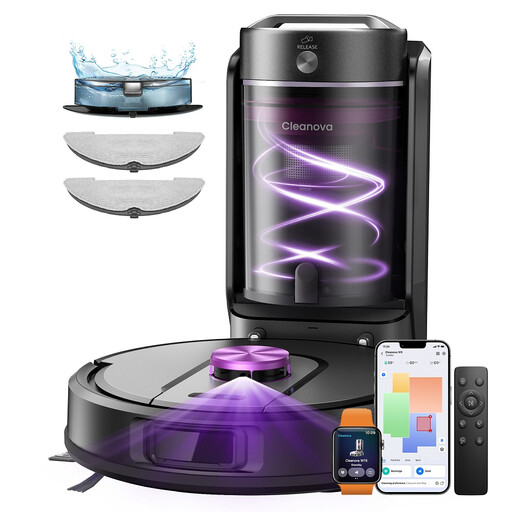
Vactidy W15 robot vacuum and mop, EU
Five maps may be useful in homes with several areas to clean. Check that the mapping and scheduling features suit your layout.
Product name: bagless automatic emptying station, LiDAR navigation, 10.000 Pa, 5 maps, 180 min runtime, for carpets and hard floors. According to the product description, app and voice control require 2.4 GHz Wi-Fi.
View at Joybuy
 No image available
Eureka E20 Plus robot vacuum, Black
If you’re comparing scheduled cleaning and areas to keep off-limits, check that the features of the version on offer suit your rooms.
Product name: 8.000 Pa, automatic emptying station, 3D obstacle avoidance and 180-minute runtime.
View at Joybuy
 No image available
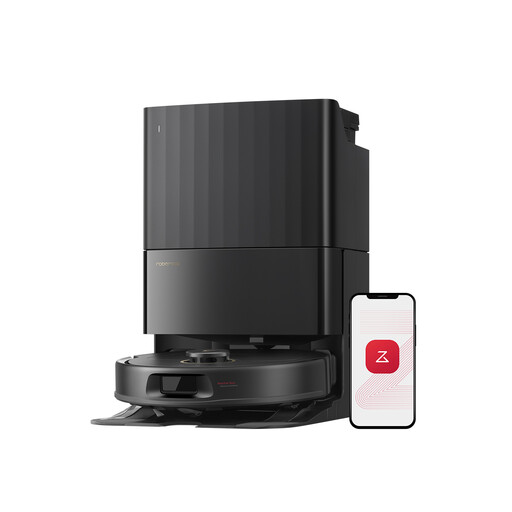
Roborock Qrevo S5V Black robot vacuum with station
If you’re comparing station and mopping features, check which tasks this specific version actually takes care of and what still needs maintaining.
Product name: 12.000 Pa, FlexiArm mops, dual anti-tangle system, hot-air drying, obstacle avoidance and intelligent navigation.
View at Joybuy
 No image available
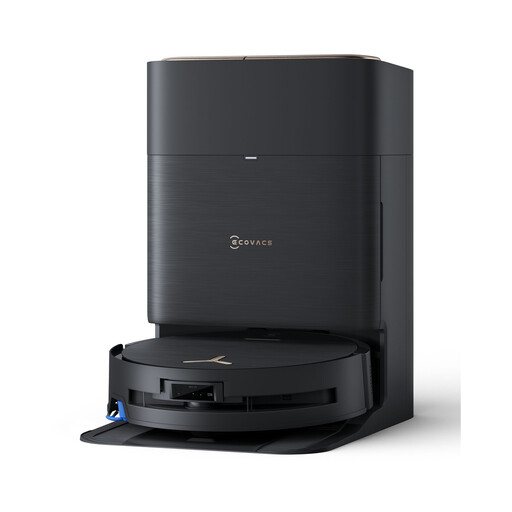
ECOVACS DEEBOT X9 PRO Omni robot vacuum and mop
If you’re planning to mop different floor types, check how the robot handles carpets and what looking after the station involves before leaving it to clean unattended.
Product name: 16.600 Pa, OZMO Roller, Omni Station, hot-water mop washing and hot-air drying. The user manual recommends removing obstacles, loose cables and fragile items before a run.
View at Joybuy
 No image available
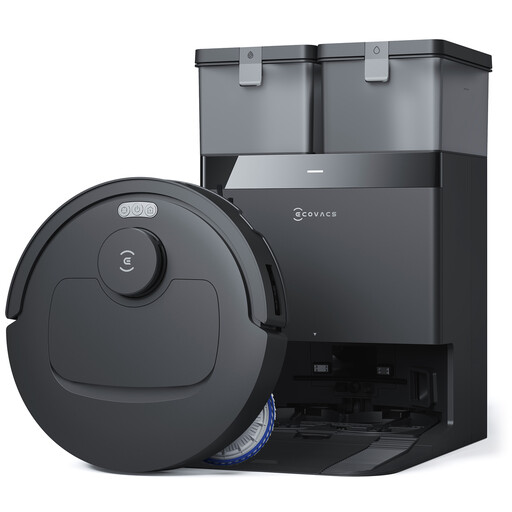
ECOVACS Deebot T30C OMNI Gen2, Black
If you want to automate cleaning routines and mop maintenance, check that the carpet mode and station functions suit your floors and the amount of maintenance you’re happy with.
Product name: 25.000 Pa, OZMO Turbo 2.0 mopping function, OMNI Station and mop washing at 75 °C. The user manual recommends removing obstacles and loose cables before a run.
View at Joybuy
Frequently asked questions
Can I start the robot without preparing the room when everyone leaves for work or school?
Start with a supervised test run, pick up loose cables and small objects, and set up no-go zones if needed. The WUNSCHKIND community also recommends removing cables and small items before starting.
What should I check before the first mopping run on carpets?
Test the carpet mode and mopping function of your exact model on your own carpets. ECOVACS notes that the T30e OMNI may have trouble detecting certain materials and carpets with a very short pile of under 2 mm.
Does a station mean I won’t need to do maintenance or buy replacement parts?
No. Check which tasks the specific station automates and clean it according to the instructions. Filters, bags and mop parts must be compatible with the exact model. Roborock specifically notes that some Qrevo Pro parts aren’t compatible with other Qrevo models.
What should I bear in mind when using app control and a camera?
Read the privacy information before setting up the robot and check which app and remote-access features you want to use. The Verbraucherzentrale notes that data from app-controlled devices may often be stored on external servers or in the cloud. This doesn’t mean that clearly disclosed camera features should be ruled out across the board.
What labelling and documents should I look for when buying in Germany?
If a device is required to carry CE marking, it should have the correct CE mark and the necessary accompanying documents. The Bundesnetzagentur also lists user manuals and safety instructions in German. The CE mark is not an independent assessment of cleaning performance.


