Homes without an app or Wi-Fi
If you want to start a basic clean on the device itself or with a remote control, you can give app-based maps and zones lower priority. eufy says its non-Wi-Fi range comes with a remote control and simple scheduling.


A robot vacuum doesn’t have to stay offline all the time for you to use mapping and convenience features. What matters is which features your specific model retains without a connection, and what data processing you’re comfortable with. If you don’t want to use Wi-Fi or the manufacturer’s app, start by looking at models explicitly documented as non-Wi-Fi and supplied with a remote control, and avoid app-based room planning. For maps and zones, check the initial setup requirements, cloud storage, what happens when mapping is disabled, and the update commitments for the model you’re considering.
If you want to start a basic clean on the device itself or with a remote control, you can give app-based maps and zones lower priority. eufy says its non-Wi-Fi range comes with a remote control and simple scheduling.
If you want to clean specific rooms or set no-go zones, check before buying whether these features require an app, an account or cloud processing. The German Federal Office for Information Security recommends checking these requirements when choosing a device.
If you want to avoid image sensors in your living spaces as much as possible, check the specifications of the exact model and ask separately how sensor data is processed and transmitted. Roborock confirms that the Qrevo Edge 2 Flow has an RGB camera and a video calling feature.
The German Federal Office for Information Security recommends checking before you buy whether a companion app is required and how long software updates will be available. First decide whether the robot must work without an internet connection or an account. Then check the mapping, sensors, data flows and update process for the exact model.
| What matters to you | What to check before buying | Who should pay particular attention |
|---|---|---|
| Cleaning without an internet connection | Check whether initial setup, starting a clean, scheduling and returning to the dock each work without Wi-Fi or an account. | If I want to clean without a manufacturer account or Wi-Fi, straightforward controls matter more than mapping features. Around 29% of consumers put offline operation first. |
| Controlling maps and zones | Check where the map is stored, how to delete it and what happens if mapping is disabled. | I want to use rooms and no-go zones, but also understand where the map is stored and how to delete it. Around 24% of consumers prioritise control over how mapping is used. |
| Limiting camera and image data | Ask about the camera, video access, and the processing, transmission and storage of navigation images for the specific model. | If I don’t want images of my home to be captured, I check camera and image data separately from mapping convenience and remote control. Around 18% of consumers prioritise avoiding recordings of their home. |
| Understanding app and cloud data | Read the device and app privacy information separately, checking the types of data collected, permissions, storage location and how to delete your account. | I’m happy to accept a connection, but want to know what app and device data will be processed. Around 17% of consumers prioritise clear information about app and cloud data. |
| Planning for updates | Check the update period, installation process and contact for reporting vulnerabilities for the exact model. | If longer-term support matters more to me than app convenience or mapping features, I look for a specific commitment on updates. Around 12% of consumers prioritise update support. |
A button may start a basic clean, while initial setup, mapping or zones still require a connection. ECOVACS says basic offline cleaning is possible after initial setup; according to Vorwerk’s MyKobold FAQ, the VR7 requires an update via the app and internet before first use.
For the exact model, ask separately about initial setup and every feature you need to use without the internet, an account or an app.
In its data FAQ, iRobot distinguishes between navigation images, usage data and map data. A statement about how one type of data is processed doesn’t automatically tell you what happens to the others.
Check image, map, diagnostic and account data separately, and make sure manufacturer information applies to the specific ranges and features mentioned.
Having a download or installation process doesn’t tell you how long future security updates are guaranteed. The German Federal Office for Information Security recommends checking update availability before you buy.
For the exact model, check the stated update period and the recommended contact route for reporting vulnerabilities.
For the USB-C update process described by Vorwerk for the VR7, the required cable isn’t included, according to the manufacturer.
The RoboVac 11S Max is a documented example of a non-Wi-Fi model with a remote control.
The Kobold VR7 shows why the update process, app features and initial setup should be considered separately.
The documented Imprint room plans are an example of why mapping features and cloud storage should be considered together.
DEEBOT information illustrates the difference between basic cleaning after setup and app or mapping features.
The Qrevo Edge 2 Flow is a specific example of how to weigh up camera sensors against the features you want.
The robot vacuums featured here list app, mapping or zone features. Check each model separately to see which setup steps and features require an internet connection; the product information doesn’t confirm that they can work entirely offline.
 No image available
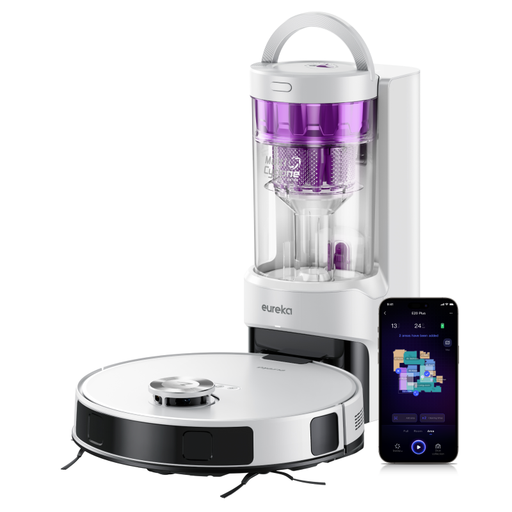
For homes looking to include app-based mapping and no-go zones in their buying decision.
The product information lists LDS LiDAR, obstacle detection, app and voice control, and no-go zones. The product name also mentions 8000Pa suction, an anti-hair-tangle brush and a 45-day dust container.
 No image available
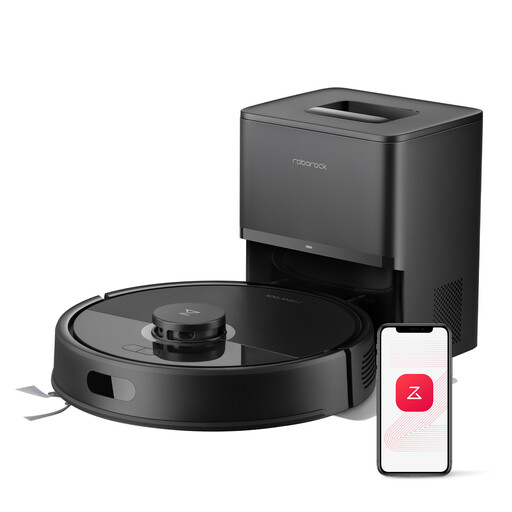
For buyers looking to check how mapping and zone features fit with the Wi-Fi connection required for the app.
The product information lists LiDAR navigation, maps, no-go zones and app control. The product name mentions 8000 Pa, a self-emptying station and 180 minutes of running time; 2.4 GHz Wi-Fi is listed as a requirement for app features.
 No image available
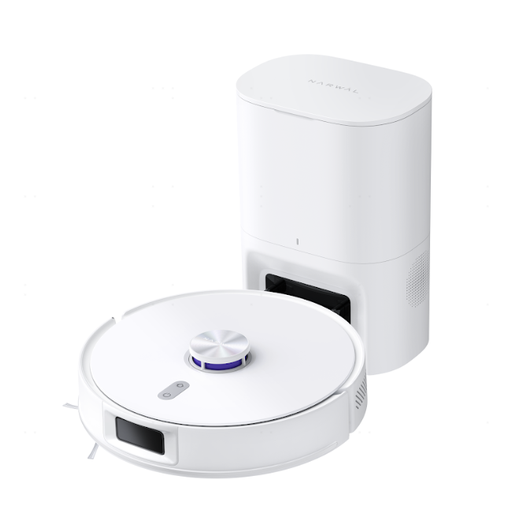
For homes considering app control, maps and no-go zones as part of the robot’s connected features.
The product name lists LiDAR navigation, 8,000 Pa suction and automatic dust emptying. The product information also lists maps, schedules and no-go zones.
 No image available
For buyers who want to consider app-based remote control and 3D mapping when checking data processing and internet requirements.
The product name lists 8000Pa, 8N cleaning pressure, a 3.5L car dust removal station, LDS laser navigation, 3D mapping and app-based remote control.
 No image available
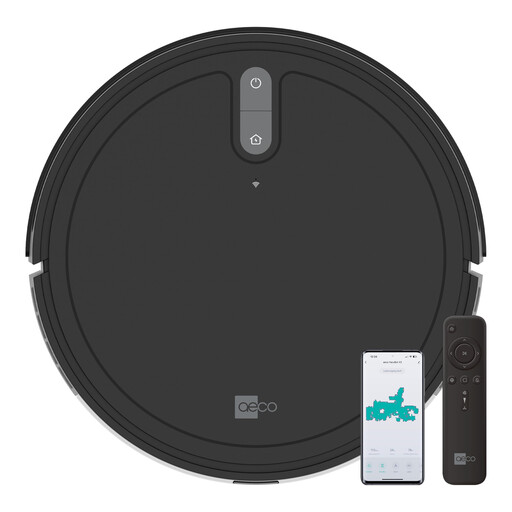
For homes looking for a remote control as well as app control.
The product name lists 5000Pa suction, gyro navigation, 160 minutes of running time, app control and a remote control. The product information also lists schedules and virtual boundaries.
No. ECOVACS says you can start a basic clean using a button after initial setup; Vorwerk says the app and internet are needed for the VR7 update before first use. Check both steps separately for the specific model.
No, according to iRobot. For the feature described, intelligent room plans are stored in the cloud, not in the app. Check how to delete the data and remove the account link.
Vorwerk describes an alternative method: download the update and transfer it using a USB-C cable from a Windows PC. The cable isn’t included, according to Vorwerk. This method doesn’t clarify the separate statement that the app and internet are needed before first use.
iRobot recommends removing personal data and the account link by restoring factory settings in the HOME app. However, according to iRobot, diagnostic and lifetime history data may remain on the robot.
No. According to the European Commission, the reporting requirements have applied since 11 September 2026; the main product requirements apply from 11 December 2027. This doesn’t amount to a general security approval for any particular robot vacuum model.
Subject to certain conditions, the Data Act sets out rules on access to data from connected products and related services. It has applied in the EU since 12 September 2025, as explained by the German Federal Network Agency. This doesn’t prove that a particular model works offline, or that all device or image data will be available in a particular form.