What should you look for when choosing one?
After moving, first check that the robot can reach the rooms you want it to clean. Then decide how much maintenance you’re happy to do yourself and whether the mopping function suits your floors.
| Buying priority |
What to check before buying |
Who is this important for? |
| Cleaning while you’re at work |
Room selection, scheduling and the station’s location; supervise the first run. |
If I want specific rooms cleaned while I’m at work, I need a suitable room plan and clear routes. Around 31% of consumers prioritise being able to schedule a run. |
| Getting around after moving |
Measure door thresholds and narrow spaces; move cables and loose items out of the way. |
In a newly furnished home, I want to know whether thresholds and furniture will block the routes. Around 25% of consumers prioritise being able to reach rooms. |
| Maintenance |
Check for automatic emptying, compatible bags and the maintenance instructions in the manual. |
For regular runs, I want to spend as little time as possible emptying and maintaining the device. Around 19% of consumers prioritise this. |
| Hard floors and carpets |
Check how the specific model handles carpets and whether it lifts its mop, then compare this with your own floors. |
If my home has a mix of hard floors and carpets, I want to know in advance how the model handles carpets while mopping. Around 13% of consumers prioritise this combination. |
| Privacy |
Check the privacy policy, app permissions, camera features and connection requirements. |
If I use a connected device, I want to understand which app and camera features are needed. Around 12% of consumers put privacy first. |
Robot vacuums for scheduled cleaning
This selection includes robot vacuums with automatic emptying that, according to the product information, are designed for scheduled cleaning. Some models also have a mopping function or a station for mop care; check how they handle carpets and what’s involved in looking after the water tanks.
 No image available
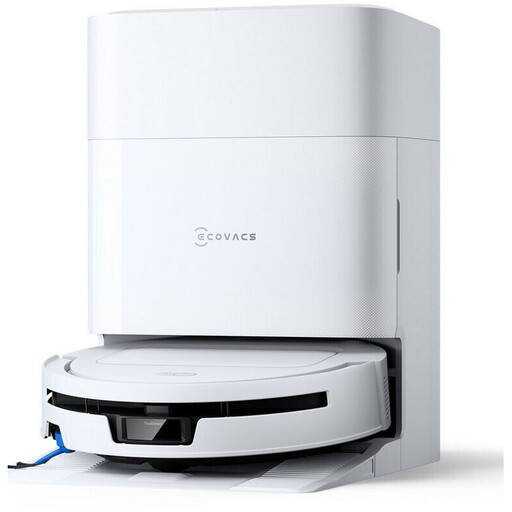
ECOVACS DEEBOT T90 MAX OMNI
Scheduling and room recognition are useful for regular runs; check the routes before the first run while you’re out.
30,000 Pa; 257-minute runtime; D-ToF LiDAR navigation; mopping function.
View at Joybuy
 No image available
Eureka E20 Plus
App schedules and virtual boundaries are useful for regular runs in selected areas; check the routes after moving before you start.
8,000 Pa; 180-minute runtime; 3D obstacle avoidance; self-emptying station.
View at Joybuy
 No image available
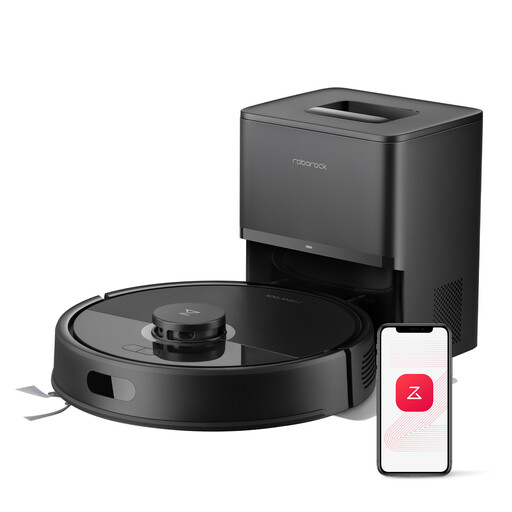
Roborock Q7 L5+
Schedules and no-go zones are useful for planned runs; move loose cables and items out of the way before starting.
8,000 Pa; LiDAR navigation; automatic dust emptying; mopping function; carpet compatibility listed.
View at Joybuy
 No image available
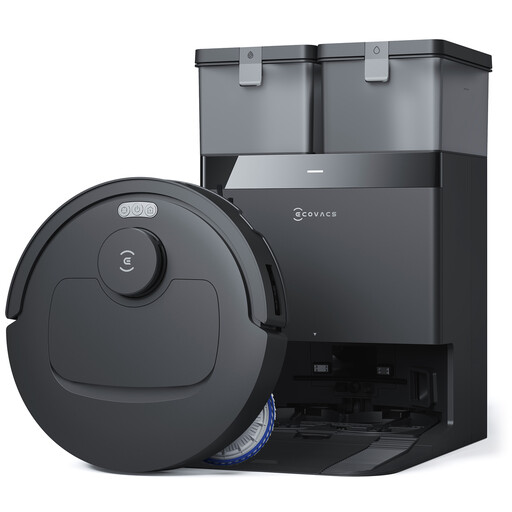
ECOVACS DEEBOT T30C OMNI Gen2
App schedules and mapping are useful for regular runs. When mopping, the clean- and dirty-water tanks need to be refilled or emptied regularly.
25,000 Pa; OMNI station with mop washing at 75 °C and mop drying; mopping function.
View at Joybuy
 No image available
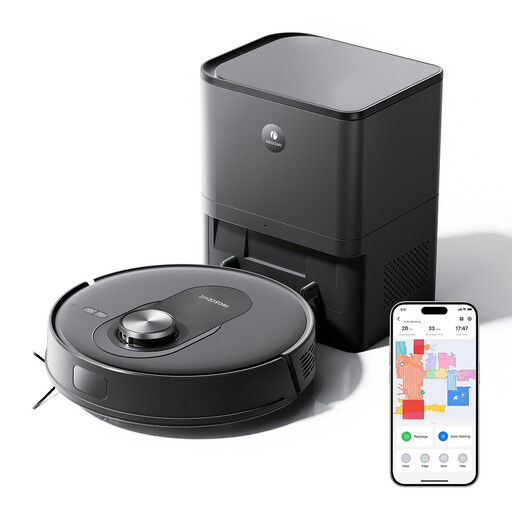
Q8-Max robot vacuum with mopping function
Room selection and schedules are useful for planned runs in selected areas; check for obstacles and narrow spaces first.
8,000 Pa; LiDAR mapping; up to 200-minute runtime; self-emptying station.
View at Joybuy
Frequently asked questions
What should I do after moving before the first run while I’m at work?
Set up the station and room plan, move loose cables, clothes and toys out of the way, and first check while you’re at home which rooms and thresholds the robot can reach. iRobot Support Germany recommends keeping floors clear; also follow the placement instructions in the manual for your specific model.
Does an auto-empty station replace regular maintenance?
No. Automatic emptying can reduce the need to empty the dustbin by hand, but brushes, rollers and sensors still need checking and care, and you may also need to check and replace dust bags.
What are my rights if a robot vacuum bought online in Germany is faulty?
If a product is faulty, your statutory consumer rights are against the seller and are separate from any voluntary guarantee. The Consumer Advice Centre states that online purchases generally have a 14-day cancellation period from the date you receive the goods; exceptions and the specific terms of purchase should also be taken into account.
How should I dispose of an old robot vacuum?
Electrical and electronic waste must not go in your household rubbish. The Federal Ministry for the Environment lists designated collection and take-back options; online retailers also have take-back obligations.


