Everyday dust busters
You want visible dust on your floors picked up regularly, and you’ll want to check whether the robot can reach the areas you have in mind. The CHIP Test Centre assesses cleaning performance and navigation as separate criteria.


For everyday dust on the floors of a small flat, start by checking your flooring, clear routes around the home, and the dimensions of the robot and charging dock. You won't necessarily need a large self-emptying or mopping station. A self-emptying station may suit you if emptying the dust bin less often matters more than saving floor space, and you can get the right replacement supplies. A robot vacuum won't replace the occasional thorough clean entirely.
You want visible dust on your floors picked up regularly, and you’ll want to check whether the robot can reach the areas you have in mind. The CHIP Test Centre assesses cleaning performance and navigation as separate criteria.
Before deciding which extra features matter, check the clearance under your furniture and the space available for the robot and its dock. Check the manufacturer's measurements for the robot and dock separately.
You want to empty the dust bin less often and are happy to make room for a larger dock and buy compatible bags. For example, iRobot lists automatic emptying for the Combo 2 Essential variant with AutoEmpty Dock.
First, measure furniture clearances, narrow gaps and the space for the dock. Then decide whether automatic emptying or app features would make a difference to your daily routine.
| What matters | What to check before buying | Who it matters most to |
|---|---|---|
| Picking up everyday dust | Floor types, routes around your home and dust-pick-up test results for the specific model | If I want dust picked up every day, it matters that the robot can reach the areas I have in mind and is suitable for my flooring. Around 36% of consumers put dust pick-up first. |
| Finding space for the robot and dock | The lowest furniture clearance, narrow gaps, and the dimensions of the robot and dock | When space is tight, I want to know whether the robot will fit under my furniture and whether the dock has a suitable place to go. Around 29% of consumers prioritise dimensions and floor space. |
| Reducing emptying and maintenance | What the dock does, and which compatible bags, brushes and filters are available | If I don't want to empty the bin frequently, a suitable emptying solution matters to me, but I still need to keep up with the rest of the device's maintenance. Around 21% of consumers put reducing the effort of emptying first. |
| Weighing up the app and home data | Whether an app is required, offline features, data processing and the model's update information | If I want to share as little home data as possible through internet-connected features, I check what I can do offline. Around 14% of consumers prioritise control over their data. |
A manufacturer's suction-power figure isn't an independent test result for dust pick-up on a particular floor or with a specific model.
Where possible, compare dust-pick-up test results on your type of flooring, as well as the specific model's navigation and coverage.
A low furniture clearance can stop the robot from getting underneath, and the charging dock needs a suitable spot of its own.
Measure the lowest available clearance and the space for the dock, then compare both with the specifications for the exact model.
Automatic emptying doesn't replace other maintenance. Accessories also need to be compatible with the specific model variant.
Check the maintenance instructions and make sure compatible bags, brushes and filters are available.
Depending on the model, bags, brushes or filters may need replacing as part of regular maintenance.
The Robot Vacuum S20 is an example of a configuration with a standard charging dock, plus vacuuming and mopping functions.
The D10 Plus Gen 2 is an example of a vacuum-and-mop option with automatic dust collection.
Roomba Combo Essential models differ in several ways, including the listed emptying features.
The DEEBOT N20 is a vacuum-and-mop option; maintenance accessories are listed for certain models in the N20 range.
The Q5 Pro support documents can help you check the operating and maintenance instructions.
The Joybuy models below are robot vacuums for regular floor cleaning, including vacuum-and-mop models. Check the flooring they're suitable for, their dimensions and maintenance requirements for the specific variant.
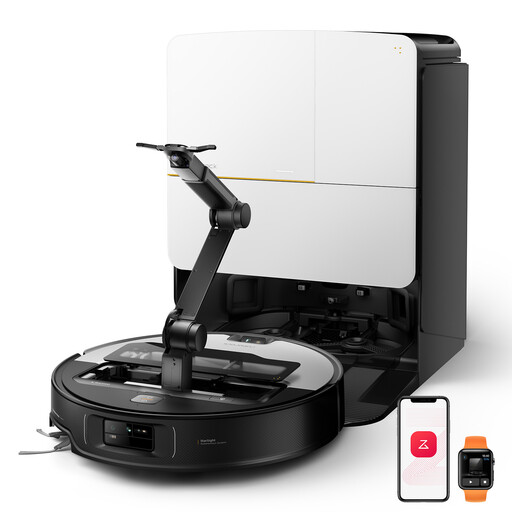 No image available
The product description says it's suitable for vacuuming hard floors and low-pile carpets. Check whether these are the right conditions for your floors.
Listed specifications: 22,000 Pa suction power and a height of 7.98 cm. These figures alone don't allow you to compare dust pick-up.
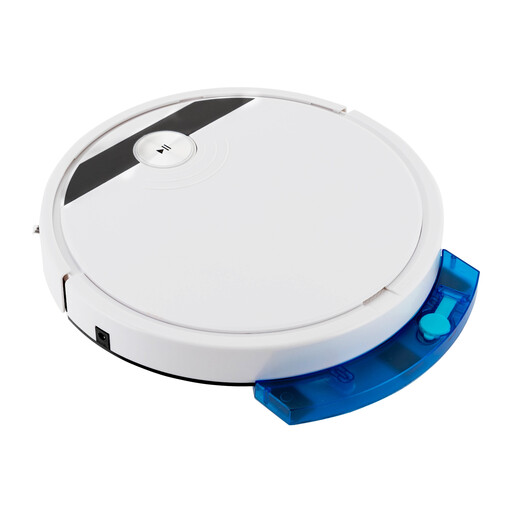 No image available
According to the product description, this model is designed for hard floors and low-pile carpets.
Specifications include 1800 Pa, a low profile of 1.77 in and a run time of up to 90 min. The description lists app and remote control operation.
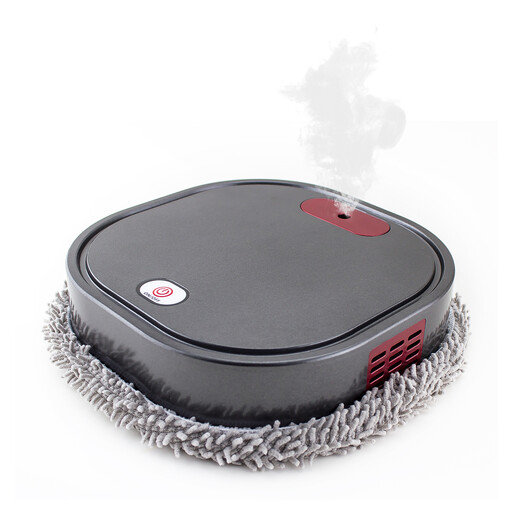 No image available
The product description lists flat hard floors as suitable for the vacuuming function.
According to the description, this model isn't suitable for thick, long-pile carpets. The listed noise level is 20–40 dB; check the conditions under which this figure applies.
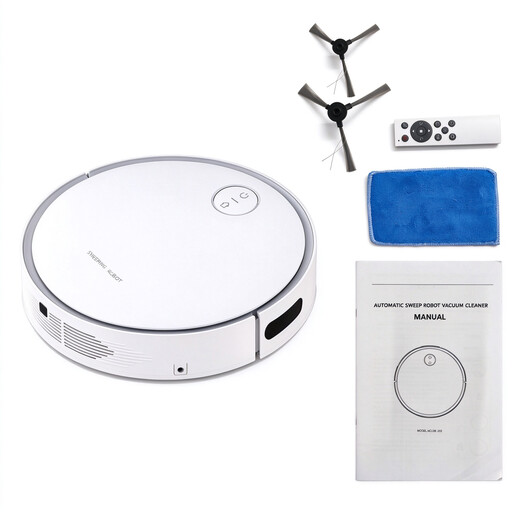 No image available
The description lists dust pick-up and a remote control. This could be useful if you'd prefer to operate the robot without an app.
The product name lists side brushes and a mop cloth as accessories.
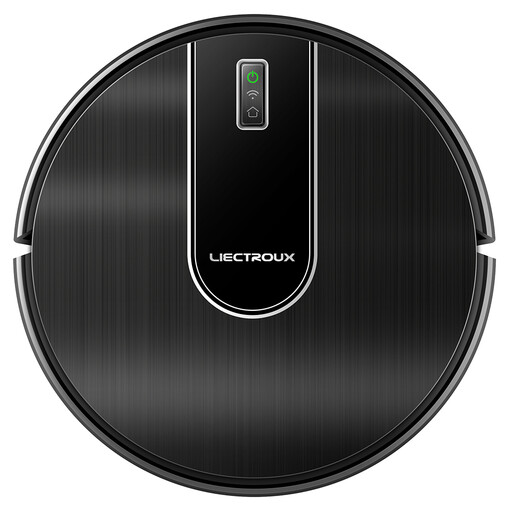 No image available
The description lists adjustable suction for hard floors and carpets, as well as scheduled cleaning times.
Listed features include 2D mapping, area division and scheduling. Check whether the available mapping features suit the layout of your home.
First, measure the clearance under your furniture and the space for the charging dock. Then check the instructions for your specific model to find out how to position it and run it for the first time. The Xiaomi Robot Vacuum S20, for example, has separate dimensions listed for the robot and charging dock. Clear loose obstacles from the routes you want it to take.
The dock only carries out the automatic emptying function listed for that particular model. Brushes and filters still need to be maintained according to the model's instructions. If the relevant filter error appears, Roborock recommends cleaning the filter and letting it dry thoroughly before putting it back.
It depends on the model and the features you want to use. Germany's Federal Office for Information Security points out that a device used exclusively offline doesn't transmit data over an internet connection; remote control from a smartphone may require a connection. Before buying, check the specific offline features and update information.
If a product is faulty, the seller is generally responsible for the statutory guarantee. The Verbraucherzentrale states that this lasts for two years from the date the goods are handed over. Online purchases generally come with a 14-day right to cancel, although the relevant conditions and exceptions apply in each case. This is separate from any voluntary manufacturer's warranty.