What should you look for when buying?
First, check whether the robot can start and return to its dock without any input from you. Then consider your floor types, the level of maintenance required and the device’s data features to decide which specifications are right for you.
| What matters when buying |
What to check |
Who will find this especially important |
| Cleaning while you’re out |
Schedule and start function, dock location, Wi-Fi requirements and emptying process. |
If you want the robot to pick up crumbs while you’re at work without having to empty its bin in between. Around 31% of consumers put unattended cleaning at the top of their list. |
| Obstacles left behind after a visit |
Which items the specific model can detect and which areas you can set as off-limits. |
If cables or other things might be left out after a get-together, a run with as few interruptions as possible matters. Around 25% of consumers prioritise obstacle handling. |
| Hard floors and carpets |
The exact model’s documented carpet strategy, mop lift or carpet avoidance feature. |
If you want to vacuum hard floors and mop when needed, but also have carpets in the room. Around 19% of consumers prioritise suitability for mixed floor types. |
| Maintenance and consumables |
Care instructions and compatible bags, filters, brushes and other spare parts. |
If you want to factor in ongoing maintenance as well as the initial purchase. Around 13% of consumers put regular care and maintenance at the top of their list. |
| App, camera and privacy |
Whether an app is required, camera and audio features, privacy information and clear recording notices. |
If you want remote control but also want to limit recording and data features. Around 12% of consumers make privacy their most important selection criterion. |
Joybuy products for this use
The models below include robot vacuums and vacuum-and-mop robots with different stations, control features and floor strategies.
 No image available
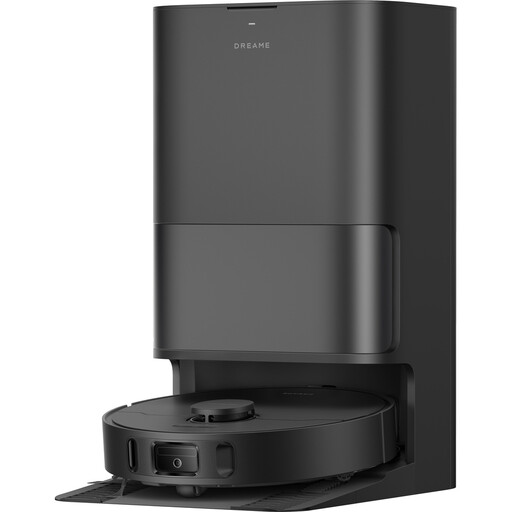
Dreame D30 Ultra
A good fit if you’re looking for a robot that can vacuum and mop, with less frequent manual emptying.
The product title lists 25.000 Pa suction power, a self-emptying and self-cleaning base station, and mop drying with 50 °C hot air.
According to the product information, it’s designed for indoor use on hard floors or short-pile carpets.
View at Joybuy
 No image available
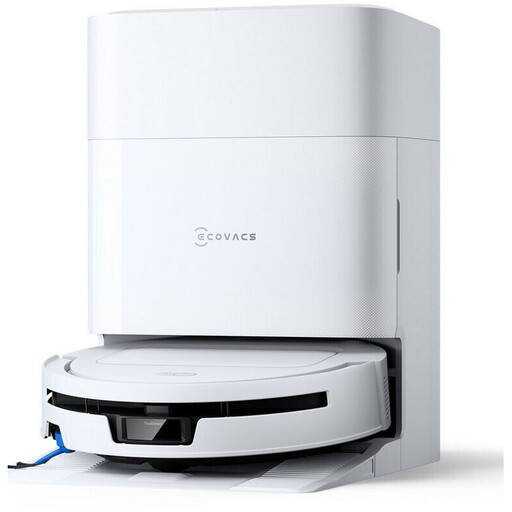
ECOVACS DEEBOT T90 MAX OMNI
An option to consider if you want to compare vacuuming and mopping features, a self-emptying station and model-specific navigation.
The product information lists 30.000 Pa, a runtime of 257 minutes, wet mopping, AIVI 3D 4.0 and D-ToF-LiDAR navigation.
The description also mentions carpet and hard-floor surfaces, a timer, remote control and automatic return to the base station.
View at Joybuy
 No image available
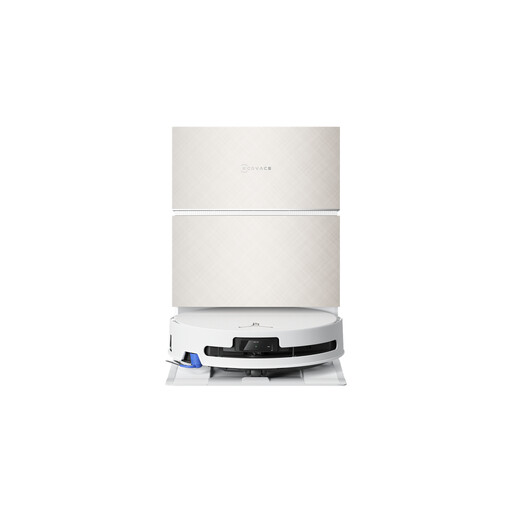
ECOVACS DEEBOT X11S PRO OMNI
This could be worth considering if you’re looking for an OMNI station and features for navigation and obstacle detection.
The product title lists 30.000 Pa, OZMO ROLLER 3.0, TruEdge 3.0, TruePass Adaptive 4WD and AGENT YIKO 2.0.
The description mentions app set-up, schedules and returning to the station to wash and charge.
View at Joybuy
 No image available
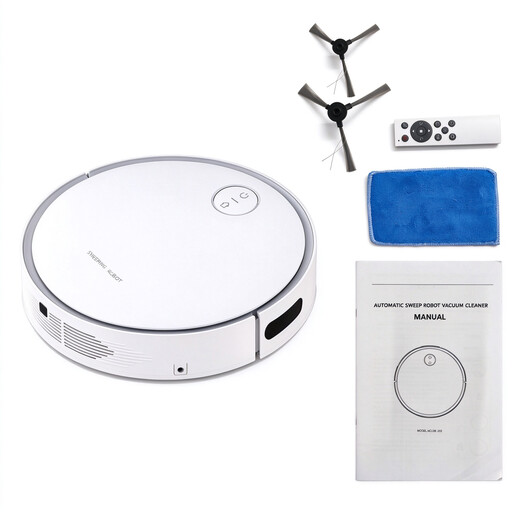
3-in-1 robot vacuum, mop and sweeper
A simple option for vacuuming and mopping the hard floors and low-pile carpets listed in the product information.
The description lists a runtime of 90 minutes, a remote control and a low-profile body.
According to the product title, it comes with side brushes and mop cloths. Check that this version suits your floors and maintenance needs.
View at Joybuy
 No image available
Eureka E20 Plus
A useful option to compare if automatic emptying, navigation and obstacle detection matter to you.
The product title lists 8.000 Pa, a self-emptying station, 3D obstacle detection and a runtime of 180 minutes.
The description lists LiDAR navigation, app control and a 10 mm mop lift when carpets are detected.
View at Joybuy
Frequently asked questions
What should I set up before the first unattended run?
Set up the dock according to the model’s instructions, check the app and your home network if needed, and inspect the planned route. iRobot Support specifies that the Combo 10 Max needs a fixed dock location with Wi-Fi reception and gives a model-specific clearance requirement from a stair landing. This doesn’t automatically apply to other robots.
Is an auto-empty station maintenance-free after a party?
No. An auto-empty station can reduce the need to empty the robot straight away, but the bin or bag, brushes, filters and, where applicable, mopping parts still need care. Follow the maintenance intervals and spare-part guidance for the model you choose.
Are robot vacuums with cameras banned in Germany?
Not as a general rule. According to the Bundesnetzagentur, a robot vacuum may be prohibited if it wirelessly transmits image or audio files without the user’s knowledge. You can’t tell whether a particular model falls into this category just from the word “camera”. Check its recording and transmission features, as well as any clear indicators that recording is taking place.
What are my rights when buying a robot vacuum online in Germany?
Your statutory rights against the seller are generally separate from any voluntary guarantee. When buying goods online, you usually have a 14-day right to cancel from the date you receive them, as explained by Verbraucherzentrale. Check the terms of your specific purchase.
What should I check before buying a connected robot vacuum?
Check the specific product’s labelling, the manufacturer’s information and the German-language user manual. The Bundesnetzagentur lists these, along with any required warnings, as aspects of its market surveillance. A product listing alone is no substitute for checking the specific product.


