Busy professionals with little spare time
If you want the robot to clean before you get home or guests arrive, check the schedule, room selection and a trial run. ECOVACS explains how to schedule cleaning in the ECOVACS HOME app.


First, check whether the map, schedule and clear routes around your home will allow the robot to complete a full run unattended. Test the route in advance. A self-emptying or mopping station may suit you if its specific features match your flooring and the level of maintenance you want. Remote access makes it easier to change settings, but you should consider carefully whether you’re happy with the internet connection and data processing involved.
If you want the robot to clean before you get home or guests arrive, check the schedule, room selection and a trial run. ECOVACS explains how to schedule cleaning in the ECOVACS HOME app.
Cables, shoes, toys and door thresholds can disrupt a run when you’re not at home. iRobot Support lists clutter and blocked routes as possible reasons why some areas may be missed.
If you want to spend as little time as possible emptying or cleaning the robot when you get home, check exactly what the station does and what maintenance it needs. Emptying dust, refilling water and washing mops are separate functions.
First, check that the robot can reach the rooms you want to clean by following a complete route that you’ve tested in advance. Then compare the schedule and station features with your flooring and the maintenance you’re happy to do yourself.
| What matters when buying | What to look for | Who it matters most to |
|---|---|---|
| Navigation and obstacles | Check obstacle detection, no-go zones and door thresholds along the planned route, then run a full test. | If I leave the robot to run on its own, I want to know it can reach the areas where guests will be, despite everyday obstacles. Navigation is the main priority for around 36% of consumers. |
| Scheduling and room selection | Check the specific model’s scheduling, room selection and return-to-dock features, then test the routine well in advance. | When I’m expecting guests, I want the clean to start on time and cover the rooms I’ve selected. A reliable schedule is the main priority for around 29% of consumers. |
| Emptying and mop maintenance | Compare dust emptying, water refilling, mop washing and drying separately, and consider the space needed for the station and its maintenance. | If I don’t want to clean a dust container or mopping parts as soon as I get home from work, I want to know exactly how much maintenance the station takes care of. Around 21% of consumers prioritise low maintenance. |
| Privacy and remote access | Check whether the specific model requires an app, how it processes data and which functions are actually available offline. | If I want to limit the data collected when my home is mapped, I weigh up remote access and app features against how much control I want over the device’s internet connection. Privacy is the top priority for around 14% of consumers. |
Even with navigation, clutter, thresholds, a low battery or dirty sensors can mean some rooms are missed. iRobot Support lists these as possible causes.
Test the actual route well in advance while you’re at home, and clear any problem areas.
If some areas are missed, you may need to clean them yourself just before your guests arrive.
Depending on the model, the station may only take care of certain tasks. The station, brushes and sensors still need looking after. CHIP also notes that robot vacuums with self-emptying stations require maintenance.
Compare dust emptying, water refilling, mop washing and drying individually with the routine you want.
Dust containers, dust bags and, where applicable, mopping parts still need regular care.
App and remote-control features may require an internet connection and involve processing data about your home. The Federal Office for Information Security points out that it may be possible to use a device offline only.
Before buying, check whether an app is required, what permissions it needs, how updates work and which features remain available offline.
For the Qrevo S, Roborock lists LiDAR navigation, obstacle avoidance and a station for dust emptying and mop care.
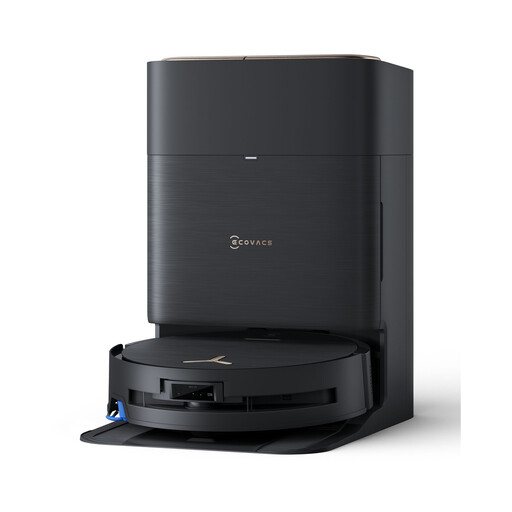
ECOVACS says the DEEBOT T30 OMNI combines a station with mopping features, while the manufacturer’s app lets you schedule cleaning.
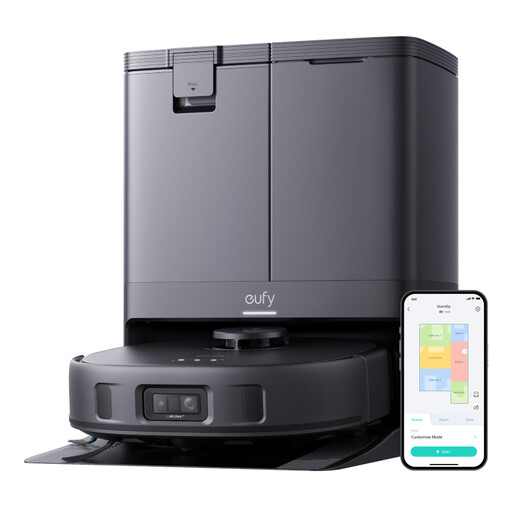
According to eufy, the X10 Pro Omni combines laser navigation, obstacle avoidance, liftable mops and an all-in-one station.
According to iRobot, the Roomba Combo j9+ combines obstacle detection, a liftable mopping pad and a self-emptying, refill station.
The Joybuy models below combine scheduled or targeted cleaning with a self-emptying or multi-function station. Check that each model’s app, navigation and maintenance features suit your home.
 No image available
The app schedules and no-go zones described are useful features to consider for scheduled cleaning.
The description lists a bagless station for emptying dust, obstacle avoidance and mops that lift on carpets. The product name specifies a 180-minute runtime and DuoDetect AI.
 No image available
The app cleaning schedules and targeted mapping described are worth checking if you want to schedule a vacuum-and-mop run.
The product name specifies a mopping function and an OMNI station. The description lists automatic dust emptying, mop washing and drying, plus carpet detection with mop lifting.
 No image available
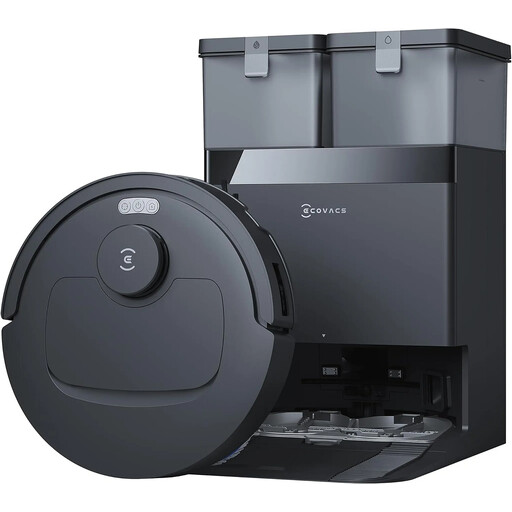
The app schedules and zone- and room-specific programmes described are useful for targeted cleaning before guests arrive.
The product name specifies an OMNI station with automatic emptying and mop cleaning. The description also lists mop washing and drying, mop lifting on carpets, TrueMapping 2.0 and TrueDetect 3D.
 No image available
The app cleaning schedules and no-go zones described are useful features if you want the robot to run while you’re out.
The product name specifies a mopping function, a vacuum station and active obstacle avoidance. The description lists laser navigation, automatic dust emptying, mop washing and drying, and liftable mops.
 No image available
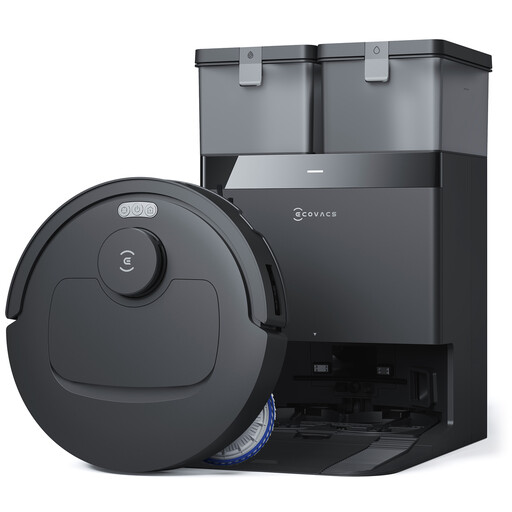
The schedules and room-specific programmes described may be useful for targeted cleaning before guests arrive.
The product name specifies an OMNI station and a mopping function. The description lists automatic emptying, mop washing and drying, laser navigation and obstacle avoidance.
Create and check the map, test the planned route while you’re at home, and remove loose cables, clothing and toys. Then check that the robot has reached all the rooms you selected. iRobot Support lists obstacles as a possible reason why some areas may be missed.
It depends on the model and its connection. ECOVACS explains how to set schedules in its app, while the Federal Office for Information Security notes that smartphone features may require an internet connection. Check the remote-access and scheduling options for the specific device.
No. A station may empty the robot, but the station, brushes and sensors still need care. For mopping models, you’ll also need to look after the water tanks and mop pads.
According to Your Europe, the European Union’s information portal, purchases from a trader generally come with at least two years of legal protection for faulty goods. For a standard online distance purchase, you generally have 14 days from receiving the goods to cancel, subject to legal exceptions. The right to cancel if you change your mind is separate from your rights when goods are faulty.
As part of its market surveillance, the Federal Network Agency lists CE marking, manufacturer details, a declaration of conformity and German-language instructions with the required warnings among the things to check. A CE mark alone doesn’t confirm that all the other information and documents are available for a particular model.