People with regular cleaning schedules
You want your home cleaned after the weekend while you’re out. A suitable schedule and access to the rooms you want cleaned are essential.


If you want your home cleaned while you’re at work after a weekend away, a robot vacuum is a good fit if it can reach the rooms you want cleaned and you can set a schedule and choose the areas to clean. An auto-emptying dock can reduce how often you need to empty the robot by hand. Mopping and multifunction docks are most useful if you’ll use their features on your floors and are prepared for the extra maintenance. iRobot Support and the Verbraucherzentrale highlight loose items and thresholds as potential obstacles. Obstacle detection doesn’t replace clear routes or an initial supervised test run.
You want your home cleaned after the weekend while you’re out. A suitable schedule and access to the rooms you want cleaned are essential.
Cables, clothes, toys and door thresholds can disrupt a cleaning run when you’re not there. The Verbraucherzentrale recommends checking the robot’s stated clearance and threshold height limits.
If you don’t want to empty the dust container after every run, consider an auto-emptying dock and check what maintenance you’ll still need to do yourself.
A good fit if: You mainly want to vacuum and are happy to check the dust container and brushes yourself.
Consider: You’ll have more maintenance to do yourself, and cables, objects and thresholds can still disrupt a cleaning run.
A good fit if: There’s more dust to deal with after the weekend and you don’t want to empty the robot’s container yourself after every run.
Consider: The dock takes up space, and you’ll still need to replace the dust bags.
A good fit if: You want to mop accessible hard floors regularly as well as vacuum, and are happy to maintain the water tank and mop pads.
Consider: Extra dock features mean you’ll need more space and maintenance. If you have carpets, check the model’s mopping and carpet-protection features.
| Priority | What to check before buying | Who it matters to most |
|---|---|---|
| Scheduling and room coverage | Check the schedule, mapping and room selection, and make sure the robot can reach the rooms you want it to clean. | If I want the robot to clean while I’m at work after the weekend, I need to set the schedule and choose the rooms beforehand. Around 28% of consumers prioritise a predictable cleaning routine. |
| Obstacles and hard-to-reach rooms | Check the clearance, threshold height and obstacle-detection features of the specific model. Move loose items out of the way regardless. | If there are cables, toys or thresholds in the way, I want to know whether the robot can still reach the rooms I’ve selected. Around 22% of consumers who prioritise a run with as few interruptions as possible feel the same way. |
| Maintenance after the weekend | Check what the dock takes care of, how much space it needs and which consumables are required. | I don’t want to empty the robot’s container myself after every run, but I also want to know what the dock won’t take care of. Around 22% of consumers prioritise keeping manual maintenance to a minimum. |
| Hard floors and carpets | Take the floor types in the rooms to be cleaned into account, and check the specific model’s mopping mode and carpet protection. | If I have both hard floors and carpets, I need a suitable vacuuming and mopping approach for each. Around 17% of consumers prioritise having a solution for different floor types. |
| Privacy when using remote control | Check which features require an app or cloud connection and what permissions they need. | If I want to control the robot when I’m out, I want to consider in advance what data the connection requires. Around 11% of consumers prioritise using a device that collects as little data as possible. |
Even a robot with obstacle detection can be prevented from cleaning properly by cables, clothes or thresholds. iRobot Support recommends removing loose items from the floor before a run.
Check the routes and test any tricky rooms while you’re at home first.
If a run stops early, you may need to finish the cleaning by hand.
Automatic emptying shifts some of the work to the dock rather than getting rid of it altogether.
Compare the dock’s features and check which consumables the exact model requires.
You’ll still need to replace dust bags. Robot mops may also need extra care, such as refilling the water tank and cleaning the mop pads.
A ranking refers to the specific model named in it. It doesn’t automatically prove that a similarly named version sold in a shop is identical. The CHIP ranking lists specific models.
Before buying, compare the full model name, version and key specifications of the product listed.
The Qrevo S is a robot vacuum and mop with auto-emptying, mop washing and obstacle avoidance.
According to ECOVACS Germany, the DEEBOT T30e OMNI combines route planning with automatic emptying and mopping-dock features.
The Roomba Combo j9+ is a robot vacuum and mop with an auto-emptying and refill dock, as well as a liftable mop pad.
eufy’s range in Germany includes robot vacuums with auto-emptying docks and robot vacuum and mop models with additional dock features.
CHIP includes several specific Dreame models in its robot vacuum ranking.
The selection ranges from robot vacuums with scheduling and auto-emptying docks to robot vacuum and mop models with multifunction docks.
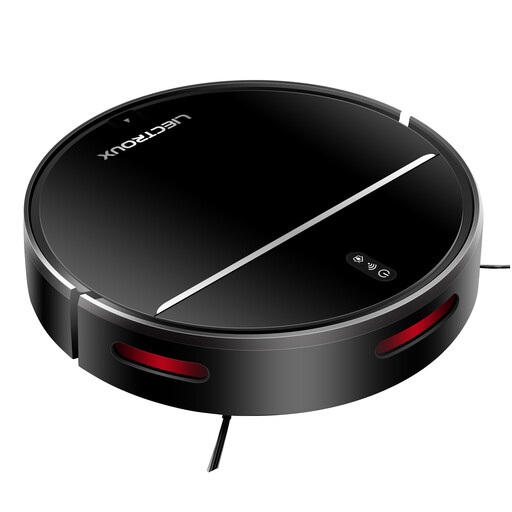 No image available
For scheduled cleaning when you want to target specific rooms.
The product details list 2D map navigation, scheduling, room mapping, voice control and adjustable fan speed.
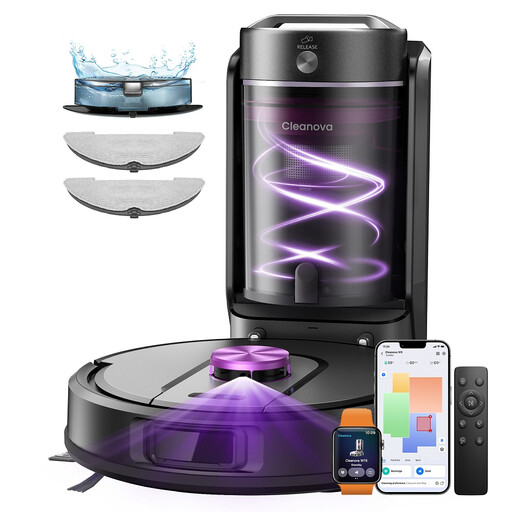 No image available
For scheduled cleaning when you don’t want to empty the robot’s container yourself after every run.
The product details list a bagless auto-emptying dock, LiDAR navigation, 10.000 Pa, five maps and a stated run time of 180 minutes. The description also mentions scheduling and room-by-room cleaning via the app.
 No image available
For scheduled cleaning with automatic emptying and obstacle detection.
The product details list 8.000 Pa, 3D obstacle avoidance and a stated run time of 180 minutes. The dock has a 2-litre container, according to the description, and the mop lifts over carpets. The description states that a 2.4 GHz Wi-Fi connection is required to connect to the app.
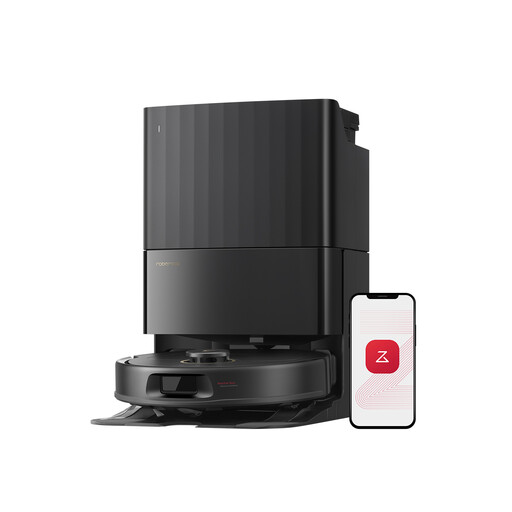 No image available
For households looking for mopping features and dock maintenance as well as vacuuming.
The product details list 12.000 Pa, FlexiArm mops, dual anti-tangle technology, obstacle avoidance and intelligent navigation. The description says the dock empties the dust container and washes and dries the mop pads with hot air.
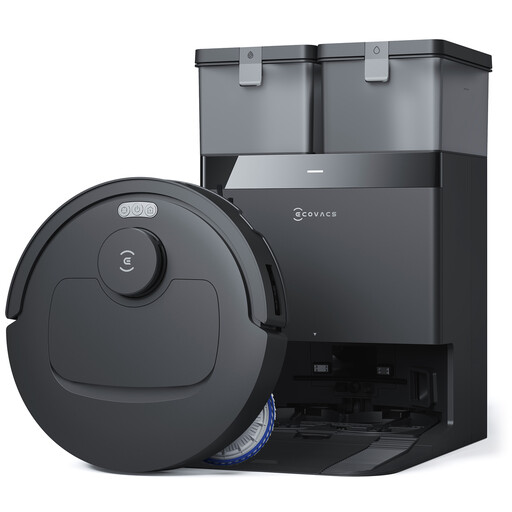 No image available
For scheduled vacuuming and mopping when you want to make use of the additional dock features.
The product details list 25.000 Pa, an OMNI station that washes the mop pads at 75 °C and dries them with hot air at 45 °C. The description also lists automatic dust emptying, carpet lifting and app scheduling. The dirty-water tank needs to be emptied regularly and the clean-water tank refilled as needed. The brushes and filters also need maintenance.
Check the map, room selection and schedule at home first. Move loose cables and other items out of the way, and check that the robot can reach the rooms you’ve selected over any thresholds. iRobot Support and the Verbraucherzentrale both highlight these as things to check.
The dust container or bag, brushes and, for robot mops, the water supply may still need attention. What the dock takes care of depends on the model; Roborock Germany and ECOVACS Germany describe different dock features.
Don’t rely on it. iRobot Support recommends removing loose cables and other items from the floor before a run. Check thresholds and routes too, and test the room in question while you’re at home first.
Before buying, check which features require an app or cloud connection and what permissions are needed. The Verbraucherzentrale notes that app-controlled devices may send data to external servers or the cloud (30 July 2025).