Homes where shoes are left lying around
If shoes are occasionally left on the floor, obstacle detection and the possibility of missed areas are important. iRobot lists shoes as obstacles detected by the Roomba j9+.


If shoes are left on the floor, check the obstacle detection on the specific model and bear in mind that areas it avoids may initially be left uncleaned. For dirt in the hallway, look at how it performs on your floor types and whether it offers targeted area cleaning. In its review of the DJI Romo P2, IMTEST reports good results on low-pile carpet, but also difficulty with large particles and dried-on stains. Schedules and automatic emptying can reduce the chores you need to do while you’re out, but they don’t replace checking the model or carrying out regular maintenance.
If shoes are occasionally left on the floor, obstacle detection and the possibility of missed areas are important. iRobot lists shoes as obstacles detected by the Roomba j9+.
If you want to remove dirt brought in on outdoor shoes, consider how the robot performs on your floor types and with the kind of dirt you typically encounter. IMTEST reports its findings from testing the DJI Romo P2.
If you want the robot to clean while you’re at work, check the schedule and area selection for the specific model variant. ECOVACS describes a scheduling feature in the ECOVACS HOME app; station features vary by model.
First decide whether avoiding obstacles, cleaning dirt in the hallway or having a reliable schedule matters most to you. Then check what station care and maintenance you’ll still need to do day to day.
| Priority | What to look for | Who is this important for? |
|---|---|---|
| Shoes and obstacles | Check obstacle detection on the exact model variant. iRobot notes that PrecisionVision is inactive during training and mapping runs. | If shoes are left out when the robot sets off, I want to know whether it will detect them and clean the areas it missed later. Around 33% of consumers prioritise obstacle detection. |
| Dirt in the hallway | Compare results on your floor types and with larger particles. In its review of the DJI Romo P2, IMTEST reports that a second pass was needed for dried-on stains. | If I want to remove dirt from outside in the entrance hall, how well it cleans my floor matters more than a single performance figure. Around 27% of consumers prioritise removing dirt from the hallway. |
| Scheduled cleaning | Check the schedule and the areas you want cleaned for the exact model. ECOVACS describes these app features for compatible devices; how they work may vary. | If I want the hallway cleaned while I’m at work, I want to be able to set the start time and area to suit me. Around 27% of consumers prioritise when the cleaning takes place. |
| Maintenance and emptying | Check what the station handles automatically and what the care instructions say about brushes, filters and other parts. ECOVACS lists automatic dust collection for the DEEBOT T30e OMNI. | If I want to do as little as possible after a cleaning run, I look at emptying as well as the maintenance that’s still required. Around 13% of consumers prioritise keeping maintenance to a minimum. |
When the robot avoids an obstacle, areas underneath or right beside it may initially be left uncleaned.
Check whether you can run a targeted clean later, and bear in mind how the robot behaves during mapping. According to iRobot, PrecisionVision is inactive on the relevant models during a training or mapping run.
In its review of the DJI Romo P2, IMTEST reports good results on low-pile carpet, but also difficulty with large particles and the need for a second pass on dried-on stains.
Compare vacuuming and mopping separately, based on your floors and the kind of dirt you typically find in the hallway.
Automatic dust collection doesn’t replace cleaning brushes, filters and other parts as required.
Check the instructions for the exact model variant and see which consumable parts need regular inspection.
You’ll still need to carry out maintenance, even with a station. ECOVACS recommends letting compatible washed parts dry completely before use.
The Roomba j series is worth considering if you’re looking for a model that specifically lists obstacles such as shoes among those it can detect.
DEEBOT models with an OMNI station may appeal if you’re considering scheduled vacuuming alongside station features.
The Romo P2 is worth comparing if you’re weighing up performance on low-pile carpet, navigation and station features.
This selection includes robot vacuums and mops, as well as models with scheduling or automatic emptying features. Before buying, check the product listing to see which features suit your hallway and the model variant you’re considering.
 No image available
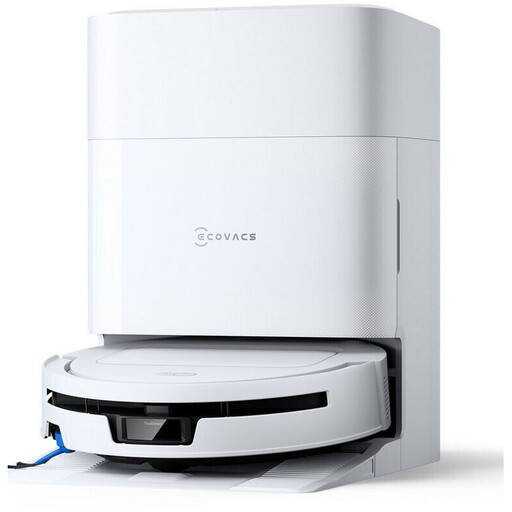
Worth considering if you want to take a stated timer function and automatic emptying into account for regular cleaning runs.
30,000 Pa suction power; 257 min runtime; AIVI 3D 4.0 and D-ToF LiDAR navigation; mopping function; 59.9 dB; colour: white.
 No image available
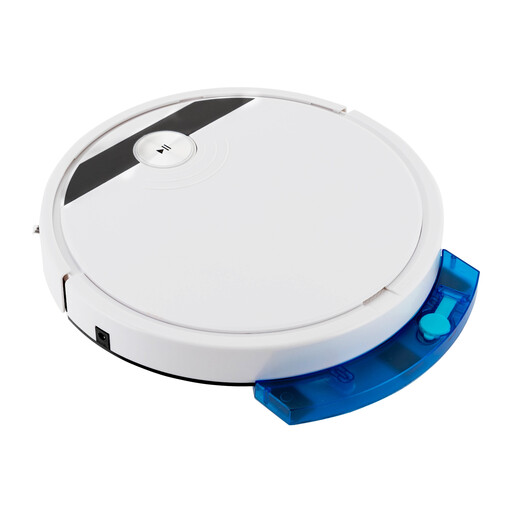
An option if you’re looking for one appliance to vacuum and mop hard floors or low-pile carpet.
1,800 Pa; up to 90 min runtime; low-profile design at 1.77 in; app and remote control; stated as suitable for hard floors and low-pile carpet.
 No image available
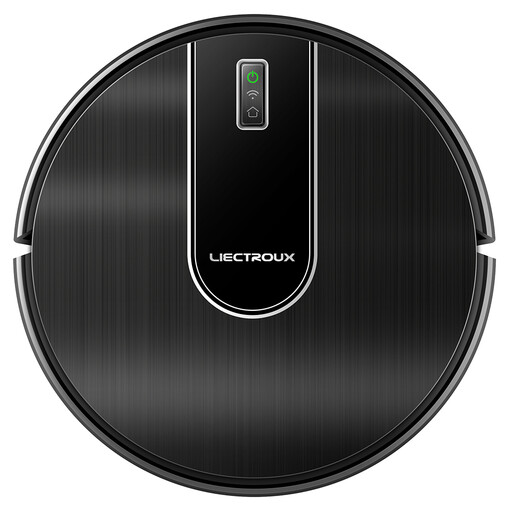
Worth considering if you want to factor scheduled cleaning and room-by-room area mapping into your choice.
2D map navigation; map localisation; scheduled cleaning; intelligent area division.
 No image available
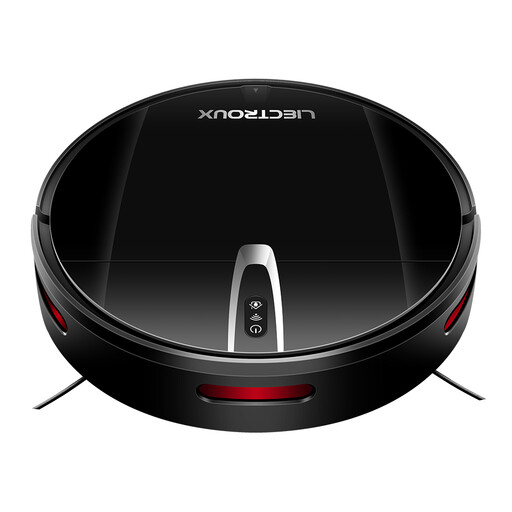
An option if you want to check for set cleaning times and the ability to select specific rooms or zones.
2D map navigation; scheduled cleaning; intelligent area division; adjustable suction power.
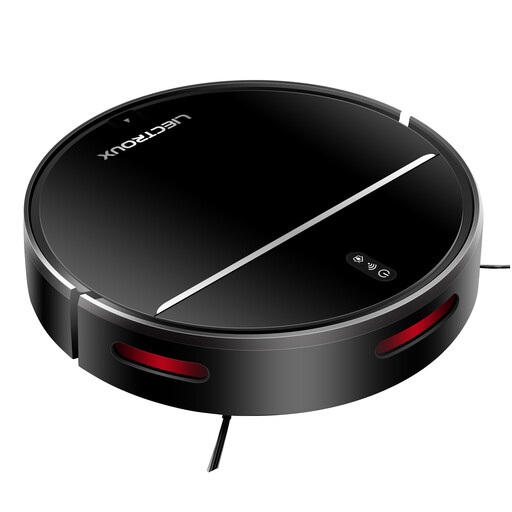 No image available
Worth considering if scheduled cleaning and targeted area selection fit your routine.
Map localisation; 2D map navigation; scheduled cleaning; intelligent area division.
According to the manufacturer, obstacle detection is inactive during a training or mapping run on iRobot models with PrecisionVision. Move items like these out of the way for that run and check the instructions for your specific model. Don’t assume this also applies to other manufacturers.
For compatible ECOVACS devices, the manufacturer explains how to use “Smart Cleaning” and “Scheduled Cleaning” in ECOVACS HOME. Check whether your specific model also lets you select the hallway as a cleaning area.
Yes. According to ECOVACS, the DEEBOT T30e OMNI station handles tasks including dust collection. The manufacturer still recommends cleaning compatible brushes and filters, and letting washed parts dry before use. Always follow the instructions for the model you’ve bought.
Before setting it up, check the privacy policy, app permissions and information about data transfers. The Verbraucherzentrale notes that data from app-controlled devices often ends up on third-party servers or in the cloud; this doesn’t tell you how a specific robot handles data.
For faulty goods, your statutory rights are against the seller and are separate from any voluntary guarantee. According to the Verbraucherzentrale, online purchases generally come with a 14-day right to cancel from the date you receive the goods; you must notify the retailer of your decision.