What should you look for when buying?
First, check whether the robot can reliably reach your routes and rooms. Then compare floor care, maintenance requirements and the controls that suit how you’ll use it while you’re out.
| Consideration |
What to check before buying |
Who is it important to? |
| Clear routes despite leftover packaging |
Check for documented object detection, mapping and no-go zones. Clear away cables and small objects before leaving the robot to run unattended. |
If there might still be things lying around after unboxing, I want to avoid interruptions. Around 31% of consumers prioritise clear routes free of obstacles. |
| Cleaning while you’re at work |
Check the schedule and room selection, as well as the space around the station. Set up the device and test its route while you’re at home first. |
If you want certain rooms cleaned during the working day, you need a suitable schedule and an accessible station. Around 25% of consumers cite this as their main concern. |
| Hard floors and carpets |
Check whether the specific model avoids or protects carpets while mopping. Weigh up the benefits of mopping against the extra care needed for the water tank and mop. |
If your home has both hard floors and carpets, I want them cleaned in a way that suits each surface. Consumers with mixed flooring place particular importance on this combination; they make up around 19%. |
| Maintenance and ongoing costs |
Check the station’s functions, the consumables required and whether suitable replacement parts are available. |
If you clean frequently but want to empty the bin by hand less often, remember to include the brushes, sensors and station in your maintenance routine. Around 13% of consumers prioritise maintenance requirements. |
| Privacy and control |
Check whether an app is required, along with permissions, data processing, software updates and available offline features. |
If I want to avoid an internet connection or unnecessary data processing, I check the controls carefully before buying. Around 12% of consumers cite privacy-conscious control as their main concern. |
Robot vacuum cleaners for scheduled runs at Joybuy
This selection includes robot vacuum cleaners for scheduled runs and obstacle avoidance, as well as models with automatic emptying or a mopping function.
 No image available
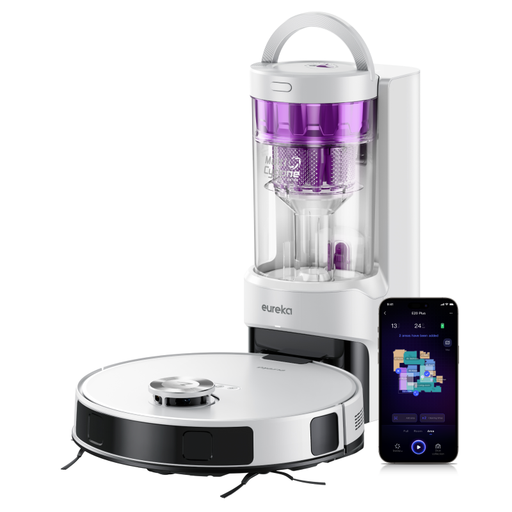
EUREKA E20 Plus, 8,000 Pa, DuoDetect AI
An option if obstacle avoidance and an automatic dust station are important for scheduled runs.
The product title lists 8,000 Pa, DuoDetect AI 3D obstacle avoidance, an anti-hair-tangle brush, app control and a 45-day dust container.
View at Joybuy
 No image available
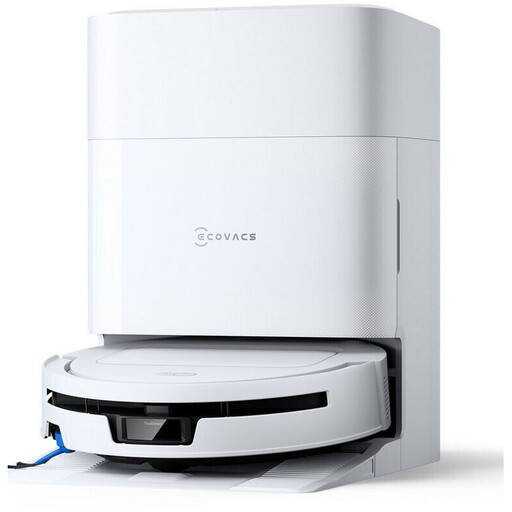
ECOVACS DEEBOT T90 MAX OMNI
An option if you want automatic emptying and mopping; remember that the brushes, filters and dirty water tank still need maintenance.
The product title lists 30,000 Pa, a 257-minute runtime, a self-emptying station, AIVI 3D 4.0, D-ToF LiDAR navigation and 59.9 dB.
View at Joybuy
 No image available
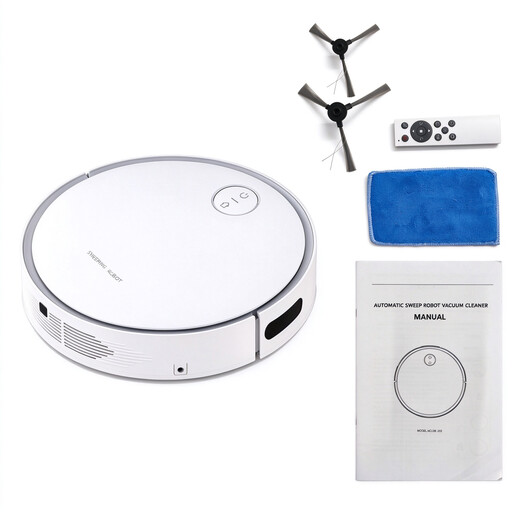
3-in-1 robot vacuum and mop with remote control
An option if you want to combine vacuuming and mopping and schedule cleaning with a remote control.
The product title describes a 3-in-1 combination of sweeping, vacuuming and mopping, with side brushes and a mop cloth included. According to the product description, this model isn’t designed for deep-pile carpets.
View at Joybuy
 No image available
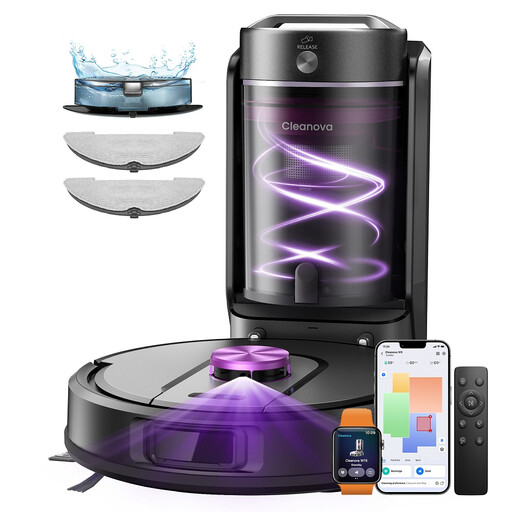
Vactidy W15 with bagless emptying station
An option if you want scheduled runs and automatic emptying; the brushes, filters and water tanks still need maintenance.
The product title lists LiDAR navigation, 10,000 Pa, five maps, a 180-minute runtime and a bagless automatic-emptying station. It lists carpet and hard floor as suitable floor types.
View at Joybuy
 No image available
Eureka E20 Plus, black, 180-minute runtime
An option if obstacle avoidance and an automatic-emptying station are important for scheduled cleaning.
The product title lists 8,000 Pa, a self-emptying station, an anti-tangle function, 3D obstacle avoidance, DuoDetect AI and a 180-minute runtime.
View at Joybuy
Frequently asked questions about robot vacuum cleaners during the working day
Can I leave the robot to run unattended as soon as I’ve unboxed it?
Not without preparing first: clear away cables and small objects, set up the station and schedule, then check the routes you want it to take by running it while you’re at home. Object detection alone can’t guarantee an uninterrupted run.
What should I bear in mind when positioning and maintaining the station?
Follow your model’s instructions to choose a clear, permanent spot, and keep the station cable out of the robot’s path. Clean the brushes, wheels, sensors and contacts specified by the manufacturer; recommended clearances for one model don’t automatically apply to other devices.
Does a manufacturer’s guarantee replace my rights if there’s a fault?
No. If you buy in Germany, your statutory rights against the seller are separate from a voluntary guarantee. Germany’s consumer advice centre explains that retailers are generally responsible for new goods being free from defects at the time of delivery for two years; the applicable terms and conditions apply.
Can I put a worn-out robot vacuum cleaner in my household rubbish?
No. In Germany, waste electrical equipment must be collected separately and taken to an authorised collection point. The Federal Ministry for the Environment explains this requirement in its information on the Electrical and Electronic Equipment Act dated 28 July 2022.
Do I need a cloud connection to control the robot while I’m at work?
Not necessarily for every type of use: Germany’s Federal Office for Information Security describes the option of using a device offline, without an internet connection. Check whether the specific model still offers schedules and the control features you want in this mode.


