What should you look for when buying?
First, check how you’ll start the robot each day, then consider the maintenance that will still be needed and where the station will go. Digital extras should support the way you choose to use the appliance, not make regular floor care harder.
| Priority | What to check before buying | Who it matters most to |
|---|
| Start it independently |
Try starting, pausing and docking the robot using its controls; check whether an app is required for setup and everyday use. |
I want to start cleaning without ongoing help with a smartphone; around 33% of consumers prioritise being able to operate the appliance independently. |
| Reduce maintenance tasks |
Check which tasks the station takes care of and who will need to access the bags, filters, brushes and, where applicable, water tanks. |
If emptying the robot and bending down are particularly difficult, the remaining maintenance needs to be reliably organised; around 27% of consumers put this kind of help first. |
| Keep the station and its route accessible |
Measure the space for the station and the clearance required by the model; allow for routes used with a walking aid or wheelchair. |
In a small home, the station must not block a route or be difficult to reach; around 20% of consumers see accessibility as their main priority. |
| Check the digital controls |
Before deciding, check whether an app is required, what permissions it needs, how data is processed and whether security updates are provided. |
If family members help manage the settings, I want to understand who has access and how much the appliance depends on the internet; a further 20% of consumers place the greatest importance on this kind of digital control. |
Robot vacuum cleaners for floor care at Joybuy
These robot vacuum and mop models may suit households weighing up ease of use and station maintenance in particular. For each model, check how to start it using its own controls, what maintenance will still be needed and how much space you’ll actually need.
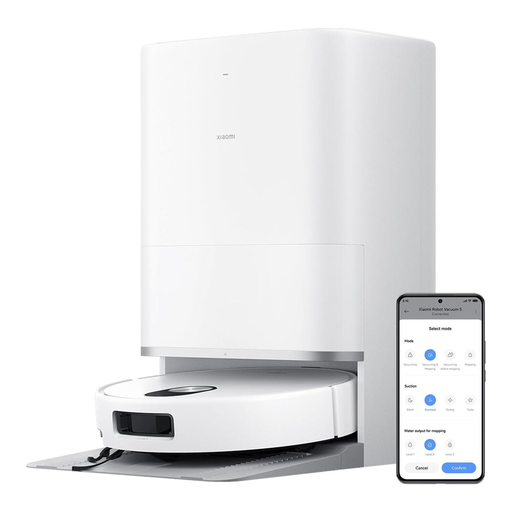 Image unavailable
Xiaomi Robot Vacuum 5 EU BHR0834EU, 20000 Pa
For households looking for buttons as an alternative to app or voice control.
The product information describes a station that empties the dust and cleans the mop pads. Check whether setup requires help with a smartphone; dust bags, brushes and mopping components will still need attention.
View at Joybuy
 Image unavailable
Eureka E20 Plus with self-emptying station, black
For households planning to use a station and able to check exactly how it empties and what maintenance it needs beforehand.
The product title lists 8000 Pa and a runtime of 180 minutes, but these figures alone don’t show whether it’s right for a particular floor. Check whether it can be started without the app and whether water tanks, brushes and filters are easy to reach.
View at Joybuy
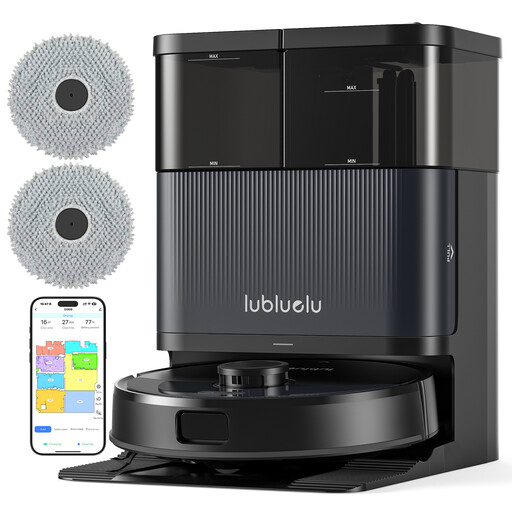 Image unavailable
Lubluelu S1000 LiDAR with mopping function and station, 10000 Pa
For households where a station could take care of repetitive tasks and app control is an option.
Before buying, check whether you can start cleaning without a smartphone and what maintenance will still be needed for the station and mopping components. You’ll also need to make sure the station is accessible in your home.
View at Joybuy
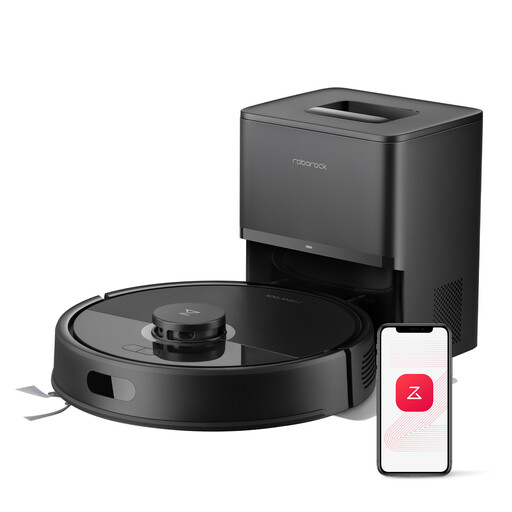 Image unavailable
roborock Q7 L5+ with auto-emptying, black
For households where manually emptying the robot’s dust container is difficult and there’s an accessible place for a station.
The product title lists a mopping function, LiDAR navigation and 8000 Pa. Check whether the Q7 L5+ can be started without the app and who will take care of the maintenance that remains.
View at Joybuy
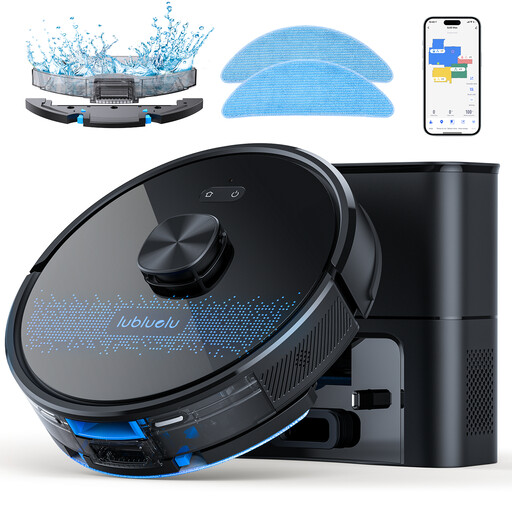 Image unavailable
Lubluelu robot vacuum and mop with auto-empty station, 4000 Pa
For households planning to use an auto-empty station and able to work out where to put it and how to maintain it.
The product title lists laser navigation and app control. Check whether setup and everyday use are possible without a smartphone; you’ll still need to refill the water and look after the brushes and sensors.
View at Joybuy
Frequently asked questions
Can I use a robot vacuum cleaner without an app or Wi-Fi?
Some models let you use basic functions without an app or Wi-Fi. Roborock describes button controls for certain devices, while iRobot describes starting a Roomba Combo directly on the robot. Schedules and other settings may still require an app. Ask to see how the specific model works in practice.
What maintenance is still needed when I have a station?
A station won’t take care of all routine maintenance. Depending on the model, you may still need to check or clean dust bags, filters, brushes, mop pads and water tanks. Before buying, decide who can take care of these tasks safely.
How much space does the charging station need?
Check the setup instructions for the specific model and allow for the routes people use around the home. For the documented Roomba Combo, iRobot specifies a clear space of 1.5 m in front of the Home Base and 0.5 m on both sides. Don’t assume these measurements apply to other stations.
Will my care fund or health insurer pay for a robot vacuum cleaner?
There’s no general guarantee that the cost of a robot vacuum cleaner will be covered. The National Association of Statutory Health Insurance Funds says that inclusion in the relevant list of medical or care aids is a basic requirement for possible reimbursement. In an article published in July 2024, the German consumer advice centre describes funding for digital aids for everyday life through care funds as uncommon. Check your specific circumstances and the current requirements with the relevant fund before buying.
What should I check about data privacy in a robot vacuum cleaner app?
Before buying, check what data the app processes, which permissions it requests and whether cloud features are required. The Federal Office for Information Security notes that connected devices may also process mapping and sensor data. If you’d rather avoid internet-connected features, check which controls will still work offline.


