What matters when you have multiple floors?
First decide whether you want to move the robot between floors or avoid carrying it. If you’re sharing one device, then check the map management and dock processes for vacuuming and mopping separately.
The buying considerations below are for consumers choosing a robot vacuum for a multi-storey private home. Each row highlights a possible top buying priority.
| Buying consideration |
What to check before buying |
Who is this most important for? |
| Store maps for each floor |
Check the number of maps and storage function for the full model, and how to set it up in the app. |
If I need a separate floor plan for each level, I want to store the maps individually. Around 25% of consumers put floor maps first. |
| Moving the robot and taking it back |
Check where the robot stops when it can’t reach the dock, and how to take it back for charging. |
If I want to use one device on several floors, I want to know how much carrying and manual intervention is involved. Around 25% of consumers prioritise the effort of moving it. |
| Mopping without a dock |
Check the instructions for the exact model, firmware requirements, water supply and what happens when water is running low. |
If I want to mop on another floor too, I need a process that fits the manual trips involved. Around 25% of consumers put mopping without a dock first. |
| Dock functions on each floor |
Check dock compatibility, including the power supply, and distinguish an additional dock from a second complete device. |
If I want dock functions on every floor I use, I need to know whether the model can actually be supported there. Around 25% of consumers prioritise this automation. |
Joybuy products to consider
These Joybuy products are robot vacuums and mops. If you plan to use one on multiple floors, check the full model’s multi-map function and dock processes before buying.
 No image available
Eureka E20 Plus
Before using it on multiple floors, check the full model’s map function and dock processes.
- 8,000 Pa suction power
- Auto-empty dock
- 3D obstacle detection and anti-tangle function
- Up to 180 minutes’ run time according to the product title
View at Joybuy
 No image available
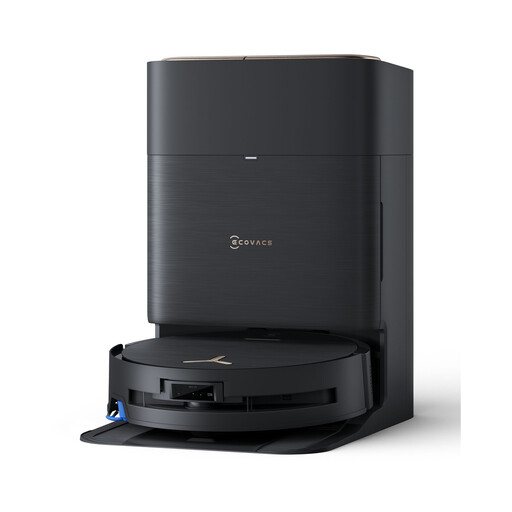
ECOVACS DEEBOT X9 PRO Omni
If you’re planning to use it on multiple floors, check how maps are managed and whether the Omni Station needs to be accessible on every floor you use.
- 16,600 Pa suction power
- OZMO Roller
- Omni Station with hot water mop washing and hot air drying
- ZeroTangle 3.0 and TruEdge 2.0
View at Joybuy
 No image available
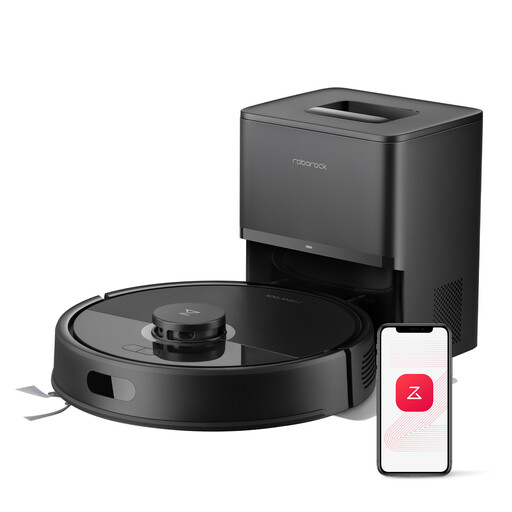
roborock Q7 L5+
For use across floors, check whether the full model can store multiple maps and which dock functions are available after you move it.
- 8,000 Pa suction power
- LiDAR navigation
- Mopping function
- Automatic dust emptying
View at Joybuy
 No image available
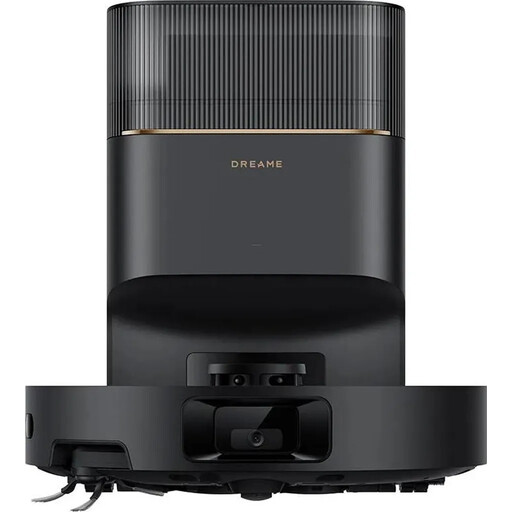
Dreame D20 Pro Plus
If you want to use the robot on multiple floors, check the full model’s map support and the dock process after moving it.
- 13,000 Pa suction power
- 5-litre dust bag
- HyperStream™ Detangling DuoBrush
- 3D obstacle detection with structured light
View at Joybuy
 No image available
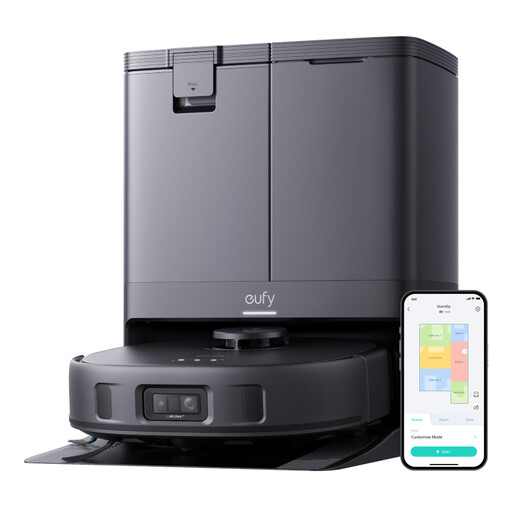
eufy X10 Pro Omni
Support for up to five maps is documented for use across floors. Enable Multi-Map Saving and note the 2.1.0 firmware requirement for mopping without a dock.
- 8,000 Pa suction power
- All-in-One Station
- Automatic emptying and refilling according to the product title
- Liftable mop pads with automatic washing and drying
- If the water is about to run out, the remaining areas are vacuumed but not mopped as part of the documented dock-free mopping process
View at Joybuy
Frequently asked questions
How do you set up multiple maps on the eufy X10 Pro Omni without losing the first one?
On the X10 Pro Omni, first turn on Multi-Map Saving under Settings, then select Manage Map. eufy Support recommends starting the first mapping run at the Omni Station, leaving room doors open and letting the robot map without interruption. If multi-map storage isn’t enabled, a new map may replace the existing one.
What happens if the X10 Pro Omni runs low on water on another floor?
In the mopping process described by eufy Support for firmware 2.1.0 and later, the robot lifts its mops when the water is about to run out. It then vacuums the remaining areas but doesn’t mop them. Beforehand, prepare the robot at the dock using Base Station Operations and Clean Mop, then choose a mopping mode.
Can the Dreame Aqua10 Ultra Roller Complete resume after visiting the dock?
Yes. According to a reply from Dreame Support DE dated 21 November 2025, it can resume cleaning if you return it to the docking station while it’s cleaning and put it back on its original floor within 15 minutes. This specific information applies to the Aqua10 Ultra Roller Complete and doesn’t automatically apply to the Aqua10 Ultra Track Complete.
Do cliff sensors guarantee the robot won’t fall down the stairs?
No. The eufy X10 Pro Omni manual says the sensors prevent falls in most cases, but not in every case. Follow the manual’s maintenance advice and check that the robot can be used safely near the actual drop-offs in your home.
What maintenance is still needed even with a cleaning station?
For the eufy X10 Pro Omni, the product manual lists the dust container, filter, brushes, sensors, charging contacts, dirty water tank and mop cleaning tray among the parts that need maintenance. If you have additional complete sets, they add more components that will also need looking after.


