What matters most when choosing a robot vacuum for a shared-house hallway?
Start by checking the clear floor space the robot can reach and the obstacles that may change from day to day. The flooring, space for the docking station and shared maintenance arrangements will then help you decide which extra features suit your routine.
| Consideration |
What to check before buying |
Especially important if |
| Access and hallway controls |
Compare the robot’s width with the clear passage; check for room or zone cleaning. |
The hallway is narrow and I want the robot to fit through and clean only the area I choose. Around 25 % of consumers prioritise a clear route and targeted hallway cleaning when choosing a model. |
| Changing obstacles |
Check the obstacle-detection features of the specific model; agree to move small or delicate items out of its way. |
Shoes are left in different places each day and I don’t want to rely on the robot detecting every little thing. Around 25 % of consumers prioritise how a model handles changing obstacles. |
| Hard floors and runner rugs |
Check the carpet mode and settings for mopping; consider where the runner is positioned. |
There are both hard floors and a runner rug, and I want to clean up damp dirt without getting the rug wet. Around 19 % of consumers prioritise a suitable approach to both floor types. |
| Shared maintenance |
Check the space required for the docking station; agree who will look after the dust bag, water and mop pads. |
We share maintenance and want to know who is responsible for the dust bag, water and mop pads. Around 19 % of consumers prioritise straightforward shared maintenance. |
| Privacy and consideration for others |
Agree on cleaning times; check the camera, recording and app features of the specific model. |
The hallway is shared and I want to agree cleaning times and know whether the device has camera or remote-viewing features. Around 12 % of consumers prioritise privacy and consideration for their housemates. |
Robot vacuums for targeted hallway cleaning
This selection includes robot vacuums and mops for targeted hallway cleaning, as well as models with automatic dust emptying or a docking station. If you have a runner rug, the specific carpet treatment, the settings required and space for the docking station should all factor into your decision.
 No image available
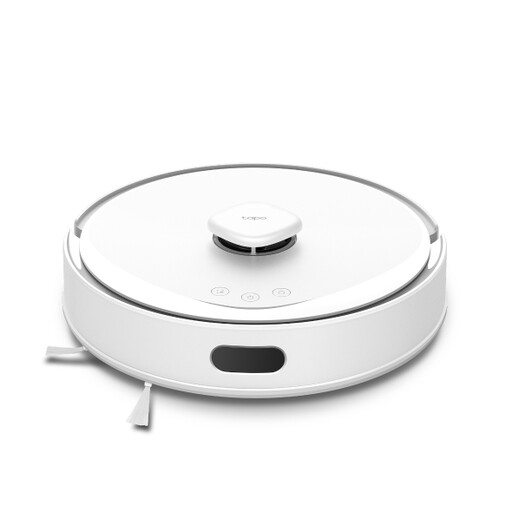
Tapo RV30 Max, 5300 Pa, with mopping function
An option if you want to target hallway cleaning and use the carpet-avoidance feature described for this model in mopping mode. Before buying, check how to set it up for your runner rug.
View at Joybuy
 No image available
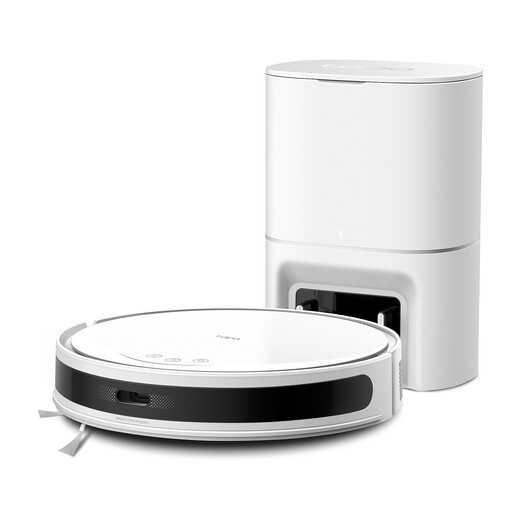
TP-Link Tapo RV20 Max Plus, 5300 Pa, 83 mm, LiDAR
A good fit for a hallway with a runner rug if you’re happy to set carpet areas manually in mopping mode. The product name also mentions an automatic emptying station and LiDAR navigation.
View at Joybuy
 No image available
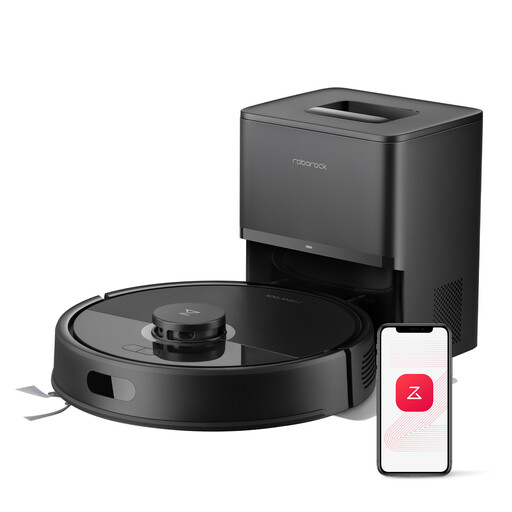
Roborock Q7 L5+, 8.000 Pa, with mopping function
A good option if you want to schedule hallway cleaning and empty the dust container by hand less often. The product details list LiDAR navigation and automatic dust emptying, but the station will still need looking after.
View at Joybuy
 No image available
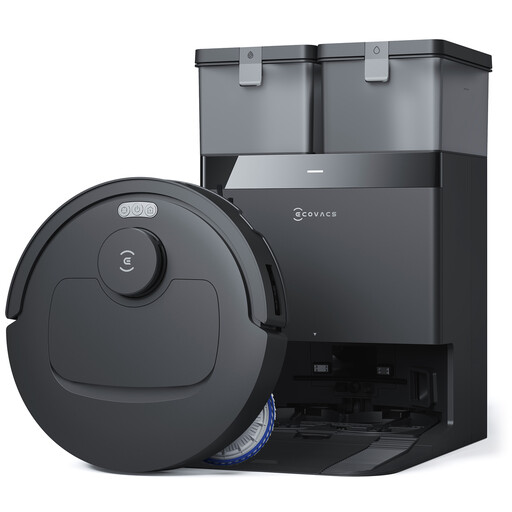
ECOVACS DEEBOT T30C OMNI Gen2, 25.000 Pa
The automatically lifting mop pads listed in the product details are worth considering for a hallway with a runner rug. Check that the carpet treatment suits the position and size of your rug; the OMNI station also needs space.
View at Joybuy
 No image available
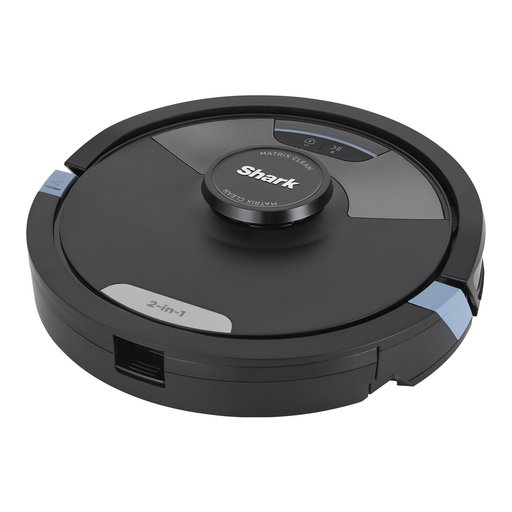
Shark Matrix Plus 2-in-1 with LiDAR mapping
If your hallway has both hard floors and a runner rug, the carpet detection and no-go zones listed in the product details are worth checking. Find out how the model handles your runner rug in mopping mode.
View at Joybuy
Frequently asked questions
How do I set up a robot vacuum for a shared hallway?
First, measure the clear passages and the space for the docking station. Set up the hallway as a cleaning zone and agree when shoes or loose items should be moved out of the way. TP-Link says the Tapo RV30 Max Plus has adjustable areas and schedules; carpet areas must be set manually in mopping mode.
What maintenance is still needed with an auto-empty station?
An auto-empty station still needs looking after. For your chosen model, agree who will handle the dust bag and, where applicable, clean water, dirty water and mop pads. Advertised emptying intervals are not set maintenance schedules for your household.
Are robot vacuums with cameras banned in Germany?
No, robot vacuums with cameras are not generally banned in Germany. The Federal Network Agency identifies devices that secretly record and wirelessly transmit images or sound as an unlawful case; the specific recording features and clear notices are what matter.
Who should I contact if there’s a fault, and are a guarantee and a warranty the same thing?
For statutory claims relating to faults, the seller is your first point of contact for a remedy. The consumer advice centre distinguishes between statutory consumer rights and a voluntary guarantee; for a specific order, check who the seller is and the guarantee terms.
How should I dispose of an old robot vacuum?
According to the German Environment Agency, old electrical equipment must not be put in household rubbish. You can take the device to a recycling centre, for example, and, where possible, dispose of removable batteries separately.


