People who work and have narrow routes
If you want to schedule cleaning while you’re out, check that the robot can navigate around your furniture and through doorways, and that you can tell it which areas to avoid.


If you want your robot vacuum to clean while you’re working, first check that its routes, clearances and schedule suit your flat. Measure the space for both the robot and its dock, too. An auto-empty dock can reduce the need to empty the dustbin by hand, but it takes up extra room and may require consumables, depending on the model. If space is tight and you’re happy to empty the dustbin yourself, a model without an auto-empty dock could also be a good fit.
If you want to schedule cleaning while you’re out, check that the robot can navigate around your furniture and through doorways, and that you can tell it which areas to avoid.
In a small flat, you’ll need room for a charging dock or auto-empty dock as well as the robot itself. The key question is whether the convenience of a larger dock is worth the extra space it takes up.
If you want to vacuum and mop from time to time, check how the specific model handles carpets so that its mopping function suits the mix of flooring in your home.
Start by checking the routes and dimensions, then consider space for the dock and the features you actually need for your floors. The consumer advice centre Verbraucherzentrale recommends checking that doorways are wide enough and the appliance is low enough for your home.
| Buying priority | What to check | Who is this important to? |
|---|---|---|
| Routes and scheduling | Check the schedules, room selection and no-go zones available on the specific model; remove loose items before it starts. | If I run the robot while I’m at work, I need clear routes and the option to schedule the rooms I want cleaned; around 31% of consumers prioritise reliable navigation and scheduling. |
| Making sure the robot and dock fit | Measure the robot’s height, doorways, thresholds and the space needed for the dock. | In a small flat, I want to know that the appliance can get under furniture and through narrow spaces, and that there’s a suitable place for the dock; around 25% of consumers prioritise making sure the robot and dock fit. |
| Hard floors and carpets | Check whether the specific model detects, avoids or otherwise protects carpets when mopping. | When hard floors and carpets sit side by side, I want to know how the appliance handles carpets while mopping; around 19% of consumers prioritise a model that suits their mix of flooring. |
| Emptying and maintenance | Check which bags and filters are compatible, and read the care instructions for the specific model. | If I want to avoid emptying the dustbin by hand too often, I also need to allow for space for the dock and the right consumables; around 13% of consumers prioritise less emptying and maintenance. |
| App and privacy | Check whether the app is required, the network requirements and the privacy information for the specific model. | If I connect the robot to my network, I want to know which app features are needed and how maps or possible recordings are handled; around 12% of consumers prioritise connectivity and privacy. |
A dock can empty the robot’s dustbin, but it won’t clear blocked routes or stop the appliance from getting stuck.
First, check your floor plan and the space available for the dock. Then decide whether automatic emptying is worth the extra space and the need for compatible dust bags.
How carpets are handled depends on the model. iRobot explicitly describes this feature for the Roomba 105 Combo, but you can’t assume other appliances offer the same functionality.
Check the details for the model you’re considering to see whether it detects or avoids carpets, and whether you can select a vacuum-only mode.
Network requirements can affect setup. App control may also involve data being processed outside the appliance.
Before buying, read the network requirements and privacy information for the specific model. Don’t assume details about one manufacturer’s appliance apply to others.
The Q7 range includes vacuum-and-mop models with mapping. The Q7 M5 is not listed with an auto-empty dock, while the Q7 L5+ is available with one.
The Roomba 105 Combo is available with or without an AutoEmpty Dock.
According to Dreame, the D10 Plus Gen 2 combines vacuuming and mopping with an auto-empty dock.
The DEEBOT range includes N models and a Mini range, which ECOVACS describes as suitable for small spaces. Features vary by model.
Anker provides accessory and care information for the L60 Hybrid SES model.
This selection includes robot vacuums for scheduled cleaning in small flats, from models with mapping and room planning to options with an auto-empty dock.
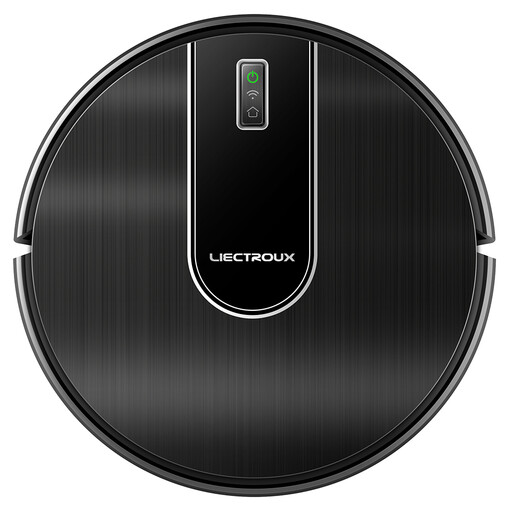 No image available
A good fit for scheduled cleaning if you want to divide your home into areas in advance.
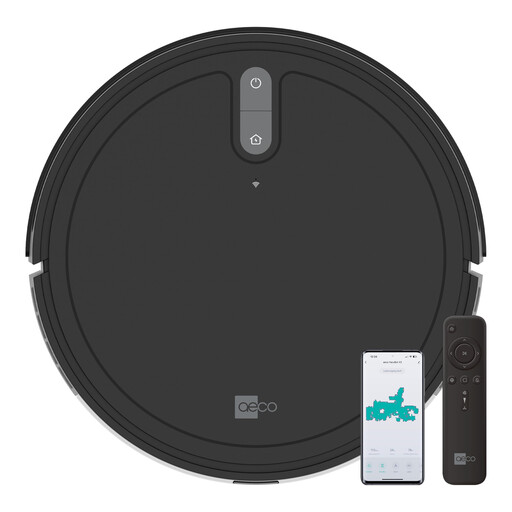 No image available
An option to consider if you have low furniture and want to set specific cleaning times.
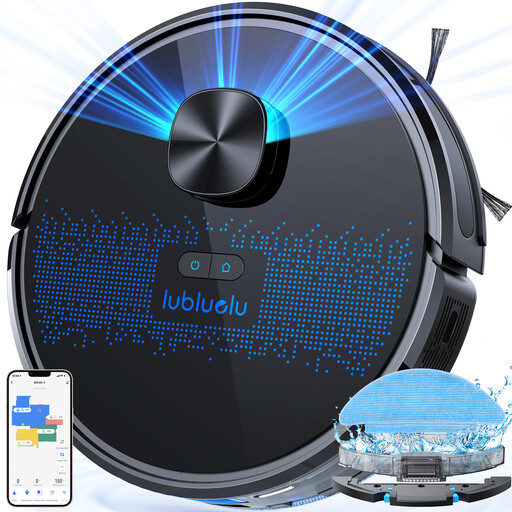 No image available
For households that want to save multiple maps and combine vacuuming with mopping.
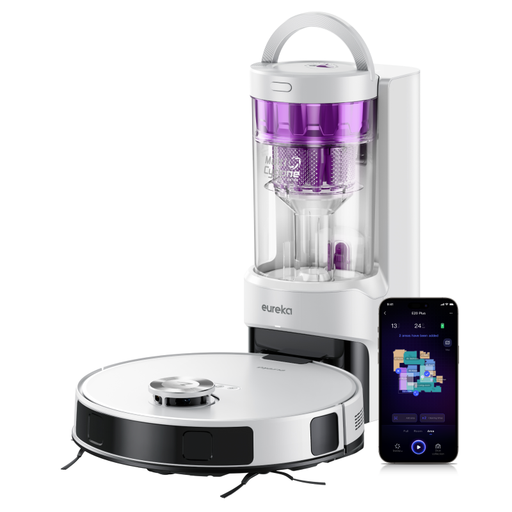 No image available
Worth considering if you want automatic emptying and a mopping function for carpeted and hard-floor areas; the dock needs extra space.
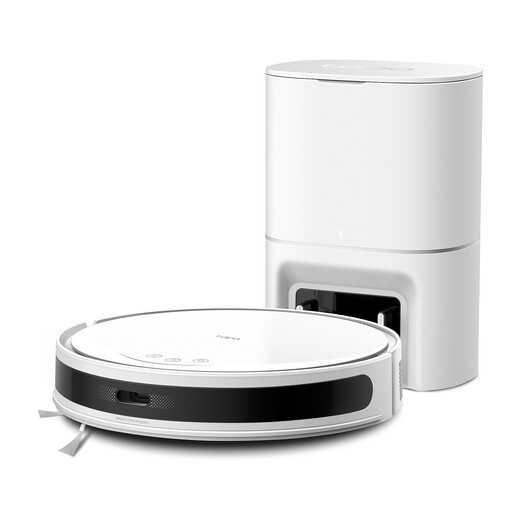 No image available
An option with an auto-empty dock for scheduled cleaning and areas you don’t want mopped.
First, set up the map, rooms and schedule, then test a cleaning run while you’re at home. Measure any tight spaces the robot needs to pass through and clear away loose items. The settings available will depend on the model.
For docks that use dust bags, you’ll need to buy compatible replacements. Brushes, filters and, where applicable, mop pads may also need cleaning or replacing. The intervals depend on the model and how often you use it.
It depends on the model. In its connection guide, ECOVACS specifies 2.4 GHz Wi-Fi for the DEEBOT models covered and rules out 5 GHz and enterprise networks. Check the network requirements for your appliance.
No, not across the board. Germany’s Federal Network Agency explains that smart products, including robot vacuums, are not permitted if they can secretly record and wirelessly transmit images or sound. Whether a particular model is affected can only be determined by looking at its specific features and whether recording is apparent.
For the specific appliance, check the CE marking, device identification and manufacturer details, German-language instructions and the declaration of conformity. The Federal Network Agency lists these as part of its market surveillance; they do not provide blanket proof of compliance for any particular model.