What should you look for when buying?
The following criteria are aimed at consumers in Germany considering a robot vacuum for regular floor cleaning. The right choice will depend on your personal top priority.
| What matters to you |
What to look for when buying |
Who is this most important for? |
| Starting and setting up |
Check the start button, operation without an app and app-based setup separately; find out who will set up schedules. |
If I want to start the robot without having to deal with complicated daily controls, an easy start matters more than extra features. Around 26% of consumers put ease of use and a routine that suits them first. |
| Emptying the dustbin |
Check the right dock configuration, how easy it is to reach the bag and what maintenance the dock needs. |
If regularly emptying the robot’s small dustbin is the most tedious step for me, an auto-empty dock could be worth considering. Around 26% of consumers prioritise having to empty the dustbin manually less often. |
| Looking after the appliance |
Read the maintenance guide for brushes, filters and sensors; if you use the mopping function, factor in mop pads and water components too. |
If I want to deal with as few different maintenance tasks as possible, I check what’s involved in looking after each automatic feature. Around 21% of consumers prioritise straightforward appliance maintenance. |
| Your home and remaining tasks |
Check the model’s height against the clearance under your furniture and the thresholds in your home; allow for obstacles and carrying it between floors if needed. |
If furniture, transitions between rooms or multiple floors could limit where it can be used, I want to know which areas it can actually reach. Around 16% of consumers prioritise how well it suits their home and the tasks they’ll still need to do. |
| Consumables and service |
Check that suitable bags, filters and brushes are available; note the seller and the terms of any voluntary guarantee. |
If I want to keep an eye on running costs and know who to contact if something goes wrong, I check the consumables and service terms before buying. Around 11% of consumers put these points first. |
Robot vacuums at Joybuy
The models below are robot vacuums or vacuum-mop robots with a dock. They’re worth comparing if you want to automate dust emptying or other dock-related tasks. Check what maintenance is still required for each model.
 No image available
Eureka E20 Plus
If you want to automate dust emptying, the self-emptying dock listed in the product name is worth noting.
The product name specifies 8,000 Pa suction power and an Anti-Winding function.
View at Joybuy
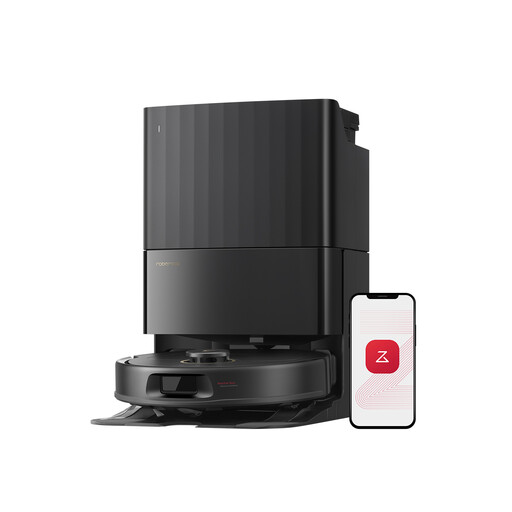 No image available
Roborock Qrevo S5V Black
This model is worth considering if you’re looking for a vacuum-mop robot with a dock. Remember to factor in the maintenance the appliance and dock will still need.
The product name specifies 12,000 Pa suction power, FlexiArm mops and hot-air drying.
View at Joybuy
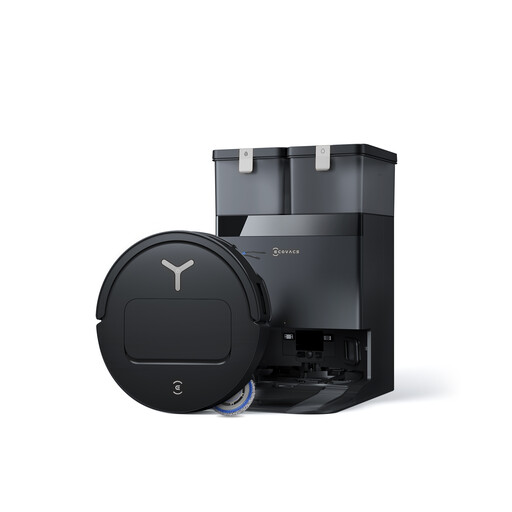 No image available
ECOVACS DEEBOT T50 OMNI GEN3 BLACK
The OMNI station makes this model an option if you want dock features for mopping as well as vacuuming.
The product name specifies up to 25,000 Pa suction power and a 9 mm mop lift.
View at Joybuy
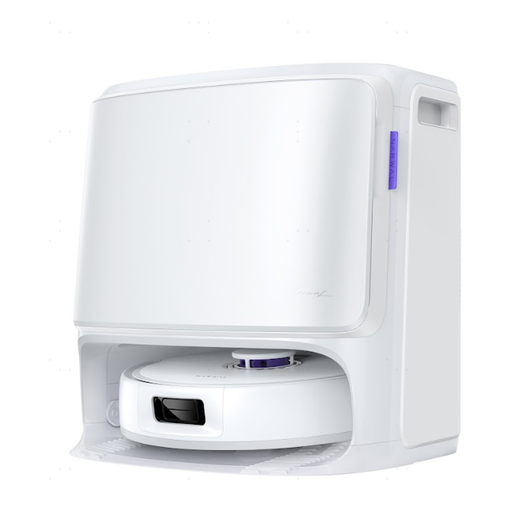 No image available
Narwal Freo X10 Pro
If you want automated mop washing and drying as well as dust emptying, the dock features listed in the product name are worth noting.
The product name specifies 11,000 Pa suction power and a runtime of 220 minutes.
View at Joybuy
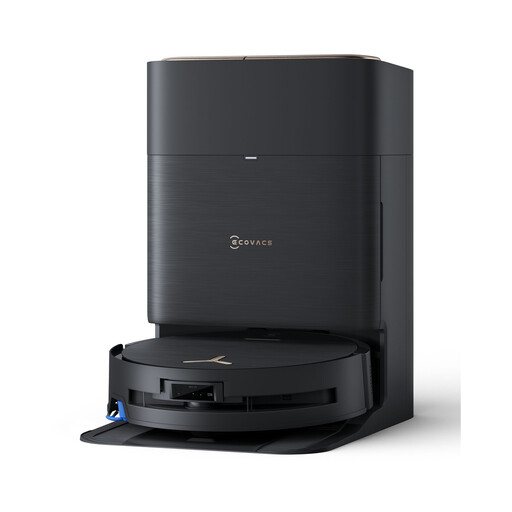 No image available
ECOVACS DEEBOT X9 PRO Omni
This model is an option if you want dust emptying and mop washing in a vacuum-mop robot with an OMNI station.
The product name specifies 16,600 Pa suction power, roller mopping and hot-water mop washing. The product description says that the brushes and filters still need to be maintained.
View at Joybuy
Frequently asked questions
Can I start a robot vacuum without a smartphone?
The Roborock Q5 Pro+ is documented as having a start button on the appliance. Kärcher confirms that the robots covered in its FAQ can be used without an app, but notes that cleaning schedules and selecting specific rooms require one. So check how starting, initial setup and scheduling work separately.
What tasks remain if I have an auto-empty dock?
For the Roborock Q5 Pro+, the manufacturer’s instructions list brushes, wheels, filters, sensors, mop pad, dust bag and air duct among the items that need maintenance. The auto-empty dock doesn’t take care of all the appliance’s maintenance, so check the instructions for the specific version.
Can a robot vacuum clean several floors on its own?
Kärcher describes saved maps for several floors, but you’ll need to move the appliance between them. Kärcher also says that the charging dock must be moved when mapping a floor for the first time, so saved maps don’t eliminate the need to carry the robot between floors.
Can the Roborock Q5 Pro+ use its mop attachment on carpets?
The Roborock Q5 Pro+ manual says not to use the mop attachment on carpets. This guidance applies to this model and shouldn’t be assumed to apply to other appliances.
What can I do if there’s a water problem with a Dreame mopping dock?
For the models covered, excluding the Aqua and Master series, Dreame Support suggests checking and, if necessary, cleaning the wastewater drain, wiping the overflow sensors and making sure the dirty water tank is correctly in place. If the problem continues, the manufacturer advises contacting its after-sales team. The specific model’s actual design is what matters.


