Robot vacuums at Joybuy
The Joybuy products below are robot vacuums; some product names mention a mopping function or station features. Check the instructions for each model to see which map management options and station-free functions are designed for your floors.
 No image available
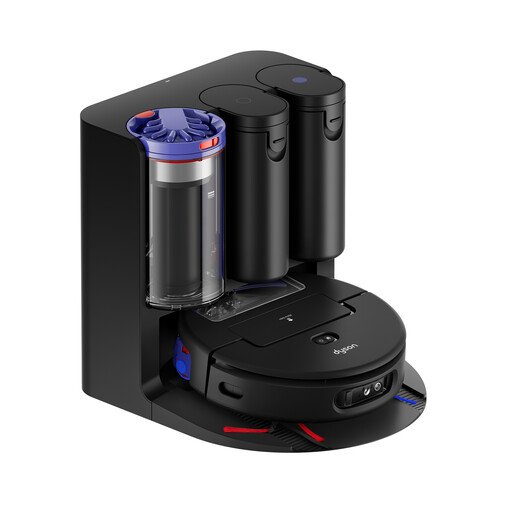
Dyson Spot+Scrub™ Ai robot vacuum, wet and dry cleaning
If you’re moving the robot between floors yourself, check how this model is designed to manage maps and return to its starting point.
The product name specifies wet and dry cleaning.
View at Joybuy
 No image available
Eureka E20 Plus robot vacuum, 8,000 Pa, self-emptying station, Black
If you’re carrying the robot between floors yourself, check how changing maps and using the station fit into the recommended process.
The product name specifies 8,000 Pa, a self-emptying station and a 180-minute runtime.
View at Joybuy
 No image available
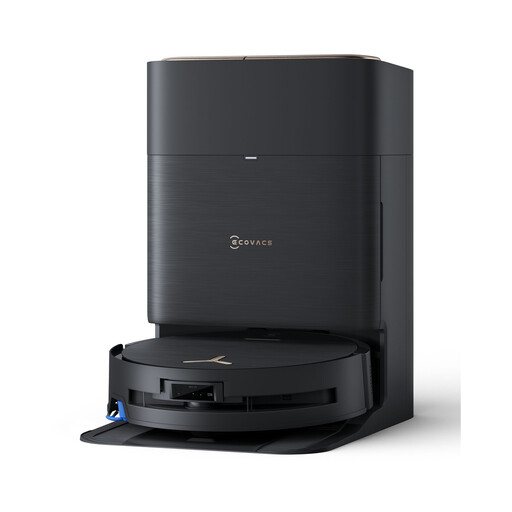
ECOVACS DEEBOT X9 PRO Omni robot vacuum, 16.600 Pa, mopping function, OMNI Station
If you’re taking the robot to another floor yourself, check the floor-map and station process for this model.
The product name specifies 16.600 Pa, an OZMO roller and an OMNI Station.
View at Joybuy
 No image available
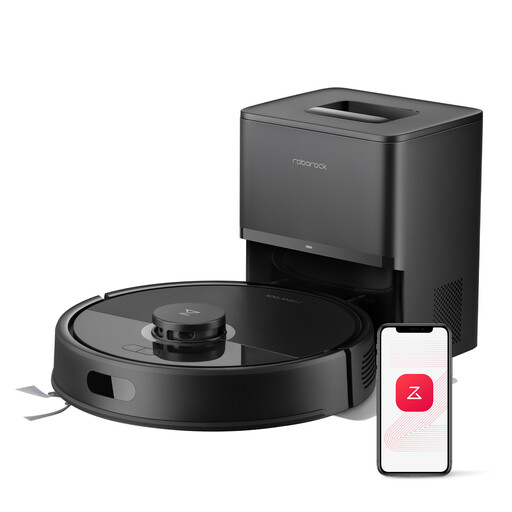
roborock Q7 L5+ robot vacuum, 8,000 Pa, mopping function, automatic dust emptying
If you’re moving the robot between floors yourself, check how to change maps and where cleaning ends before you begin.
The product name specifies 8,000 Pa, LiDAR navigation and automatic dust emptying.
View at Joybuy
 No image available
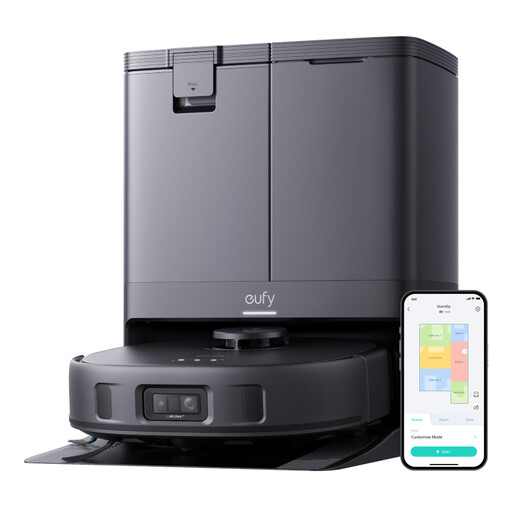
eufy X10 Pro Omni robot vacuum, 8,000 Pa, mopping function, All-in-One Station
If you want to mop on another floor, check the station-free process for this model and what it requires.
The product name specifies 8,000 Pa and an All-in-One Station.
View at Joybuy
Frequently asked questions
Do you need to take the station upstairs to map another floor?
Not with every model. For specifically supported devices, Roborock Support explains how to create maps two to four without taking the station along. The same instructions require you to start at the station and for the robot to return to it successfully when creating the first map.
How do you prepare the eufy X10 Pro Omni to mop on another floor?
According to eufy Support, you need firmware 2.1.0 or later. Prepare the tank and mop pads at the Omni Station, wait for the process to finish, then carry the robot to the floor you want to clean. Start one of the described mopping modes there; if the water runs low, any remaining areas are vacuumed only.
Can you put an additional station under a shelf?
Allow room for maintenance too, not just the closed station. For the X10 Pro Omni station, eufy recommends at least 85,0 cm of total height clearance so that the water tanks can be removed. eufy advises against putting the station in a wardrobe because of the moisture.
What maintenance is still needed with an All-in-One Station?
The German eufy X10 Pro Omni manual still lists cleaning the dust container and filters, brushes, sensors, cameras and charging contacts, as well as the dirty water tank and cleaning tray. A station doesn’t replace this maintenance.
What product documentation is required in Germany for Wi-Fi robot vacuums?
Wi-Fi-enabled robot vacuums are radio equipment and must meet the requirements of Germany’s FuAG. These include CE marking before the product is placed on the market, along with the required instructions for use and safety information; this information must be in German for non-commercial users. A full or simplified EU Declaration of Conformity must also be provided. Gesetze im Internet publishes the relevant requirements in §§ 19 and 20 FuAG; this does not, by itself, confirm that a specific product listing is compliant.


