Joybuy picks for regular vacuuming and mopping
The Joybuy products below are robot vacuum cleaners with mopping functions, designed for regular floor cleaning. If you’re planning to use one on multiple floors, check the map management and docking routine for the exact model. The product description for the NARWAL Freo S mentions multiple floor plans.
 No image available
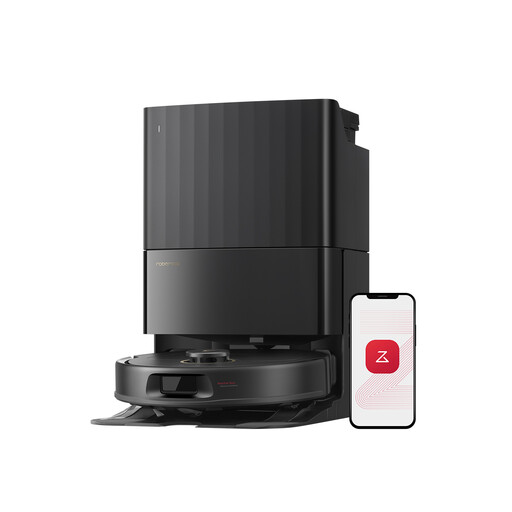
Roborock Qrevo S5V Black
For regular vacuuming and mopping, with dock maintenance at the dock’s location.
12.000 Pa suction power; FlexiArm mops and a dual anti-tangle system. The product description mentions automatic mop washing and hot-air drying at the dock.
If you plan to use it on multiple floors, check separately how map management and the docking routine work for this variant.
Joybuy
 No image available
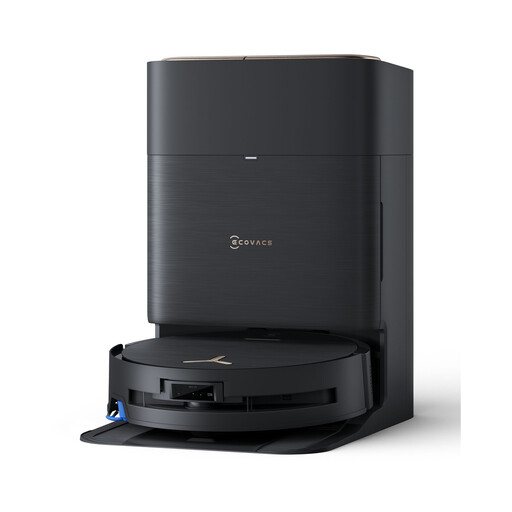
ECOVACS DEEBOT X9 PRO Omni
An option for regular vacuuming and mopping, with automatic dock maintenance at the location of the dock.
16.600 Pa suction power, OZMO roller mop and Omni Station. The product description also mentions hot-water mop washing and hot-air drying.
For use across multiple floors, check how the model works without a dock and how map management works for the complete model variant.
Joybuy
 No image available
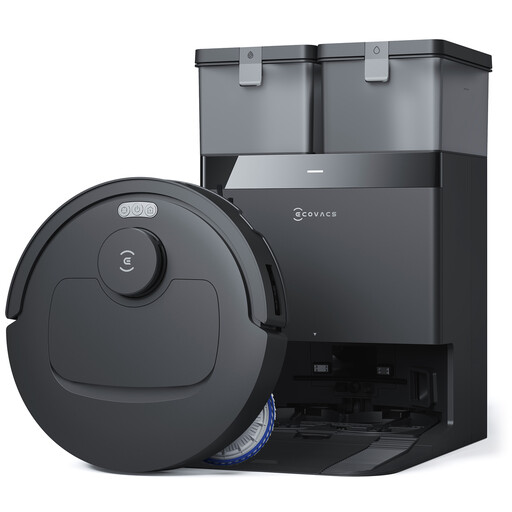
ECOVACS DEEBOT T30C OMNI Gen2
For regular vacuuming and mopping, if an OMNI Station suits your planned cleaning routine.
25.000 Pa suction power, OZMO Turbo 2.0 and ZeroTangle 3.0. The product description mentions mop washing at 75 °C.
Before using it on multiple floors, check the model-specific information about maps and the dock.
Joybuy
 No image available
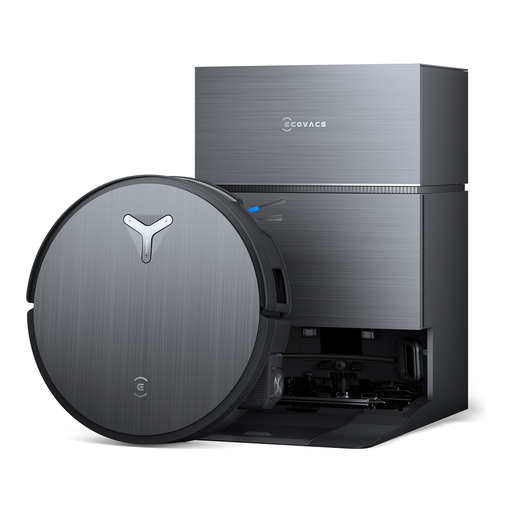
ECOVACS DEEBOT X11 PRO Omni
For regular vacuuming and mopping, with dock maintenance planned at the intended location.
The product name lists 19.500 Pa and “10in1”. This model is described as a robot vacuum with a mopping function.
If you want to use it on multiple floors, check how map management and dock use work for this exact variant.
Joybuy
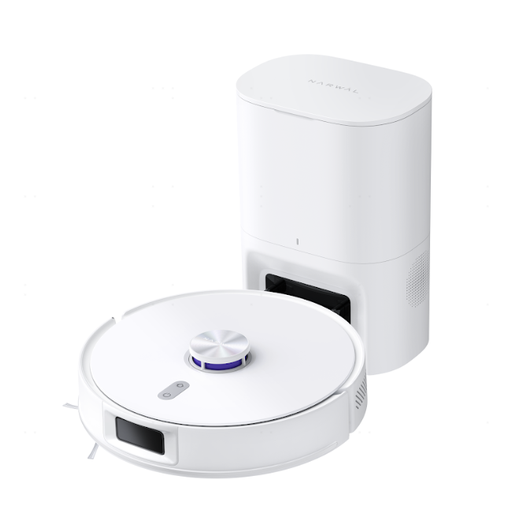 No image available
NARWAL Freo S
For households where separate floor plans for different floors are useful. The product description mentions multiple floor plans, but doesn’t specify how many maps can be stored permanently.
8.000 Pa suction power, 8 N mopping pressure, LDS laser navigation and a 3,5-l dust-bag station.
Check how floor plans are saved and switched on the complete model variant, and how the dock routine works on other floors.
Joybuy
Frequently asked questions about robot vacuums for multiple floors
Does the charging dock need to be moved when creating each floor map?
It depends on the device. Roborock Support describes creating additional maps for the older devices covered there without moving the dock; this method doesn’t automatically apply to other product ranges.
Can a schedule take the robot to the next floor by itself?
No. The X50 routine described on the Dreame Forum assumes you’ll carry the robot to the floor you want to clean and then carry it back. A cleaning schedule won’t do this for you.
Can I use any second dock with the Roborock Qrevo S Pro?
No. The CE manual requires the supplied Roborock EWFD24HRR dock for charging. Only use another or an additional dock if it’s explicitly approved for the complete model.
How much space does the ECOVACS DEEBOT T30e OMNI dock need?
For this model, ECOVACS specifies a level, firm surface against a wall, with 5 cm of clearance on the left and right and 80 cm in front. On wooden floors, check the underside regularly for water residue.
Can I move the dock after mapping?
For the routine it describes, the ECOVACS mapping guide says not to move the dock after creating the map. Check your specific model’s instructions before planning to move the dock regularly.


