What should you look for when buying?
First, decide whether you’re happy to carry one robot between floors. Then check how it charges upstairs and whether your preferred mopping routine works when the station isn’t within reach.
One robot with multi-map support
A good fit if: you want to use the same robot on several separate floor plans and are happy to move it between floors yourself.
The trade-off: Maps don’t carry the robot or provide it with water or power.
Move the station between floors
A good fit if: you want to use the station’s features while mopping on each floor and don’t mind moving it.
The trade-off: The process depends on the specific model. A support reply in the Dreame forum refers to an L40 Ultra A or AE, but the model name isn’t clearly specified.
Separate robots for each floor
A good fit if: you don’t want regular cleaning to depend on carrying a robot between floors.
The trade-off: Extra robots and stations increase the purchase and maintenance costs.
A robot without a station on an additional floor
A good fit if: you can carry the robot to another floor and bring it back to the station once it’s finished cleaning.
The trade-off: Mopping without a station after preparation is documented for the X10 Pro Omni, but this doesn’t remove the need to replenish water or clean the mop.
| What to consider |
What to check before buying |
Who it matters most to |
| Floor maps and switching between maps |
Check how many maps can be saved long-term and whether multi-map support needs to be enabled. |
If I want to use several separate floor plans regularly, I need reliable map switching. Around 31% of consumers put this feature first. |
| Mopping without a base station |
Check the firmware requirements, how to prepare the robot at the station and what happens if it runs low on water. |
If I want to mop on a floor without a station, I need to understand the process and any possible limitations. Around 25% of consumers prioritise this need. |
| Carrying and interruptions |
Plan for manually moving the robot between floors and any trips back to the station for supplies. |
If I want to arrange regular cleaning without repeatedly carrying the robot, having robots and stations on each floor is one possible alternative. Around 25% of consumers prioritise this. |
| Purchase and maintenance costs |
Compare the equipment you’ll need and the maintenance involved for all robots and stations. |
If I want to avoid extra robots and the maintenance they require, I may be willing to move one robot between floors myself. Around 19% of consumers put this consideration first. |
Robot vacuums with mopping at Joybuy
This selection includes robot vacuums with mopping stations. If you have multiple floors, check for each model whether it supports map switching and mopping without a station. You’ll need to carry the robot up and down stairs yourself.
 No image available
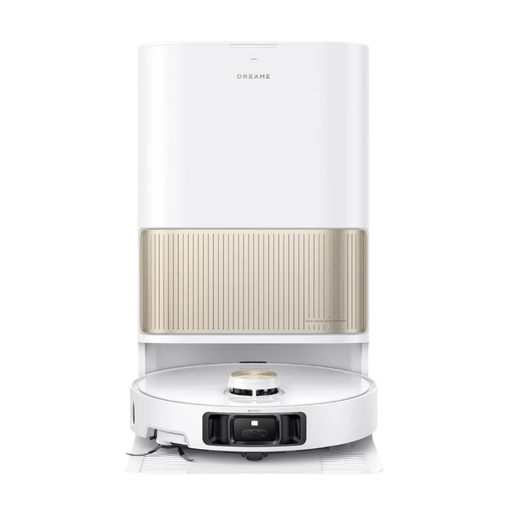
DREAME L40S Pro Ultra
An option if you’re looking for a robot vacuum with mopping and station features, and are happy to move it between floors yourself. Check multi-map support and the intended process for using it without a station for this exact model.
The product description lists 19,000 Pa suction power, mop cleaning at 75 °C, hot-air drying and a 5,200-mAh battery.
Joybuy
 No image available
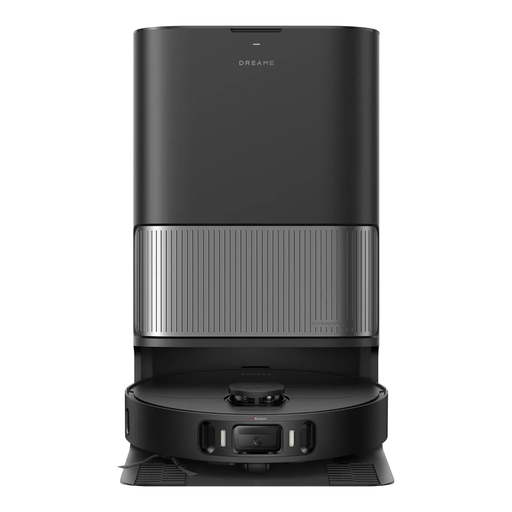
Dreame L40 Ultra AE
This could be a good option if you’re looking for a robot vacuum with mopping and a station. Don’t assume that features listed for other L40 variants also apply to this model, and check how map switching works for this exact version.
The product description lists 19,000 Pa suction power, automatic mop lifting and a station that cleans the mop at 75 °C.
Joybuy
 No image available
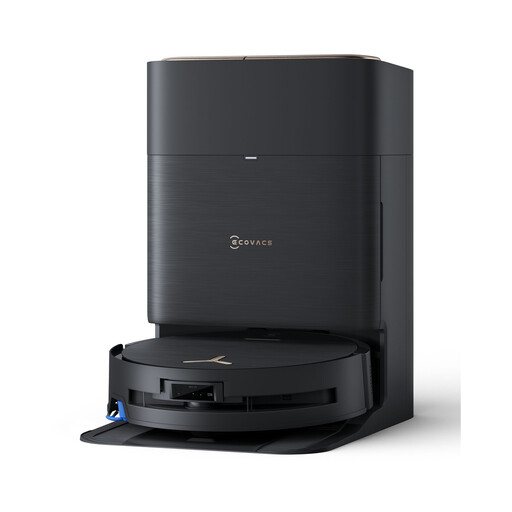
ECOVACS DEEBOT X9 PRO Omni
A possible choice if you’re looking for a robot vacuum with mopping and an Omni Station, and are happy to carry it between floors yourself. Check in advance which map and mopping features apply to this model.
The product description lists 16,600 Pa, an OZMO roller and a station that cleans the mop with hot water.
Joybuy
 No image available
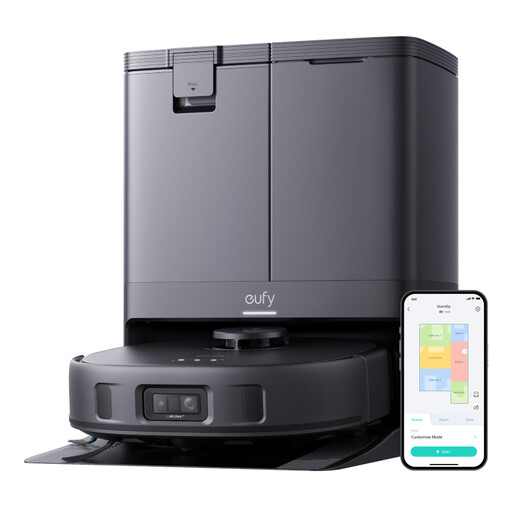
eufy X10 Pro Omni
Particularly relevant if you have multiple floors: eufy support documents up to five valid maps when Multi-Map Saving is enabled. Mopping without a station is documented from firmware 2.1.0, after preparing the robot at the Omni Station. If the water runs low, the remaining areas are only vacuumed.
The product description lists 8,000 Pa and an all-in-one station. You’ll still need to carry the robot up and down stairs yourself.
Joybuy
 No image available
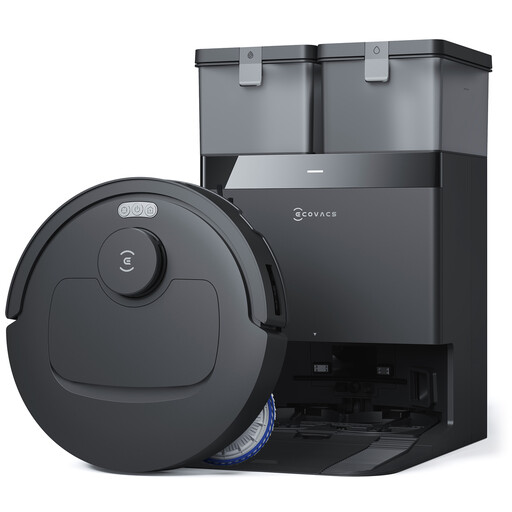
ECOVACS DEEBOT T30C OMNI Gen2
This could suit your needs if you’re looking for a model with an Omni Station and can carry the robot between floors yourself. Check multi-map support and the process for mopping without a station for this exact version.
The product description lists 25,000 Pa, up to 180 minutes’ run time, automatic mop lifting on carpets and mop cleaning at 75 °C.
Joybuy
Frequently asked questions
How many maps do I need for a home with multiple floors?
Count the separate areas you want to clean and keep mapped. For the eufy X10 Pro Omni, eufy support documents up to five valid maps when Multi-Map Saving is enabled. Check that the feature works for your model and floor plans.
Do I always need to take the station with me when I want to mop?
No, it depends on the model and how it works. For the X10 Pro Omni, eufy support describes filling the tank and washing the mop at the station first, then carrying the robot upstairs and starting a mopping mode. This requires firmware 2.1.0 or later. If the water runs low, the remaining areas may only be vacuumed.
Can a second station replace a second robot?
An extra, explicitly compatible station can provide station features on another floor, but it doesn’t remove the need to carry the same robot between floors. eufy support says that the X10 Pro Omni can generally be used with an extra Omni Station and power supply. Check compatibility with your exact model version before buying.
What should I bear in mind when carrying the robot and using it near stairs?
Follow the instructions for your exact model, and don’t carry the robot by parts that aren’t designed for this. For the Dreame L40 Ultra, the manufacturer’s instructions require a protective barrier in elevated areas and say not to lift the robot by the LDS cover, robot cover or bumper.
What maintenance is still needed, even with an automatic station?
An automatic station won’t take care of every maintenance task for you. eufy’s X10 Pro Omni documentation lists the dust container, filter, brushes, sensors, charging contacts, dirty-water tank and mop cleaning tray among the parts that need attention. You should also plan to replace the station’s dust bag if your version uses one.


