Creators Moving Large Media Files
When you’re moving large photo or video projects between editing sessions, the T7’s fast read and write speeds help you transfer and access files quickly, so you spend less time waiting and more time creating.


The Samsung T7 Portable SSD gives you 2TB of storage in a compact, 72g aluminium casing that is easy to carry. With USB 3.2 Gen 2, it offers sequential read speeds of up to 1,050 MB/s and write speeds of up to 1,000 MB/s. Use it to store and transfer files between compatible devices, with USB-C-to-C and USB-C-to-A cables included. Password protection with hardware encryption and drop resistance from up to 2 metres add useful reassurance for work, study or travel. It suits anyone seeking portable storage for everyday files.
Start by considering how much storage you need, how quickly you want to move files and where you’ll use the drive. Checking compatibility with your devices and the ports available on them can help you choose an external SSD that fits your everyday tasks.
Compare these practical criteria before choosing an external SSD:
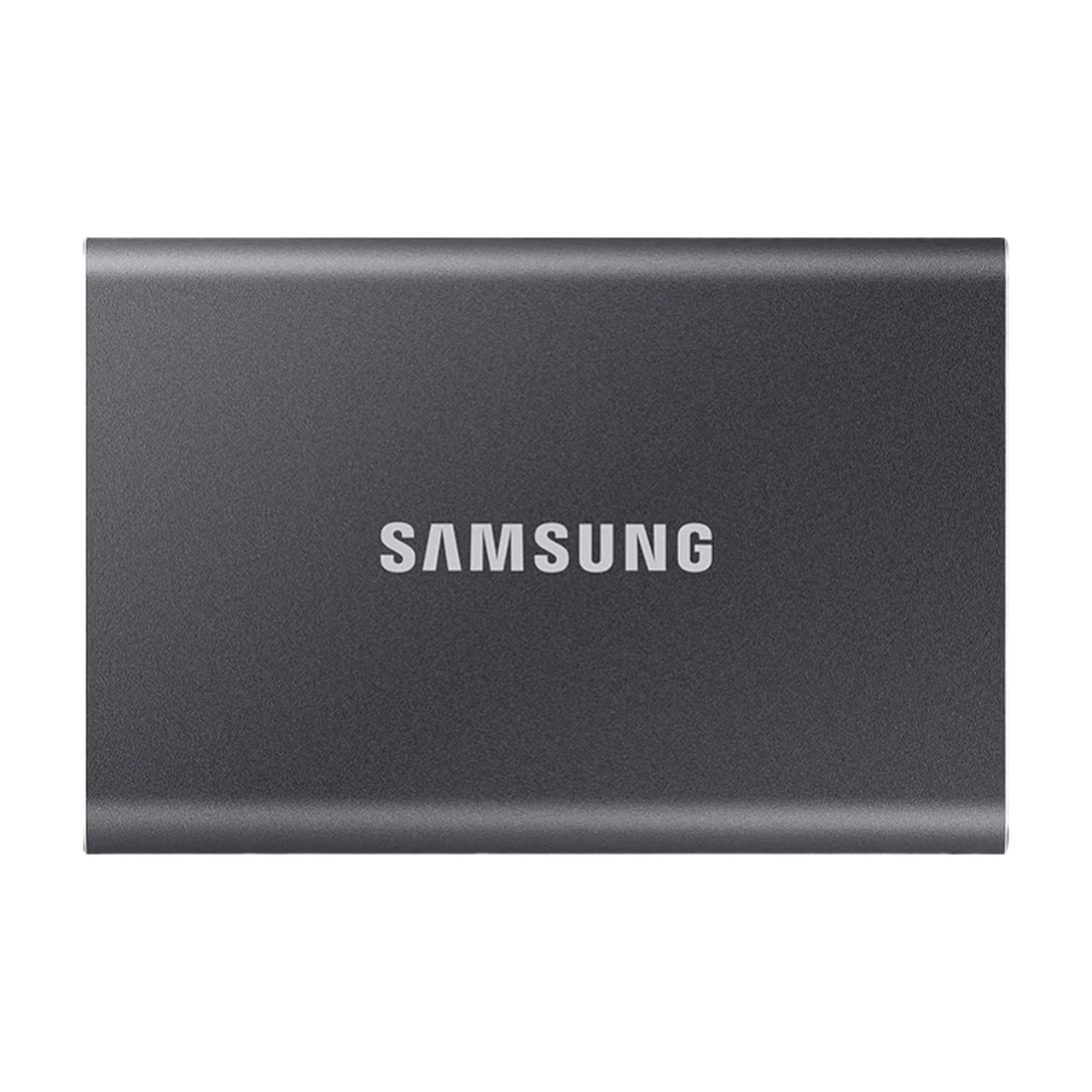
Keep a generous library of photos, videos, documents and projects close at hand with 2TB of storage. The Samsung T7 uses USB 3.2 Gen 2 to deliver sequential read speeds of up to 1,050 MB/s and write speeds of up to 1,000 MB/s, helping make file transfers feel smooth and efficient. Whether you are moving large creative files between compatible devices or keeping important work together, this portable SSD brings impressive capacity and responsive performance to everyday storage.
Take your files with added peace of mind using the T7’s hardware encryption and password protection. This gives you a practical way to protect stored content while keeping the drive ready for your workflow. Its titanium-grey aluminium casing brings a polished look, while drop resistance from up to 2 metres makes it well suited to life on the move. Carry work, personal files or creative projects with a reassuring combination of protection and portability.
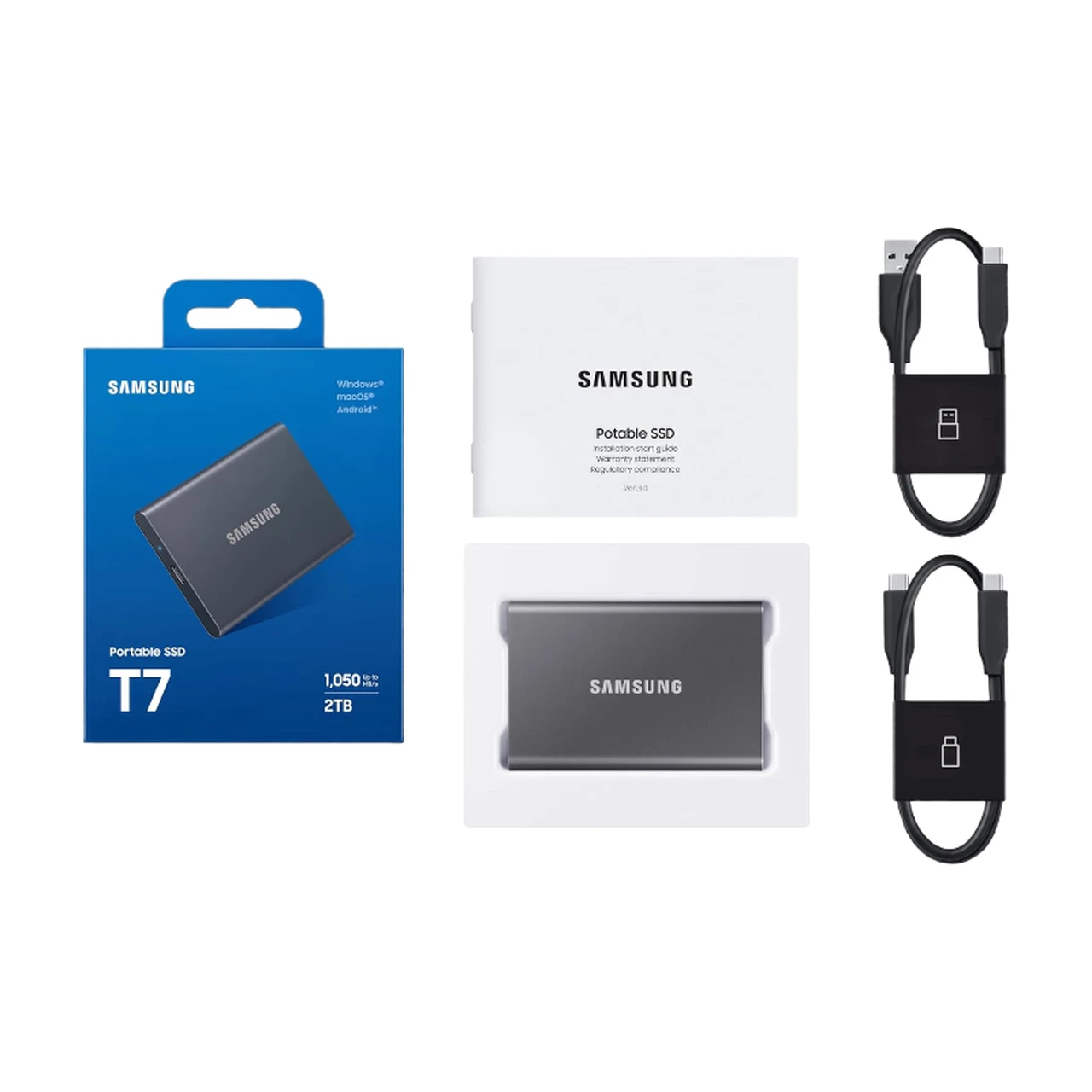
Getting started is straightforward, with both USB-C-to-C and USB-C-to-A cables included for connecting the drive to compatible devices. This flexibility makes it easy to access your files across a range of setups, from a USB-C-equipped laptop to a device with a USB-A port. The portable 72g design slips conveniently into your everyday carry, so your 2TB library can travel with you. Choose the connection that suits your device and enjoy handy access to your stored content.
When you’re moving large photo or video projects between editing sessions, the T7’s fast read and write speeds help you transfer and access files quickly, so you spend less time waiting and more time creating.
When you carry confidential work documents, hardware encryption lets you protect access with a password, so sensitive files stay better protected when the drive is away from your desk.
When you move files between compatible computers with different ports, the included USB-C-to-C and USB-C-to-A cables let you connect without searching for another lead, making it easier to keep your files close across devices.
When your files travel with you between locations, the compact aluminium casing is easy to carry and can withstand accidental drops, so your stored files are easier to keep close through a busy day away from your desk.
The Samsung T7 2TB reaches sequential read speeds of up to 1,050 MB/s and write speeds of up to 1,000 MB/s over USB 3.2 Gen 2. It gives you space for large files and media, with quick transfers to compatible devices. Actual speeds depend on the connected device and USB port.
Yes, the Samsung T7 connects to compatible USB-C and USB-A ports using its included USB-C-to-C or USB-C-to-A cable. It works with Windows and Mac computers and is preformatted for straightforward access. Connect it to a compatible device to transfer files or use the 2TB drive for portable storage.
Yes, give the Samsung T7 room for airflow during extended use, as the aluminium drive can warm up during operation. Avoid covering it while files are transferring, and store it somewhere cool and dry between uses. This helps you use the compact SSD comfortably for longer sessions.
Discover more of your favourite brands on Joybuy with great deals.