Monitor options at Joybuy
The Joybuy models below offer options from Full HD and QHD to 4K for website work that includes some visual checking. A new monitor is not automatically necessary for entirely non-visual work.
 No image available
GIGABYTE G27Q26, 27-inch, QHD
If you also check page layouts visually, QHD is one display option to consider. Test readability with your chosen scaling on your own computer.
2560 × 1440 pixels, SuperSpeed IPS, 260 Hz (OC 275 Hz), 1 ms GTG.
View at Joybuy
 No image available
INNOCN CB27U1, 27-inch, 4K UHD
If you regularly check visual details as well as using a screen reader, you can try this 4K setup with your preferred scaling.
3840 × 2160 pixels, IPS, 120 Hz, USB-C with 90 W Power Delivery, PIP and PBP.
View at Joybuy
 No image available
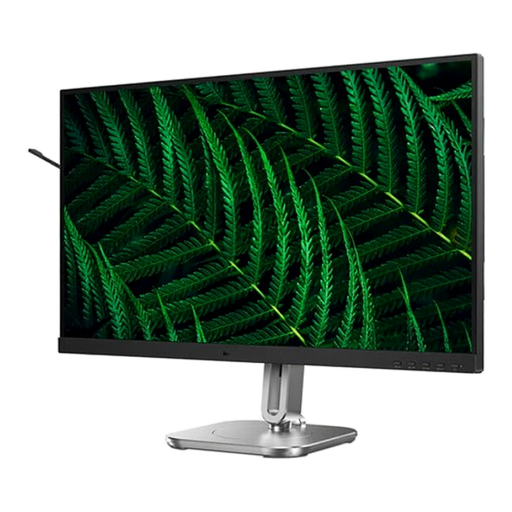
Philips 27B2G5200, 27-inch, Full HD
If you use a visual preview alongside your screen reader, compare Full HD with your preferred window layout and scaling.
1920 × 1080 pixels, IPS, 100 Hz, USB hub, built-in speakers.
View at Joybuy
 No image available
Philips 276B1, 27-inch, QHD
For visual checks of previews and work windows, test whether QHD and your chosen scaling suit the way you work.
75 Hz, IPS, built-in speakers.
View at Joybuy
 No image available
Philips 276B9, 27-inch, QHD
If you check page previews and work windows visually, compare QHD and scaling with your usual workflow.
2560 × 1440 pixels, 75 Hz, USB-C with 65 W Power Delivery, USB hub.
View at Joybuy
Frequently asked questions
Can a monitor make my class reunion website accessible to screen readers?
No, a monitor cannot make a website accessible to screen readers. Check the website itself, particularly its reading order, alt text and semantic markup. Testing with a screen reader can help you assess it; according to the W3C, no single evaluation tool can determine a website’s full accessibility on its own.
How should I set up my monitor if I also read with magnification?
First, test magnification on your own computer; Windows Magnifier can enlarge part or all of the screen (Microsoft Support). Position the monitor so that you can see it comfortably; EIZO recommends keeping the top line of the screen no higher than eye level.
What should I check about USB-C and speech output?
Compare your laptop’s video output and, if needed, its charging requirements with the connections on the specific monitor and the cable you are using. Check audio output separately: for example, the Dell P2725DE is not listed as having built-in speakers. Speech output comes from assistive software, not the display panel.
Does a private class reunion website have to be accessible under the BFSG?
You cannot determine this from the label “private class reunion website” alone. The Federal Accessibility Centre describes electronic commerce services as falling within scope when they are provided in response to an individual consumer request with a view to entering into a consumer contract. Whether this applies to a particular website depends on who operates it and its purpose.


