What to look for when buying
First check that your specific game and device support the controller. Then consider the connection from your seat, and whether the available controls are suitable for both players’ roles.
| What matters |
What to check before buying |
Who should pay particular attention |
| Platform and game |
Check the system, exact controller version, local multiplayer mode and the controls available to each player in the specific game. |
If I want to make sure both players can join in using the device and game we already have, I check compatibility first. Around 36% of consumers are likely to prioritise platform and game support. |
| Connection from your seat |
Check the cable route and distance from your seat; for wireless use, check the mode specified for that exact system and whether you need a receiver. |
If a cable would get in the way between my seat to the side and the device, I look for a suitable wireless connection. Around 29% of consumers are likely to prioritise the connection from their seat. |
| Controls for two players |
Check how the controller is used in the game, and whether both players’ roles require particular buttons and sticks. |
If I want to use the Joy-Con I already own, or use a full gamepad for my role, I check the game’s requirements first. Around 21% of consumers are likely to prioritise the type of controls. |
| Accessories and support |
Check what’s included, whether you need a data cable or wireless receiver, and who to contact if there’s a fault. |
If I want to know which accessories I need to connect the controller and who to contact if there’s a fault, I check both in advance. Around 14% of consumers are likely to prioritise accessories and support. |
Controllers at Joybuy
The controller options below are listed for Switch 2, PlayStation 5, Xbox and PC. What matters is whether your specific device and co-op puzzle game support the relevant connection and controls.
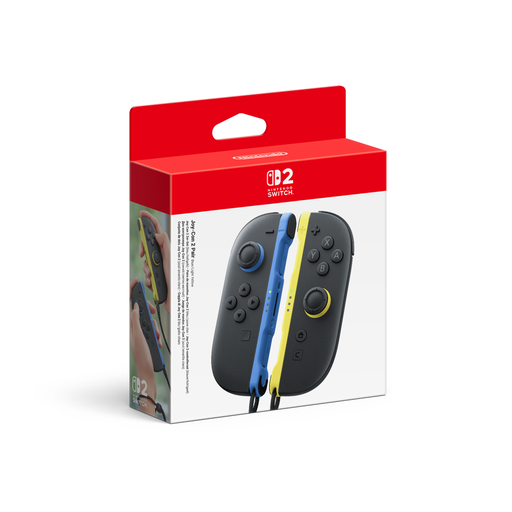 No image available
Nintendo Switch 2 Joy-Con 2 2-Piece Set, Blue/Light Yellow
For a Switch 2 duo, if your specific game supports playing together with Joy-Con 2 controllers.
Set with a left and right Joy-Con 2; wireless connection. Local multiplayer is limited to compatible games.
Joybuy
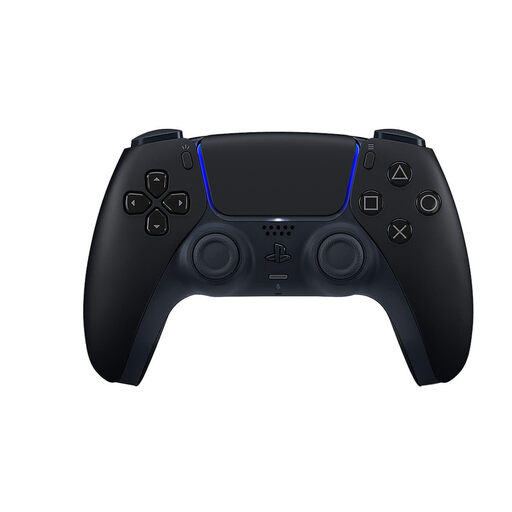 No image available
PlayStation DualSense Wireless Controller V3 Hyperpop, Midnight Black
For PS5 or a compatible PC game, if the game supports DualSense.
Described as a wireless controller; Bluetooth and USB-C are listed as connection options. PC features may depend on the game and connection.
Joybuy
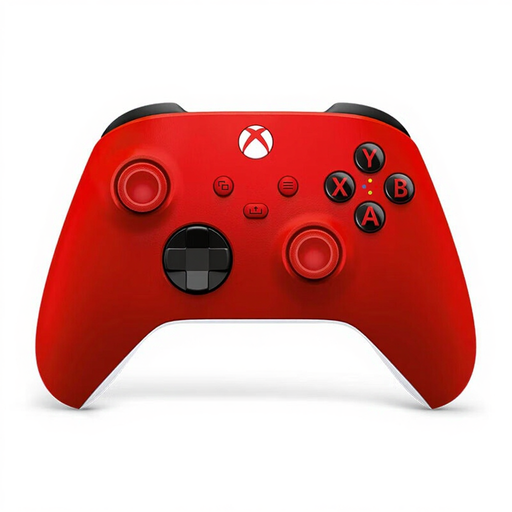 No image available
Microsoft Official Xbox Series X/S Wireless Controller, Pulse Red
For Xbox or a Windows PC, if your device and game support this controller and you want to play wirelessly from your seat.
The product name lists Xbox One, Xbox Series X/S and PC. Bluetooth, Xbox Wireless and a hybrid D-pad are listed; the right connection depends on your device.
Joybuy
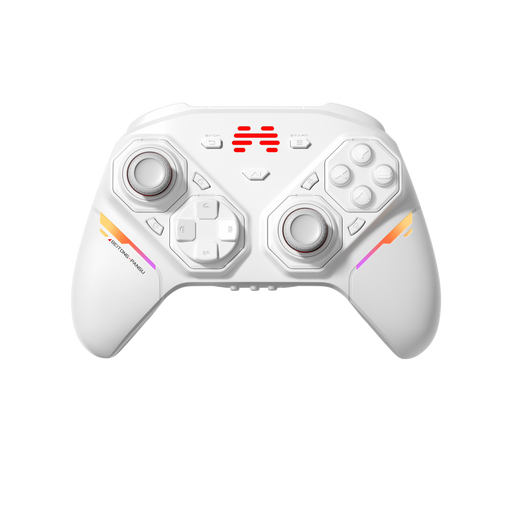 No image available
BEITONG PanGu Modular Wireless Gaming Controller
An option for PC or Switch, if the platform and connection listed in the offer work with your game.
The product title lists PC, Nintendo Switch/Switch 2, Steam and Android. The description lists joysticks, action buttons and D-pads that can be swapped without tools.
Joybuy
 No image available
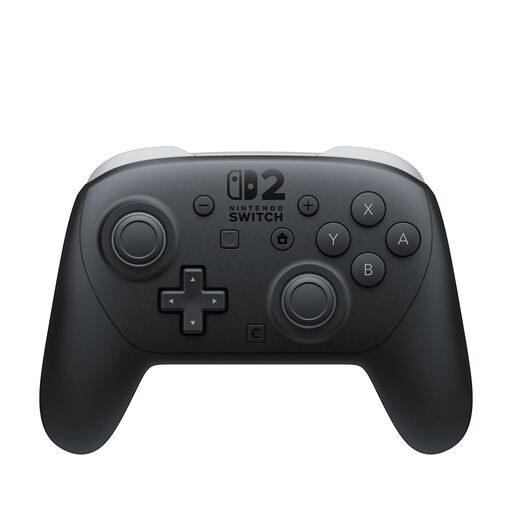
Nintendo Switch 2 Pro Controller
For Switch 2 games where you’d rather use a full gamepad than individual Joy-Con controllers.
Wireless connection; the product description lists customisable GL and GR buttons.
Joybuy
Frequently asked questions
Are the Joy-Con 2 I already own enough for two players on Switch 2?
It depends on the game. Nintendo says a Joy-Con 2 can be used horizontally as an individual controller, as long as the software and the way you play support this control method. Check the details for your specific puzzle game.
How do I connect a second controller to a Windows PC?
Use the connection method specified by the manufacturer for your controller model and PC. Microsoft lists USB, Xbox Wireless and Bluetooth for the Xbox Wireless Controller; Xbox Support requires a data cable for USB. For the 8BitDo Ultimate 2C Wireless, 8BitDo lists the 2.4 GHz receiver or a cable for Windows.
Can I keep using a controller if I switch devices?
Not necessarily: compatibility and connection options vary by platform and model. 8BitDo lists the Ultimate 2C Wireless for Windows and Android, while the similarly named Ultimate 2C Bluetooth is listed for Switch. Also check that your new device and the specific game support the controller.
What are my rights if a controller I bought online is faulty?
If a product is faulty, statutory rights against the seller are separate from any voluntary warranty. Verbraucherzentrale says that sellers are generally liable for faulty new goods for two years. Consumers who buy online also generally have a 14-day right to cancel; conditions and exceptions depend on the specific purchase.
What should I check when buying a wireless controller in Germany?
Look for clear manufacturer and product details, along with the necessary instructions and safety warnings in German. The Bundesnetzagentur lists CE marking, product identification and accurate manufacturer details among the points checked during market surveillance. A marking alone doesn’t confirm that the specific product is compatible with your device.


