Occasional book sellers
If you only list books occasionally, first check whether your current camera can take clear, complete photos of the cover, spine and any signs of wear.


If your current smartphone camera can clearly capture the cover, spine and any relevant signs of wear from the position available, check the lighting and angle before buying a new camera. If you regularly photograph books in different sizes, a mirrorless camera with a standard zoom gives you more flexibility with framing. A compact camera with a close-up mode may suit you if individual small details are your priority. What matters is whether the framing and focusing distance work at your table for both full-book shots and close-ups.
If you only list books occasionally, first check whether your current camera can take clear, complete photos of the cover, spine and any signs of wear.
If you regularly photograph books in different sizes, practical framing and a consistent set-up matter. A zoom can help you adjust the framing.
If small creases, marks or inscriptions need to be visible, check the close-focusing distance as well as how well the camera captures the whole book.
A good fit if: You only take photos occasionally and can clearly capture the cover and any relevant damage from where you can stand.
Bear in mind: You won’t need an additional camera, but you’ll still need to manage lighting, shadows and close-ups yourself.
A good fit if: You often photograph books in different sizes and the same lens can capture both the whole book and the details you need from the distance available.
Bear in mind: The camera body and lens take up extra space, and a standard zoom doesn’t guarantee that very small marks will appear large enough in the image.
A good fit if: You mainly photograph individual, small signs of wear and would prefer a camera with a built-in lens.
Bear in mind: The lens can’t be changed. A short minimum focusing distance doesn’t guarantee a suitable angle of view for whole books or even lighting.
| Priority | What to check before buying | Who is it important to? |
|---|---|---|
| Capture the whole book | Test the angle of view of the specific lens with your largest book; consider the camera height and table space. | If I need to photograph large books in full on a small table, the framing from the available camera position matters. Around 31% of consumers put getting a full-book view first. |
| Show signs of wear | Check the minimum focusing distance and focus mode of the specific lens; test close-ups separately from full-book shots. | If I also want to show small marks, creases or inscriptions, I need a clear close-up. Around 25% of consumers prioritise details that show the item’s condition. |
| Lighting and colours | Test the planned set-up with light and dark covers; check for shadows, reflections and white balance. | When the lighting changes, I want to show the book’s colours and details accurately. For around 25% of consumers, lighting and colour reproduction are the top priorities. |
| Time and accessories | Try your current camera first; if you’re buying a kit, compare what’s included, how it can be mounted and how it’s powered. | If I only take photos occasionally, I don’t want to buy unnecessary extra equipment. Simplicity and manageable ongoing costs are the main concern for around 19% of consumers. |
Resolution alone won’t fix problems with focus, lighting or framing. When listing a book, you may need to show both the whole item and any visible damage.
Check sample photos at full size: one of the cover and one of the smallest signs of wear you want to show.
A close-up and framing a whole book are two different tasks. Pentax lists a macro mode from 1 cm for the WG-90; the minimum focusing distance of the Canon RF-S 18–45 mm lens depends on the focal length and focus mode.
Test full-book shots and close-ups separately, from the camera positions that are actually possible at your table.
What’s included and which lens you get can vary between kit versions. Nikon states that the documented Nikon Z50II kit does not include a charger; the documented Canon R50 bundle includes a lens, memory card, spare battery and charger, among other items.
Before you buy, check the exact lens name and what’s included with the specific offer.
The EOS R50 with an RF-S standard zoom is an option if you want to vary the framing when photographing books regularly.
The Z50II kit with the NIKKOR Z DX 16–50 mm VR is a standard zoom kit for photographing books in different sizes.
The ZV-E10 II with the E PZ 16–50 mm OSS II is an interchangeable-lens option if you plan to shoot video as well as take photos.
The WG-90 is a compact camera with a built-in lens, suited to focusing on individual details of an item’s condition.
Your existing smartphone camera may be an alternative if you only photograph books occasionally.
These Joybuy camera options are designed for taking photos. Check whether each product’s intended use and listed features are suitable for full-book shots and clear close-ups.
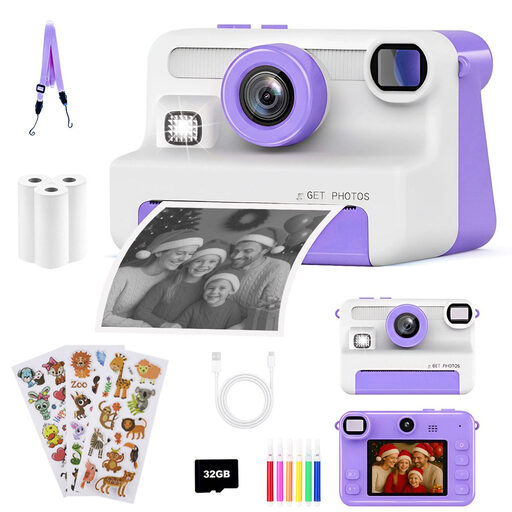 No image available
The description mentions photography and digital storage; the title also identifies the model as an instant camera for children. Check whether this type of camera suits your digital book listings.
Features listed in the title: 1080P, 30 MP, 2.4-inch display, 8x zoom, three rolls of instant film and a 32GB card.
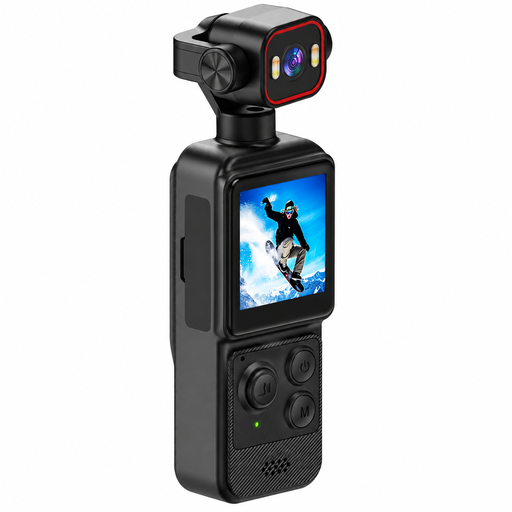 No image available
The title describes an action camera with a clip. For book photos, check whether you can get a suitable framing with it at your table.
Features listed in the title: 4K, 1.54-inch display, 140° wide angle, app control, LED lighting and 1200 mAh battery.
 No image available
The title describes the model as a compact vlogging camera for beginners. Before choosing it for book photos, check the framing and focus with your planned table set-up.
Features listed in the title: 64 MP photo resolution, 18x digital zoom, autofocus and a 32 GB memory card.
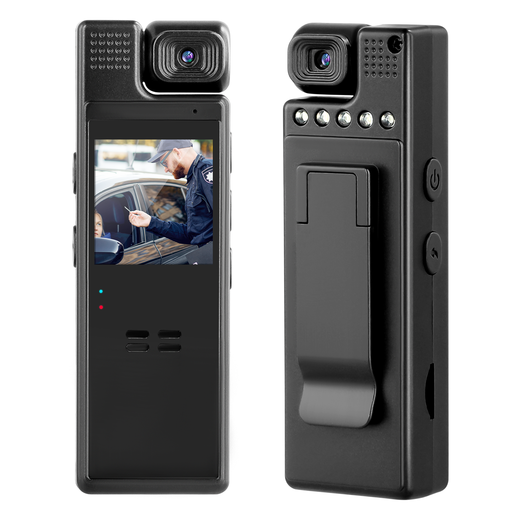 No image available
The title mentions indoor use and a rear clip. For book photos, check whether it can provide a stable camera position.
Features listed in the title: 1080P and a 180° rotating lens; suggested uses include indoors, deliveries and journeys.
Start by showing the whole book, then add photos of the spine, relevant pages and any signs of wear. Use a plain background and check that the photos are sharp and that any damage is clear in close-ups.
First, place the largest book you plan to photograph on the table. From a safe, stable camera position, check that the whole book fits in the frame. Then photograph the smallest relevant mark separately; a lens’s stated minimum focusing distance is no substitute for this test.
Compare what’s included with the exact version on offer and check what else you’ll need to position the camera securely. Nikon states that the Nikon Z50II kit examined does not include a charger; the Canon R50 bundle examined includes a memory card, spare battery and charger, among other items. These details apply to the specific kit versions mentioned.
For goods bought from a business seller in the EU, the European Union’s consumer portal describes a legal guarantee of at least two years from the date you receive the goods. According to the portal, these EU rules don’t apply to purchases from private individuals. A legal guarantee is different from any additional manufacturer’s warranty offered.