Mice for a shared desk
This selection includes wired and quiet wireless mice for managing a timetable at a shared desk. Before choosing, check that the connection and power requirements suit the computer’s setup.
 No image available
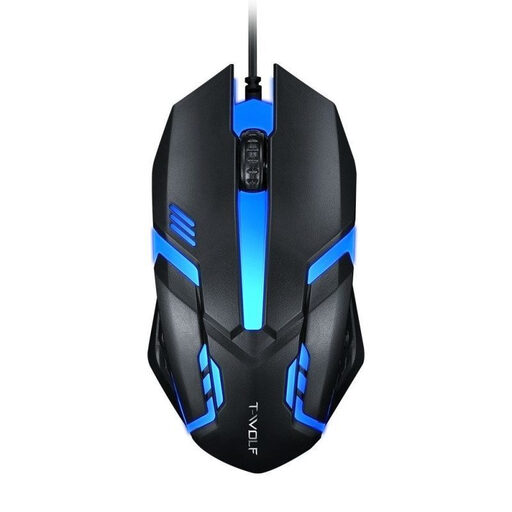
Wired optical USB mouse for desktop computers and laptops
For a shared computer with a compatible USB port.
Wired optical USB mouse with a 1.3 m cable.
View at Joybuy
 No image available
HOFOTEK M308 2.4G Silent Office Mouse
For quiet work at a shared desk, when the computer has a spare USB port for the wireless receiver.
Quiet buttons and a 2.4 GHz connection with USB receiver.
The product details list adjustable DPI settings and one AA battery.
View at Joybuy
 No image available
HOFOTEK M311 2.4G+BT Silent Office Mouse
For quiet work and use with multiple devices, provided the connection you choose works with the computer.
Quiet buttons; 2.4 GHz wireless and Bluetooth. The product details state that it can connect to up to three devices.
A USB receiver and one AA battery are required.
View at Joybuy
 No image available
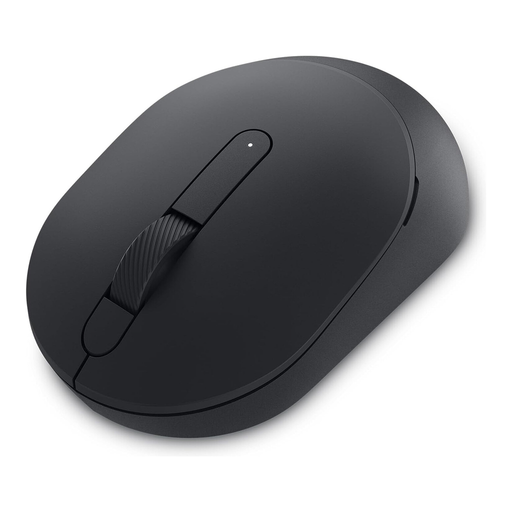
DELL Silent Mouse MS355
For quiet work at a shared desk, if Bluetooth or an available USB-A port suits the connection you choose.
The product details list quiet clicks, scrolling and gliding, as well as Bluetooth and 2.4 GHz wireless.
Optical sensor, three buttons and one AA battery.
View at Joybuy
 No image available
Philips 3000 Series Wireless Mouse SPK7378B/00
For different users, if an ambidextrous shape and USB receiver suit the computer.
Quiet clicks, optical sensor and a 2.4 GHz connection with USB receiver.
The product details list 1600 DPI and one AA battery.
View at Joybuy
Frequently asked questions
Is a mouse described as ergonomic enough for a shared club workstation?
The label alone isn’t enough: the mouse should suit the people who will actually use it. The DGUV recommends a mouse suited to the user’s hand size and, where a device isn’t ambidextrous, suitable options for right- and left-handed users. This is ergonomic guidance, not a blanket requirement to buy a particular mouse for every volunteer-run club desk.
How should I plan for connection and cleaning at a shared desk?
First check whether the computer has a compatible USB port or supports Bluetooth. For desk-sharing in organisations, the DGUV recommends using personal input devices or having a set cleaning routine for shared equipment. This isn’t automatically a legal requirement for a club. Follow the manufacturer’s cleaning instructions for the specific mouse.
When buying, what’s the difference between statutory rights and a guarantee?
For a consumer purchase from a trader in the EU, statutory rights apply for at least two years from the date you receive the goods. These rights are against the seller; a voluntary manufacturer’s guarantee is separate. If you’re buying on behalf of a club, check the specific contract terms separately.
Where should I dispose of an old mouse in Germany?
Take an old mouse to an authorised collection point for waste electrical and electronic equipment, such as a local council collection point. Retailers have take-back obligations in certain circumstances, as set out by the German Federal Ministry for the Environment. Don’t put a mouse in your household rubbish.
Does the German Workplace Ordinance require a specific mouse for a club desk?
The German Workplace Ordinance doesn’t specify a particular brand or type of mouse. It is intended to protect the health and safety of employees in workplaces. Whether it applies to a particular club workstation depends, among other things, on whether employees working within its scope use the workstation. The fact that it’s a club or a shared desk doesn’t decide this on its own.


