Considerate at a shared desk
If you edit documents alongside other people, pay particular attention to quiet buttons rather than focusing only on a wireless connection. CHERRY and Logitech describe some of their models as having quiet buttons.


At a shared desk, choose a mouse with quiet buttons and a connection that works with the computer you use. For longer marking sessions, hand fit and scrolling comfort matter too. A wired mouse avoids pairing and battery changes, but needs space and a suitable port. Claims about quiet clicking come from manufacturers and are not based on a standardised volume comparison.
If you edit documents alongside other people, pay particular attention to quiet buttons rather than focusing only on a wireless connection. CHERRY and Logitech describe some of their models as having quiet buttons.
If you use different computers or have few spare USB ports, make sure the connection suits your device and that you’re allowed to set it up. Logitech and Rapoo list several connection options for their respective models.
If you spend a long time scrolling and marking work, consider how the mouse fits your hand and whether you can position it comfortably alongside your keyboard. The Federal Institute for Occupational Safety and Health highlights the importance of having enough space to arrange your equipment flexibly and support your hand and arm.
At a shared desk, weigh up noise, connectivity, hand fit and how easily you can move around a worksheet.
| What matters when buying | What to check | Who it matters to most |
|---|---|---|
| Quiet buttons | Check the manufacturer’s information for the exact model and, if possible, listen to the scroll wheel too. | When I work at a shared desk, I want to avoid disturbing others with repeated clicking. That’s why around 33% of consumers put quiet buttons first. |
| Connection to the computer | Check for Bluetooth, a spare USB port for a receiver, or USB-A for a cable. If you use a work computer, also check what setup is permitted. | If I switch computers or have few spare ports, I need a connection that works with the device I’m using. Around 27% of consumers give priority to finding the right connection. |
| Hand fit | Compare the specific size and design with your hand and preferred operating hand. | When marking work for longer periods, I want a mouse that fits my hand and sits comfortably on my desk. Around 20% of consumers put hand fit first. |
| Document navigation | Check whether a basic scroll wheel is enough or if you need extra buttons or different scrolling options. | When reviewing a longer worksheet, I want to move through the text comfortably. That’s why around 20% of consumers prioritise document navigation. |
CHERRY, Logitech and Rapoo describe their buttons as quiet, but there’s no shared measurement standard for comparing different models or their scroll wheels.
Check the information for the specific model and, if possible, test the scroll wheel too if its noise could be an issue at a shared desk.
Logitech assigns the standard version, the L model and the L Left variant to different hand sizes or operating hands.
Before buying, check the full model name against your hand size and whether you’re left- or right-handed.
Bluetooth and USB receivers require different connection options. A wired mouse needs a suitable USB port and enough room for the cable.
Before choosing, check which connection is available and permitted at your particular workstation.
The relevant ranges here include everything from a Bluetooth mouse without a receiver to models with Bluetooth and a Logi Bolt receiver.
The GENTIX SILENT is a wired mouse that CHERRY describes as having quiet buttons, making it suitable for shared workspaces.
Rapoo describes the M500 Silent as having quiet buttons and offering Bluetooth and 2.4 GHz connectivity.
The Bayo+ is a rechargeable mouse with a vertical design and several connection options.
The Joybuy products below are wireless mice whose names highlight quiet clicks or different connection options. Check which connection and controls work with the computer you use for work.
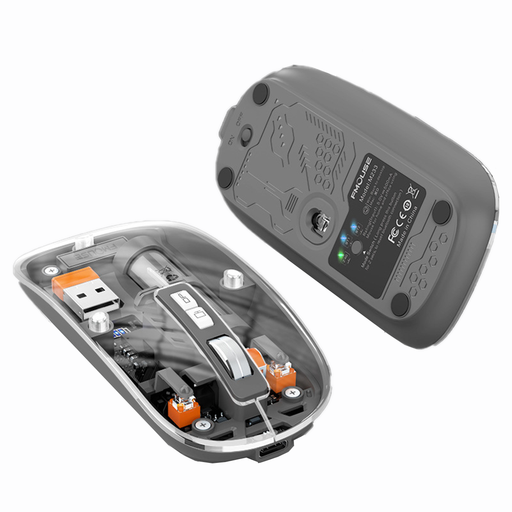 No image available
A good option if you’re looking for a wireless mouse with quiet clicks and several operating modes.
The product name lists Bluetooth, three modes, rechargeable operation and 1600 DPI.
 No image available
An option if you’re looking for an office mouse described as “Silent” with a 2.4 GHz connection.
The product name lists several adjustable DPI settings. Check that you have a spare USB-A port for the receiver. This model is listed as using an AA battery.
 No image available
Worth considering if you’re looking for an office mouse described as “Silent” with Bluetooth and a 2.4 GHz connection.
The product name lists several adjustable DPI settings and an AA battery. For the 2.4 GHz connection, you’ll need to be able to plug in a USB receiver.
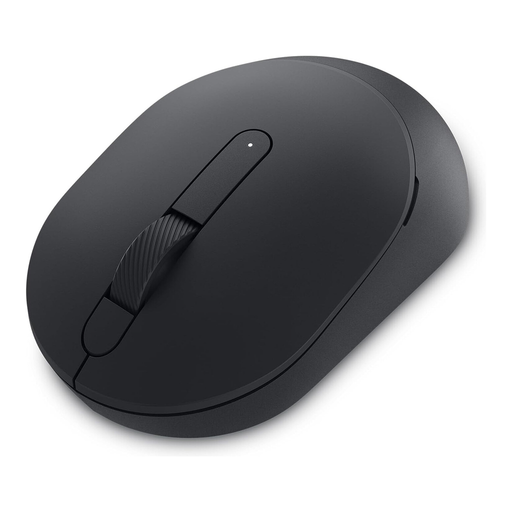 No image available
This model could be relevant if you’re looking for a mouse described as “Silent” for quieter working.
Before buying, check which connection you want to use with your computer and whether you have a spare USB-A port for a USB receiver. This model is listed as using an AA battery.
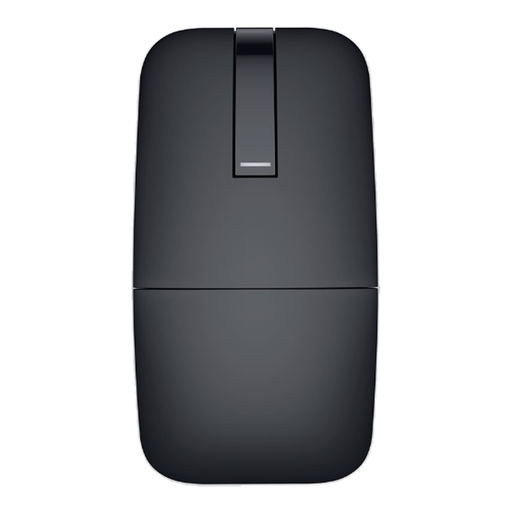 No image available
A possible choice if you’re looking for a Bluetooth mouse for editing documents and can pair it with your work computer.
The product name lists Bluetooth and the Black version. Remember to allow time to pair it with your computer.
First, check whether the computer allows Bluetooth pairing or has a suitable USB port. Logitech says the M240 Silent connects via Bluetooth without a receiver, while the CHERRY GENTIX SILENT needs USB-A. If you use a managed work computer, also check the rules for setting up devices.
Not on its own. The position of your mouse and keyboard and the space available for your hand and arm matter too. The Federal Institute for Occupational Safety and Health highlights the importance of flexible positioning and support for your hand and arm. A manufacturer’s claim about reducing strain doesn’t prove that a particular shape will suit everyone.
The Logitech M240 Silent uses an AA battery, which will need replacing eventually. A battery-life figure from the manufacturer isn’t a universal guide to how long it will last for every user. If a consumer purchase is faulty, the seller is generally responsible for the statutory guarantee; this is separate from any voluntary manufacturer’s warranty.
Electrical waste must not go in household rubbish. Take your old mouse to a suitable collection or take-back point and, where possible, remove the battery first. The German Environment Agency recommends disposing of batteries separately at a battery collection point.
For online consumer purchases in Germany, you generally have a 14-day right to cancel, starting from the day you receive the goods. You must notify the retailer that you wish to cancel. The consumer advice centre distinguishes this right from making a complaint about a faulty product. Check the terms that apply to your specific purchase.