For an online presentation in a busy shared flat, a headset with a well-positioned microphone and specified microphone noise cancellation is a sensible starting point: ANC alone won’t automatically filter out voices for your audience. If you’ll be sitting at a fixed laptop station, a compatible USB port makes a wired headset a good option, with no battery interruptions; Bluetooth gives you more freedom to move, but you’ll need to charge and pair it before your presentation. Manufacturers’ claims don’t guarantee that every background voice will disappear, so test a recording using the headset and meeting app you’ll actually use.
Which headset is right for you?
Presenters in a lively shared flat
If other people might be talking in the background, pay particular attention to how clearly your voice is transmitted to your audience. Position the microphone close to your mouth and make a test recording to check what comes through in the app you’re using.
Presenters at a fixed laptop station
If you’ll be staying seated during your presentation, check that the headset’s connection matches the USB ports available and look for an easy-to-reach mute control. A wired model won’t need charging during your presentation.
Presenters who want to move around
If you’d like to stand up while explaining something, Bluetooth can do away with the audio cable. Remember to charge the headset in good time and test the connection with the device you plan to use.
What should you look for when buying?
First, consider whether your main priority is making sure your audience can hear you clearly or helping you hear less noise from your shared flat. Then choose a connection to suit whether you’ll be staying put or moving around during your presentation.
| Buying priority |
What to check |
Who this matters most to |
| Clear speech despite noise from the shared flat |
Microphone position, microphone noise cancellation and mute control; make a test recording in the app you’ll be using. |
If I’m giving a presentation in my room in a shared flat, I want my audience to be able to understand me. Around 36 % of consumers put speech clarity first. |
| The right connection and a reliable start |
Check for USB-A or USB-C on your computer, whether you’ll need a dongle, and which microphone is selected in the app. |
If I want to avoid connection problems before my presentation, I check the connection and app settings in advance. Around 29 % of consumers prioritise a suitable connection and a reliable start. |
| Concentration and comfort |
Check how the ear cushions and adjustable headband fit; consider ANC separately from the microphone function if needed. |
If I can hear noise from the shared flat during my presentation or need to wear a headset for a long time, a comfortable fit and good isolation matter to me. Around 21 % of consumers prioritise concentration and comfort. |
| Freedom to move while presenting |
Check the Bluetooth connection with the device you’ll be using, as well as the battery and any accessories included. |
If I want to stand up while explaining something, I don’t want an audio cable tethering me to my desk. Around 14 % of consumers prioritise freedom to move. |
Avoid common buying mistakes
-
Assuming ANC means the microphone will block out background noise
ANC and noise-isolating ear cushions primarily affect what you hear. Your audience may still hear voices from your shared flat through the microphone.
Check the microphone function separately from the listening function, and make a short test recording in realistic conditions.
-
Comparing only the model name, not the connection type
According to Jabra, the Jabra Evolve2 40 SE comes in different USB and platform variants. A similar-sounding model name alone doesn’t tell you whether the connection and version will suit your computer.
Before ordering, check the full variant name and connection against your device.
Depending on the connection, you may also need a suitable adapter or dongle.
-
Choosing Bluetooth without checking the battery and connection
A wireless headset lets you move around, but a flat battery or an unconfigured connection could disrupt the start of your presentation.
Charge the headset and test pairing with the computer you’ll actually use before your presentation.
Relevant brands and model ranges
Logitech
Zone Wired is a wired option for a fixed USB setup, while Zone 300 is a Bluetooth model. They are different models, not interchangeable variants.
- Logitech describes Zone Wired as having two noise-cancelling microphones and an inline mute control.
- According to Logitech, Zone 300 adds Bluetooth connectivity, charging and pairing to your list of things to check. Manufacturer claims don’t guarantee that every background voice will be filtered out.
Jabra
The Evolve2 40 SE range is a wired option with passive isolation from its ear cushions. Make sure the specific USB, Teams/UC and mono or stereo variant suits your device and intended use.
- Jabra lists three microphones and noise-isolating ear cushions for this model range.
- Noise isolation for your ears isn’t the same as suppressing noise from your shared flat in the microphone signal; the variants also differ in their connections.
HP Poly
Voyager Focus 2 is a Bluetooth option where microphone technology and ANC for the wearer are separate functions.
- HP lists Acoustic Fence, three-level ANC and up to 25 hours of talk time for this model.
- These feature and battery-life figures come from the manufacturer and don’t guarantee performance in your specific noise conditions or shared-flat setup.
Trust
Ayda is a wireless on-ear option for presenters who want to move around the room.
- Trust lists a dual ENC microphone, flip-to-mute control and a Bluetooth range of 10 m for Ayda.
- These feature claims come from the manufacturer and don’t demonstrate better performance than other brands.
Related products at Joybuy
The following Joybuy products include wired and wireless headsets for online presentations. Compare microphone functions, connections and listening features separately, so you don’t confuse ANC with voice transmission.
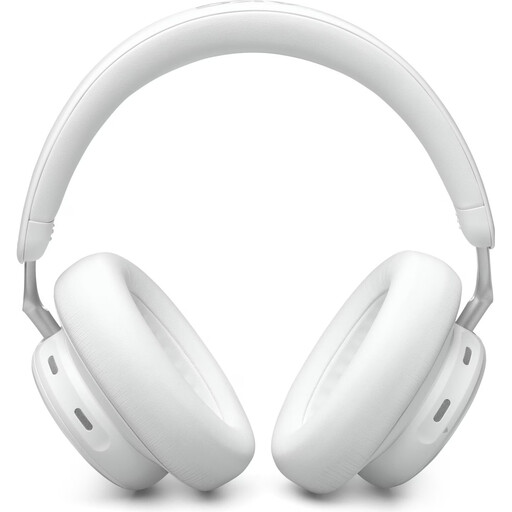 No image available
AKG N9 Hybrid over-ear headphones
For wireless presentations when you want to switch between devices and can use a compatible USB-C receiver.
Bluetooth with Multipoint and a compatible 2.4 GHz USB-C receiver are listed. Four virtual beamforming microphones are described as reducing background noise during Zoom-certified calls. ANC is a separate listening feature; test voice transmission in your actual surroundings.
View at Joybuy
 No image available
JBL Quantum 400 over-ear gaming headset
For a fixed setup if you’re looking for a wired headset with a flip-up microphone and an easy-to-reach mute control.
USB-C and 3.5 mm connections, as well as a flip-up boom microphone, are listed. The microphone is described as noise-cancelling and can be muted by flipping it up. Check in advance which connection is right for your computer.
View at Joybuy
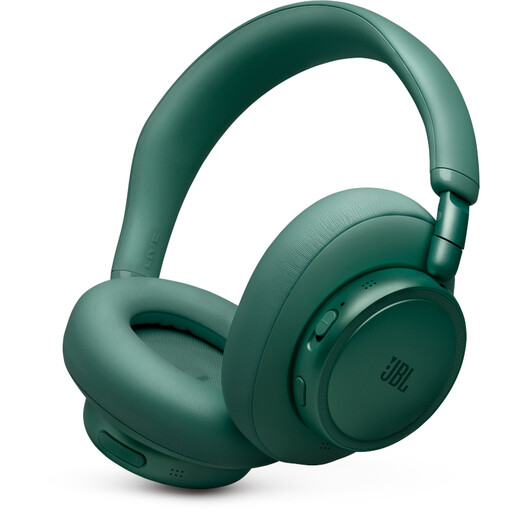 No image available
JBL Live 780NC wireless over-ear headphones
For wireless presentations if you want Multipoint and a separate noise-isolating feature for your ears.
Bluetooth with Multipoint, True Adaptive Noise Cancelling and a two-microphone system for calls are listed. ANC affects what you hear and isn’t the same as noise cancellation by the microphone.
View at Joybuy
 No image available
Razer Barracuda wireless multiplatform headset
For wireless use if you don’t want to be tethered to an audio cable throughout your presentation.
Bluetooth and Razer HyperSpeed Wireless are listed as connection options. The integrated beamforming microphones are described as featuring adjustable noise cancellation. Test the connection with the device you plan to use before your presentation.
View at Joybuy
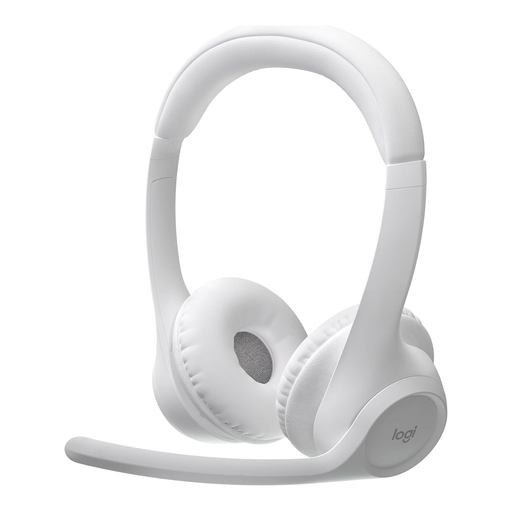 No image available
Logitech Zone 300 wireless Bluetooth headset, grey-white
For wireless presentations if you want to move around and use the mute control on the microphone boom.
Bluetooth with Multipoint, two beamforming microphones and flip-to-mute control on the microphone boom are listed. Logitech describes the Zone 300 as having two noise-cancelling microphones; test voice transmission in the meeting app you’ll be using.
View at Joybuy
Frequently asked questions
Is ANC enough to stop other people hearing my flatmates?
No. ANC for your ears isn’t the same as noise cancellation by the microphone. Check the microphone function separately and make a test recording in realistic shared-flat conditions.
How do I set up my headset before a Zoom presentation?
Select the headset as your microphone and audio output device in Zoom, position any microphone boom close to your mouth, and test a recording. Zoom Support explains that the app uses noise and echo cancellation by default; adjust the level to suit your surroundings if needed.
What should I know about product compliance for a Bluetooth headset in Germany?
Radio equipment is covered by the European legal framework of the Radio Equipment Directive 2014/53/EU. The Bundesnetzagentur lists CE marking, product identifiability and correct manufacturer details among the points it checks during market surveillance. This doesn’t replace checking the documentation for the specific product.
What are my rights when buying online from a business seller?
For a qualifying distance purchase in the EU, you generally have a 14-day right to withdraw from the contract from the date of delivery; exceptions and rules on return costs apply. The European Union’s Your Europe website also explains the minimum two-year legal guarantee for faulty goods. A voluntary manufacturer’s warranty doesn’t replace these rights.


