Joybuy products to consider
The following Joybuy listings specify Wi-Fi or streaming options. Check that the sleep-sounds source and controls you want to use are supported by the model you’re considering.
 No image available
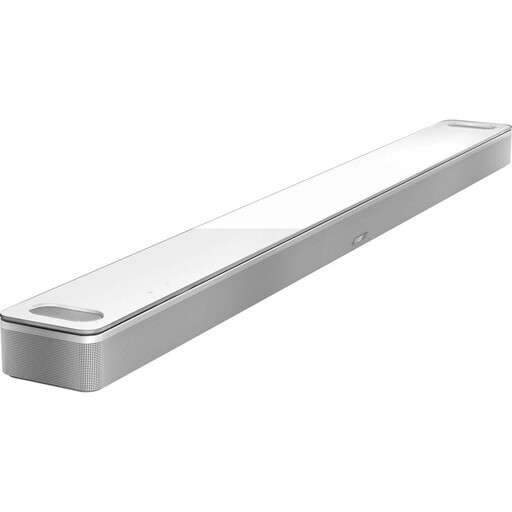
Bose Dolby Atmos soundbar, 5.1.2-channel home cinema speaker
This model may suit you if your sleep sounds use one of its supported playback options. Check that your specific service is supported before buying.
The product description lists Wi-Fi, AirPlay 2, Chromecast and Spotify Connect, as well as room calibration using an ADAPTiQ headset via the Bose Music App.
View at Joybuy
 No image available
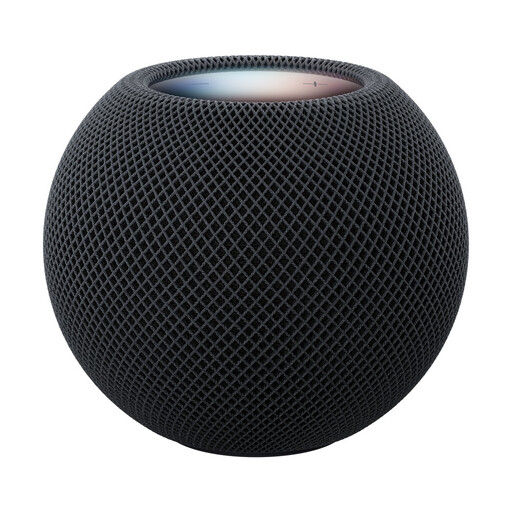
Apple HomePod mini 2, Midnight
If your audio source supports AirPlay, consider this model as a single streaming speaker.
The product description lists Wi-Fi and AirPlay. It says you’ll need a second HomePod mini 2 to create a stereo pair.
View at Joybuy
 No image available
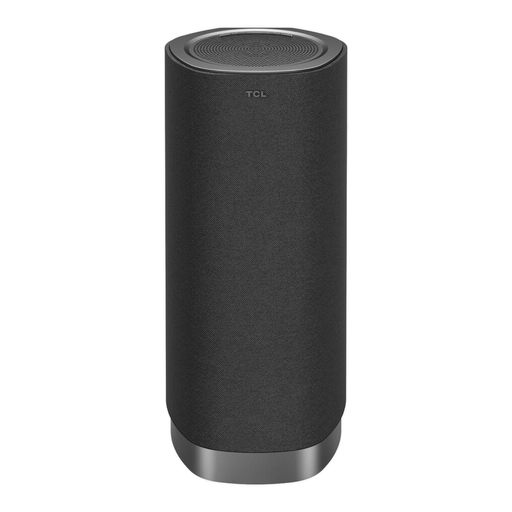
TCL Z100 Wireless Soundbar Home Cinema
If you want to include playback in a compatible TCL TV home cinema system, check the requirements for your devices and sleep-sounds source.
The product description lists Bluetooth 5.3 and Wi-Fi for synchronised home cinema audio. The room calibration described requires a compatible TCL TV with a microphone.
View at Joybuy
 No image available
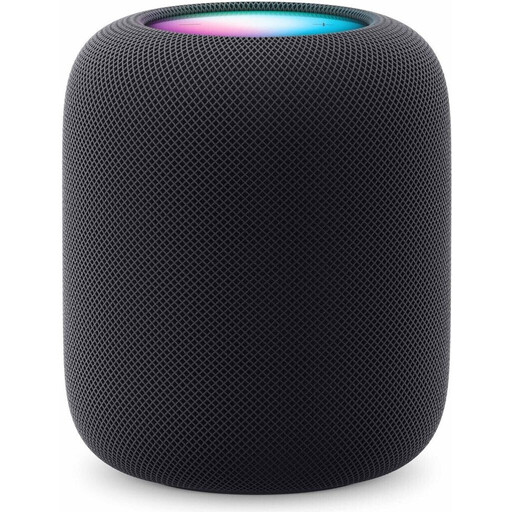
Apple HomePod (2nd generation), Midnight
If your audio source supports AirPlay, check that playback meets this model’s requirements.
The product description lists Wi-Fi and AirPlay. Set-up requires a compatible iPhone or iPad and Wi-Fi. You’ll need two identical HomePod models to create a stereo pair.
Apple advises that magnets and electromagnetic fields may interfere with medical devices such as pacemakers. If necessary, ask your doctor and the device manufacturer about the required distance.
View at Joybuy
Frequently asked questions
Can a sleep timer stop playback automatically?
Sonos says its app has a sleep timer that stops playback after a chosen length of time. For other devices and your specific audio source, check separately whether the timer function you want is available.
What should I check first when setting up speakers in a large living room?
First, decide where you want to listen and where the speakers could go. If you’re planning two speakers, check how to pair them, where you’ll need power sockets and whether they need to connect to each other. Sonos explains how to pair two Era 100 SL speakers; the connection method for other systems depends on the model.
What can I check if my Wi-Fi keeps dropping out?
First, check the signal strength where you plan to put the speaker. Sonos says its app displays signal strength and suggests moving closer to the router or access point and reducing obstructions as possible steps.
Who should I contact if something is faulty after I buy it?
If a product is faulty, contact the seller about your statutory rights. These are separate from any voluntary guarantee. The Verbraucherzentrale lists repair or replacement as possible remedies.
Which conformity details matter for a Wi-Fi speaker in Germany?
For a Wi-Fi product sold on the German market, check the details in the specific listing. The Bundesnetzagentur includes CE marking, product identification, German-language instructions and a declaration of conformity among the points covered by its market surveillance. A brand or model name alone doesn’t confirm these details.


