For watching cooking shows in a small living room, choose a screen size that suits your viewing distance and available space. A bigger TV isn’t automatically the better choice. If you often watch in daylight, a specific model with an anti-glare feature may be worth considering. A compact OLED could be a better fit if you can control the light. Check the sound, picture and reception options against how you plan to use the TV and the features of the model you’re considering.
Who should take extra care when choosing
Viewers with limited space
In a small room, the TV’s actual width and the space needed for its stand matter just as much as your viewing distance. The Consumer Advice Centre recommends taking viewing distance and reception method into account when choosing a screen size.
Viewers in daylight
If you watch TV with daylight coming into the room, consider reflections where you plan to put it. What matters is how the specific screen performs; a manufacturer’s anti-glare claim is no substitute for checking it in your own room.
Viewers who prioritise clear dialogue
When you’re watching cooking shows, spoken explanations and measurements should be easy to understand from your usual seat. COMPUTER BILD assesses picture and sound on specific 42- and 43-inch models, not across every TV from a particular brand.
What to look for when buying
| Buying priority |
What to check before buying |
Who it matters most to |
| Size and placement |
Measure your viewing distance and the available space, including room for the stand. As a guide for HDTV, the Consumer Advice Centre gives 1,60–2,10 m for 42 inches and 1,90–2,50 m for 50 inches; these aren’t fixed minimum distances. |
If I want to avoid a screen or stand dominating my small room, I’ll base my choice on the space available and my viewing distance. Around 33% of consumers put size and placement first. |
| Picture in daylight |
Check the view of windows and lamps from your usual seat. Look for reflections on the specific model; manufacturer claims such as “Glare Free” don’t guarantee a reflection-free picture in every room. |
If you want to make out ingredients and cooking steps in daylight, consider how the picture looks from your usual seat. Around 27% of consumers prioritise how clearly they can see the picture in their lighting conditions. |
| Clear dialogue |
Check how speech sounds at your usual volume and from your usual seat. If you’re planning to use a soundbar, check the connection on the specific TV. |
If explanations and measurements matter to me, I want to understand speech without needing extra audio equipment. Around 20% of consumers put clear sound first. |
| Reception and ongoing costs |
Check whether you’ll use an aerial, cable, satellite or the internet, and make sure the TV has the necessary tuners or apps. Also compare the EU energy labels for the specific models and factor in any extra costs for private DVB-T2 HD channels. |
If you want to watch the channels you’re after without unexpected ongoing costs, check the reception method and any additional charges in advance. Around 20% of consumers prioritise reception and ongoing costs. |
Common buying mistakes
-
Choosing based on screen size alone
The screen’s diagonal measurement alone won’t tell you whether a TV will suit your room and usual viewing distance. The stand’s footprint and whether you receive HD or SD signals also play a part in choosing the right size.
Before ordering, measure your viewing distance and the available width, including space for the stand. Treat guide figures as a starting point, not fixed minimum distances.
-
Assuming OLED, Mini-LED or QLED guarantees the right picture
Technology labels alone don’t show how well a specific screen performs in daylight or how it looks from where you sit. Reviews and features apply to individual models.
Compare reflections, picture and sound with your room in mind, and make sure any review refers to the exact model you’re considering.
-
Overlooking channel access and ongoing costs
A TV on its own doesn’t guarantee the reception you want or access to every channel. Costs and any extra equipment you need depend on your reception method and the programmes you want to watch.
Before buying, check which channels you want to watch, which reception methods are available and whether you’ll need a receiver or subscription.
Brands and specific model notes
LG
The 42-inch OLED42C6ELB is a specific OLED option for smaller rooms.
- COMPUTER BILD lists picture and sound among this model’s strengths.
- The review describes the settings as a little confusing. Its verdict doesn’t automatically apply to other sizes or C5 variants.
Philips
Tested compact models include the 42OLED810 and 43PUS9000.
- COMPUTER BILD rates the picture and sound of the 42OLED810 positively; its review notes that the 43PUS9000 has a bright picture.
- The review notes that the 42OLED810 lacks USB recording, while the 43PUS9000 has weaker dynamic contrast. These details apply only to the models named.
Sony
The K-43S3 is a specific 43-inch LCD model with direct LED backlighting.
- Sony lists eARC/ARC for the K-43S3, which may be useful when checking a planned audio connection.
- Sony specifies a 50 Hz refresh rate and no X-Anti Reflection for this model. A review of another Sony model doesn’t apply to the K-43S3.
Samsung
According to Samsung, the specific 43-inch GQ43QN90FATXZG combines Mini-LED with the “Glare Free” feature.
- Samsung lists Mini-LED and “Glare Free” for this model.
- The manufacturer’s claim doesn’t show how well the anti-glare feature will work where you plan to place the TV. Check how the picture looks in your lighting conditions.
Hisense
The 43E7S is a specific compact option in the 42- and 43-inch range.
- COMPUTER BILD lists colour reproduction and HDR format support among the 43E7S’s strengths.
- The review also notes low brightness and a 60 Hz refresh rate. This assessment applies to the 43E7S, not the brand as a whole.
Joybuy picks for small living rooms
This selection includes 24- and 43-inch TVs, including compact LED models. Compare the actual width of the TV and stand with your available space, and check that the size, sound and reception method suit the way you watch.
 No image available
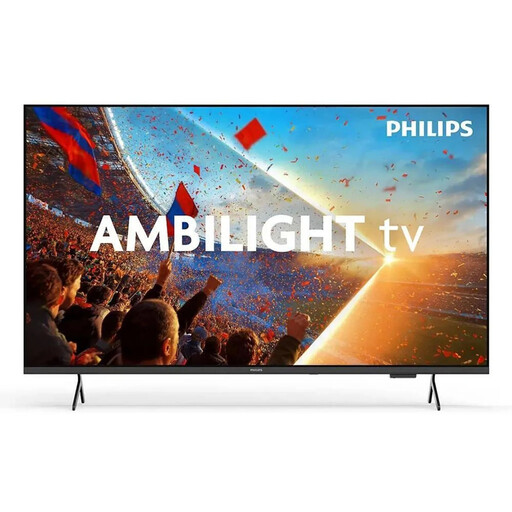
Philips Ambilight TV 43PUS8001/12, 43 inches
The 43-inch format gives you a specific size to compare with the space available.
4K QLED Smart TV with Ambilight; the product description mentions Titan OS and streaming apps.
Joybuy
 No image available
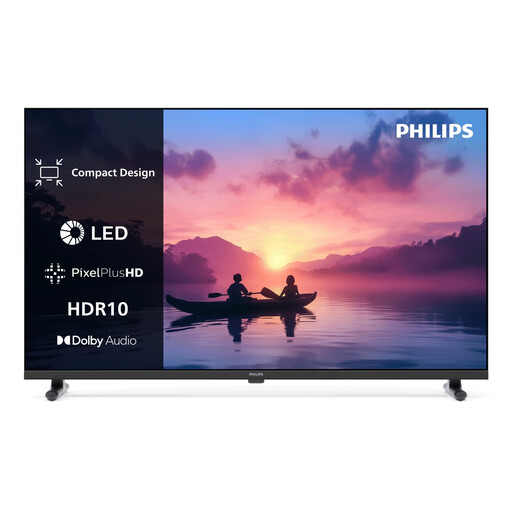
Philips 24PHS6050/12 HD LED Smart TV, 24 inches (2026)
The 24-inch format could be a good size for a very limited space. Check the TV’s actual dimensions before buying.
HD LED Smart TV. The product description mentions Dolby Audio with Vocal Boost, as well as DVB-T2 HD, DVB-C and DVB-S/S2.
Joybuy
 No image available
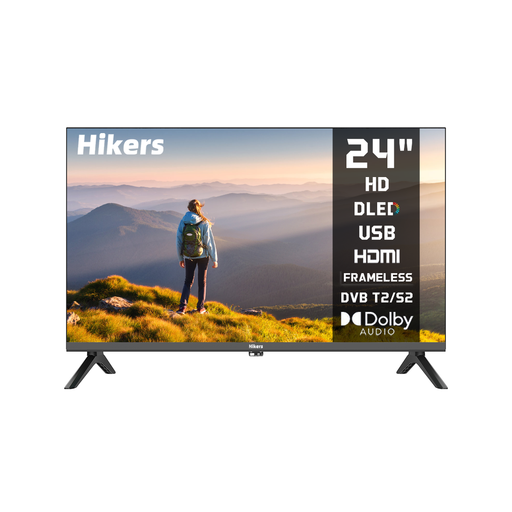
Hikers HD 24, 24 inches (60 cm), non-smart TV
The stated 24-inch format is a compact option when space is limited.
HD VA display with LED backlighting; product details list DVB-S2, DVB-T2 and DVB-C, as well as Dolby Audio. A VESA 100 × 100 mm wall-mount fitting is specified.
Joybuy
 No image available
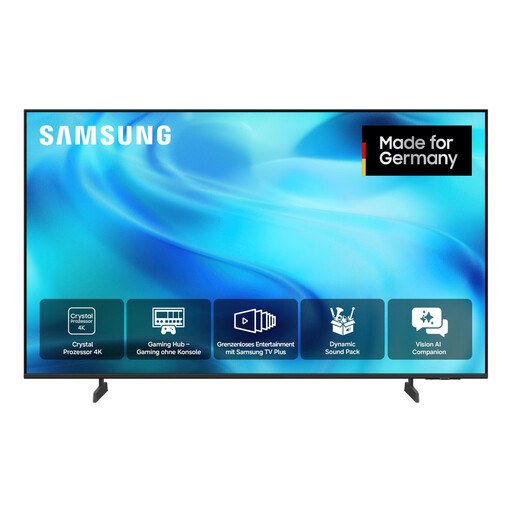
Samsung GU43U8079H Crystal UHD U8079H, 43 inches
The 43-inch format is a specific size option to compare with your viewing distance and available space.
4K UHD LED Smart TV. The product description mentions tuners for DVB-T2 HD, cable and satellite, as well as several streaming features.
Joybuy
 No image available
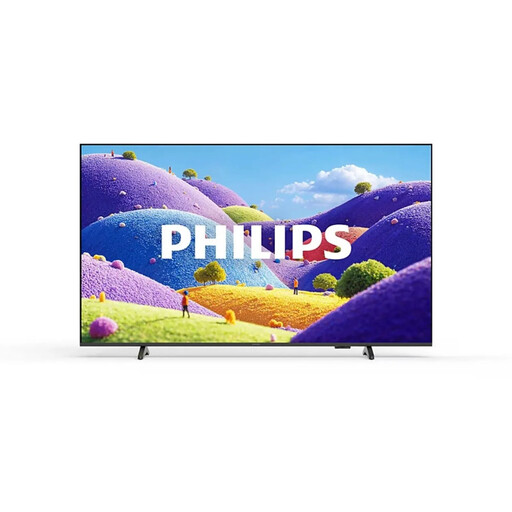
Philips 43PUS7061/12, 43-inch 4K Ultra HD LED TV
The 43-inch format is an option for smaller living rooms if your measurements show there’s enough space.
The product description mentions DVB-T2, DVB-C and DVB-S/S2, streaming services, Dolby Atmos, HDMI ARC/eARC and an optical audio output.
Joybuy
Frequently asked questions
How do I work out what size TV to order?
Measure your usual viewing distance and the space available for the TV and its stand. The Consumer Advice Centre gives different guide distances for HD and SD reception; you should also consider the light and viewing angle where you plan to put the TV.
Do I need a new receiver to watch cooking shows via an aerial?
For DVB-T2 HD, you’ll need a compatible receiver, either built into the TV or as a separate device. The changeover affects aerial reception, not cable, satellite or internet reception.
Does it cost extra to receive private channels via DVB-T2 HD?
Yes. You’ll need to pay to decrypt private channels that are broadcast in encrypted form. As of July 2026, the Consumer Advice Centre quoted 99 Euro per device per year or 7,99 Euro on a monthly subscription; check the terms again before signing up. It says no such additional payment is required for public-service channels.
Does HbbTV need an internet connection?
Yes. The Consumer Advice Centre says an internet connection via an Ethernet cable or Wi-Fi is required to access HbbTV’s additional services.
How should I factor in power consumption and placement?
Compare the EU energy labels and power consumption figures for the specific TVs. Follow the ventilation instructions in the manual for each model when positioning your TV; the required clearance varies by model.


