What to look for when buying
The Verbraucherzentrale recommends choosing a screen size to suit your viewing distance; your reception method also determines which tuner you need. The figures below show the main buying concern for people looking to watch rugby in a small living room.
| Priority |
What to check before buying |
Who it matters most to |
| Screen size and space |
Measure your viewing distance, the width of your furniture, and the stand and body dimensions of the specific model. |
When my sofa is close to the screen, I want to see the pitch clearly despite having limited space. Around 29% of consumers prioritise the space the TV will take up. |
| Fast-paced play |
Consider independent tests of how the exact model handles motion, as well as the signal you’ll be watching. |
I want to be able to follow the ball and players during camera pans. Around 24% of consumers put smooth sports playback first. |
| Lighting and viewing angle |
Take windows, reflections and the actual positions of viewers sitting to the side into account. |
If we’re watching rugby during the day or someone is sitting to the side, the picture should still be clear from those seats. Around 18% of consumers prioritise lighting and viewing angles. |
| Rugby reception |
Check which broadcast you want to watch, how you’ll receive it, and whether you need a tuner, app access or an HDMI connection. |
Before buying, I want to know whether my existing equipment can receive the rugby broadcast I want. Around 17% of consumers are most concerned about how they’ll receive the broadcast. |
| Purchase and running costs |
Compare the EU energy labels and consumption figures for the exact model variants on a like-for-like basis. |
I want to weigh up the purchase price and electricity use together so I can keep overall costs in check. Around 12% of consumers put cost first. |
Joybuy products for watching rugby in a small living room
This selection includes 43-inch TVs for compact spaces, plus 50-inch models if your viewing distance and room can accommodate a larger screen. Before buying, check that the TV is compatible with your reception method.
 No image available
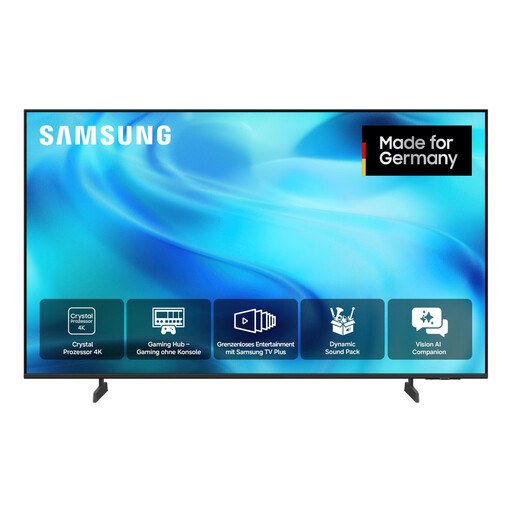
Samsung GU43U8079H Crystal UHD 4K Smart TV (43 inches)
A compact screen option if 43 inches suits your viewing distance and available space.
4K UHD; 60 Hz; HDR10+ and HLG; DVB-T2 HD, DVB-C, DVB-S and DVB-S2 tuners.
Joybuy
 No image available
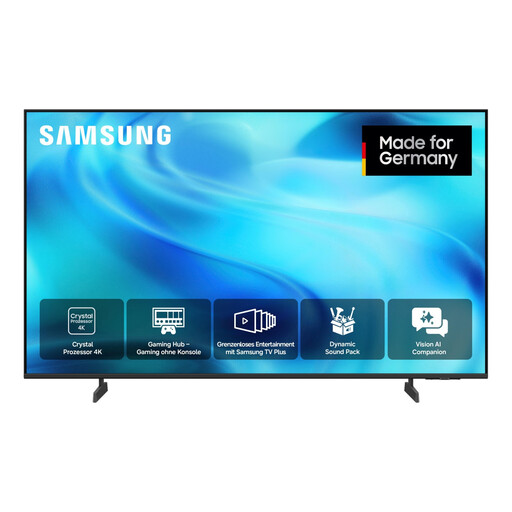
Samsung GU50U8079H Crystal UHD 4K Smart TV (50 inches)
A larger screen option if your viewing distance and available space can accommodate 50 inches.
4K UHD; 60 Hz; HDR10+ and HLG; DVB-T2 HD, DVB-C, DVB-S and DVB-S2 tuners.
Joybuy
 No image available
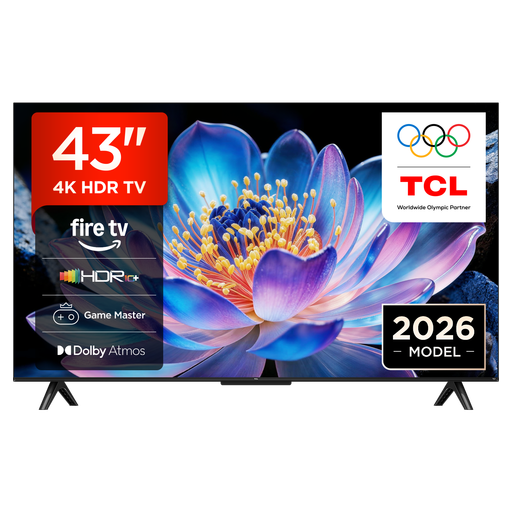
TCL 43V6D 4K UHD Smart TV (43 inches)
A 43-inch option if this screen size suits your measured viewing distance and available space.
4K HDR and HDR10+; Fire TV. ALLM and VRR are listed as gaming features.
Joybuy
 No image available
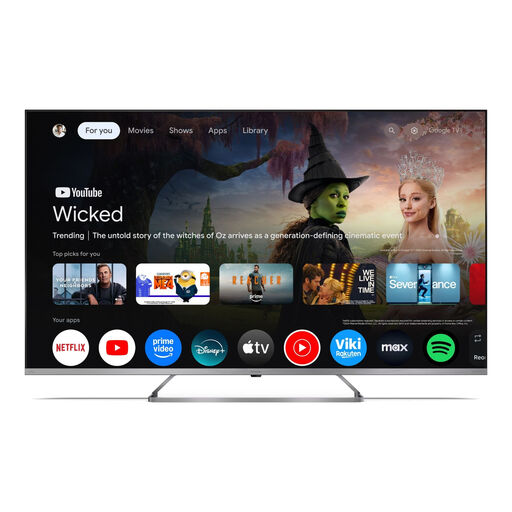
SHARP 50JP7765E QLED Mini-LED 4K Smart TV (50 inches)
The larger screen is worth considering if your room and viewing distance can accommodate 50 inches.
QLED and Mini-LED; 4K UHD; Google TV; HDR and Dolby Vision.
Joybuy
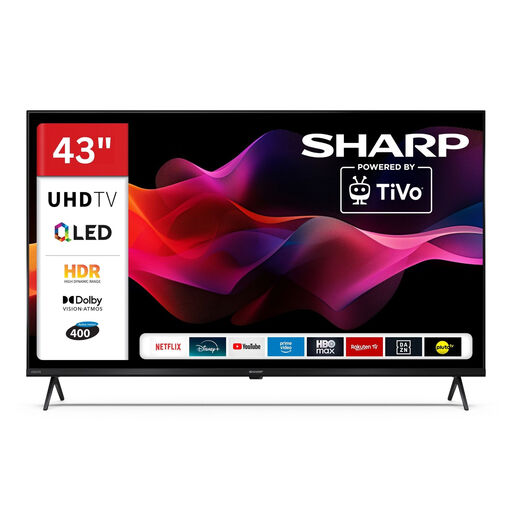 No image available
SHARP 43HM5745E QLED 4K Smart TV (43 inches)
A compact screen option if your measured viewing distance suits 43 inches.
4K; Dolby Vision HDR and HDR10; triple tuner for cable, satellite and aerial; three HDMI 2.1 ports with ALLM; TiVo.
Joybuy
Frequently asked questions
Is 42 or 43 inches big enough if I sit close to the screen?
It depends on your measured viewing distance and the picture signal. For 42 inches, the Verbraucherzentrale suggests 1.60 to 2.10 m for HDTV and 2.60 to 3.10 m for SDTV as a guide. These figures aren’t universal limits for every stream.
Do I need a 144 Hz TV for rugby?
No, not just because of that figure. Philips lists 144 Hz for VRR on the 42OLED810; this doesn’t tell you the refresh rate of a rugby broadcast. Consider the signal you’ll be watching and tests of how the specific model handles motion.
How do I connect my preferred reception method?
For aerial, cable or satellite reception, the tuner needs to match the method you use. If you’re connecting an external set-top box, check which HDMI port you need. For internet-based services, check your connection and access to the specific service. The Verbraucherzentrale explains that your reception method determines which tuner you need.
How do I compare TVs’ electricity use?
Compare the EU energy label information for the specific models on a like-for-like basis. The European Commission explains that the label also includes efficiency information for HDR content.
Will a new TV mean an extra broadcasting licence fee?
The ARD ZDF Deutschlandradio Beitragsservice generally charges one broadcasting licence fee per household, not per TV. Whether any exceptions apply depends on your personal circumstances.


