
Lieferung heute & morgen

Qualitätsgarantie

Willkommens-Angebote freischalten: KOSTENLOSE Lieferung | Bis zu 80 % RABATT | Kostenlose 30-Tage-JoyPlus-Testphase
App herunterladen
A Smart Projector of your own can transform your living room, bedroom, or even your garden into a private cinema. The idea of enjoying films and series on a giant screen is appealing. However, the market is crowded and confusing, full of technical promises that don't always deliver. Before you make a purchasing decision, it's crucial to understand the most common pitfalls that often lead to disappointment and poor value for money.
As your Joybuy Product Recommendation Officer, I'll help you separate marketing hype from facts. Here are the three most common traps and how to avoid them:
To avoid a bad purchase, you should focus on verifiable technical specifications. These three factors are crucial in determining the quality and user-friendliness of your home cinema experience.
Brightness is critical for getting a clear and vibrant image, especially in rooms that aren't completely dark. Look exclusively for the rating in ANSI lumens.
The native resolution indicates how many physical pixels the projected image actually consists of.
A modern Smart Projector should integrate seamlessly into your digital life.
Based on these objective criteria, we have identified a few models that represent a considered choice for different user groups and budgets.
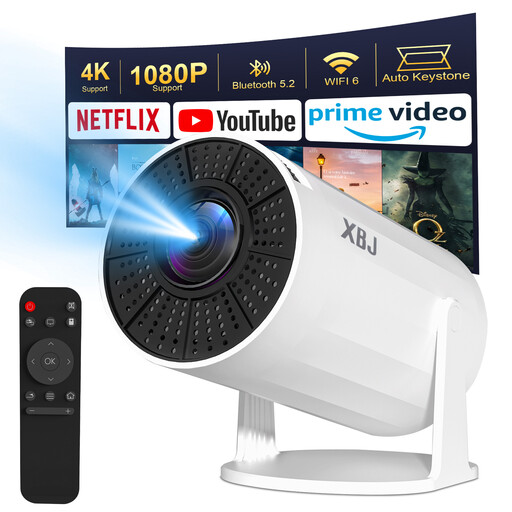
Why This Fits Their Persona: Ideal for users looking for a straightforward and extremely flexible solution for the bedroom or occasional movie nights. Thanks to the 180° rotating stand, the image can be effortlessly projected onto the ceiling. As a portable projector, it is easy to transport and store.
The projector is transparent about its brightness of 200 ANSI lumens, making it clear that it is designed for darkened environments. It avoids the fantasy-value trap. The integrated Android 11 system offers a functional smart platform for its price point.
The 180° rotating stand allows for unique projection flexibility. The automatic vertical keystone correction greatly simplifies setup.
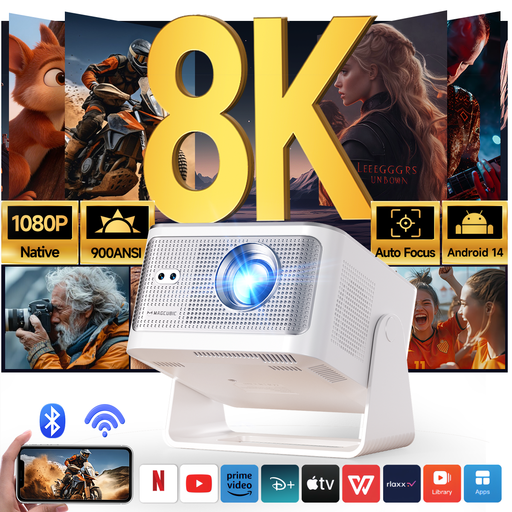
Why This Fits Their Persona: Perfect for users seeking a powerful yet straightforward "plug-and-play" solution. Ideal for the living room home cinema, spontaneous gaming sessions, or movie nights in the garden, without having to bother with manual adjustments.
With 900 ANSI lumens, it delivers a high, clearly stated brightness that is impressive even in rooms that are not completely dark. The modern Android 14 operating system ensures smooth performance and app compatibility, avoiding the trap of unstable software.
The fully automatic image adjustment (autofocus and auto-keystone) ensures a perfect picture in seconds. The combination of native 1080p resolution and high brightness offers excellent image quality for the price.
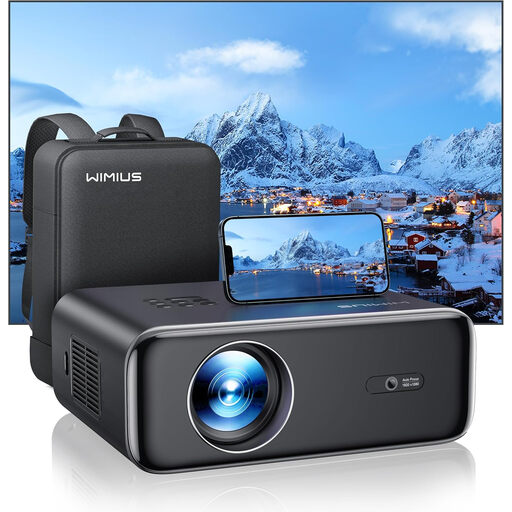
Why This Fits Their Persona: For users who value reliable, balanced image performance for their dedicated home cinema. This model focuses on core features like image quality and stability, making it a solid choice for film and series enthusiasts.
The P62 avoids the lumen trap with a clear rating of 700 ANSI lumens and the resolution trap with a true native 1080p resolution. It is honest about streaming limitations and recommends a TV stick for full compatibility, which speaks to its transparency.
A high contrast ratio of 20,000:1 ensures deep blacks and vibrant colours. The combination of WiFi 6 and reliable auto-focus/keystone technology makes it a reliable workhorse for the home cinema.
We have compiled a complete, up-to-date list of products that fully meet these strict selection criteria and German safety regulations.
It depends on the environment. For a darkened bedroom, 200-300 ANSI lumens are often sufficient. For a living room with some ambient light, you should aim for at least 500 ANSI lumens. If you plan to use the projector during the day or outdoors, 700 ANSI lumens or more is recommended.
No. For Netflix to run stably and in HD quality, the projector needs an official license from Netflix and a certified operating system. Many inexpensive Android projectors do not have this license, which means the app either won't work at all or will only stream in low resolution. Look for product descriptions that explicitly mention "officially licensed Netflix" or a certified system like Android TV. Alternatively, an external streaming stick (e.g., Fire TV Stick, Chromecast) can be used on any projector with an HDMI port.
Keystone correction fixes the trapezoidal distortion of the image that occurs when the projector is not placed perfectly centered and perpendicular to the screen. Manual correction often requires cumbersome settings in the menu. An automatic keystone correction uses sensors to straighten the image on its own within seconds. This significantly increases convenience, especially for a portable projector that is frequently set up in different locations.