If several people will be sitting to the side of the TV, first check the horizontal viewing angle of the specific model, then make sure your videos can be played from your existing smartphone or USB storage device. RTINGS.com highlights wide viewing angles as important for a broad seating arrangement. With LCD TVs, IPS panels typically offer wider viewing angles than VA panels, while VA usually delivers better contrast. OLED is an obvious option to consider, but daylight, viewing distance, reflections and energy ratings can all affect your choice.
Who is this selection for?
Hosts with a wide seating arrangement
If several people won’t be sitting directly in front of the TV, what matters is how the picture looks from the seats at either side. RTINGS.com highlights viewing angle as an important consideration for a wide seating arrangement.
Sharing videos from a smartphone or USB device
You want to show your own recordings without a lot of faff. LG Germany says AirPlay requires a shared Wi-Fi network. For USB playback, the file extension and codec, among other things, must be compatible with the specific TV.
Watching in a bright room
When showing videos during the day, consider viewing distance, where the TV will go and any potential reflections, as well as seating position. The German Consumer Advice Centre recommends measuring your usual viewing distance before choosing a TV.
What should you look for when buying?
| Buying priority |
What to look for |
Who it matters most to |
| Picture from the side |
Work out where the seats at either side will be, then check an independent horizontal viewing-angle measurement for the exact model variant (RTINGS.com). |
When guests are sitting to the side, I want to be able to make out faces and details from the outer seats too. Around 36% of consumers prioritise viewing angle. |
| Playing your own videos |
Decide which source device and connection method you’ll use. For USB playback, check a typical file’s picture and sound against the specifications for the exact model (LG Germany). |
I want to show recordings from my smartphone or USB storage device without any fuss. Around 29% of consumers put video streaming first. |
| Daylight and screen size |
Measure the viewing distance and available space, then check for reflections where you’ll usually show videos. The German Consumer Advice Centre recommends taking viewing distance into account. |
If I’m showing videos during the day, the screen size and position need to suit the distance, space and light. Around 21% of consumers prioritise daylight and screen size. |
| Ongoing energy use |
Compare the energy label and product information sheet for the exact variant. For HDR playback, also check the energy figures listed for HDR (European Commission). |
I want to factor ongoing energy use into my choice and compare the figures for SDR and HDR. Around 14% of consumers give energy consumption particular weight. |
Common TV-buying misconceptions
-
“QLED” or a large screen guarantees a good view from the side
With LCD TVs, IPS and VA panels typically differ in viewing angle and contrast. What matters is how the specific model performs from the seats at either side.
Start by working out the seating arrangement, then check independent viewing-angle results for the exact model variant.
-
A USB port will automatically play any video file
The file extension and video and audio codecs must be compatible with the specific TV. A USB port alone doesn’t confirm that your recordings will play.
Check a typical original recording against the specifications for the exact model, and decide on an alternative way to play it if needed.
Depending on the file, you may need to put in extra work to find a compatible file or another way to play it.
-
An extreme OLED endurance test predicts how long the TV will last with varied videos
The endurance test described by RTINGS.com used the same static programme for a long time at maximum brightness. That’s different from playing a changing mix of project videos, and it isn’t a prediction of a TV’s lifespan with varied content at home.
If you often display fixed graphics for long periods, bear this usage pattern in mind when choosing. Don’t assume that results from an extreme test apply to varied content.
-
Screen size and picture quality are the only things that matter
According to the German Consumer Advice Centre, larger screens generally use more electricity. Energy ratings also vary between specific models.
Compare the energy label and product information sheet for the screen size you’re considering.
TV brands to consider
LG
LG offers OLED smart TVs, and its support information covers AirPlay and USB playback.
- AirPlay may be an option for sharing your own recordings if the TV and source device are compatible and connected to the same Wi-Fi network (LG Germany).
- For USB playback, the file extension, codec and other requirements must be compatible with the specific model variant (LG Germany).
Panasonic
Panasonic’s Z95B series is an OLED range with Fire TV.
- Panasonic lists built-in Fire TV and a speaker system for the TV-65Z95BEG.
- This manufacturer information doesn’t show how well the specific model suits your seating arrangement or video source. Check both for the exact variant.
Samsung
Samsung describes several ways to share content from mobile devices on its smart TVs.
- Samsung’s overview lists Screen Mirroring, AirPlay and Google Cast as ways to stream content.
- Features and compatibility depend on the specific TV model and source device, so check both before choosing.
Sony
Sony offers BRAVIA models with Google TV and describes several ways to play content.
- Sony lists Google Cast and HDMI, as well as AirPlay on certain models, as ways to stream content.
- According to Sony, AirPlay isn’t available on every Android TV or Google TV. Check support for the exact model variant.
Philips
Philips offers OLED TVs with Ambilight, including the 65OLED810/12 model.
- Philips describes Ambilight as rear lighting and says picture quality remains good when viewed from different angles.
- These are manufacturer claims. Ambilight doesn’t replace checking the viewing angle of the exact variant or making sure it supports your chosen connection method.
Joybuy products for videos and side-on seating
The following Joybuy models come in different sizes and TV configurations for sharing videos. For each variant, check that its viewing angle suits the seats at either side and that its connection options work with your devices.
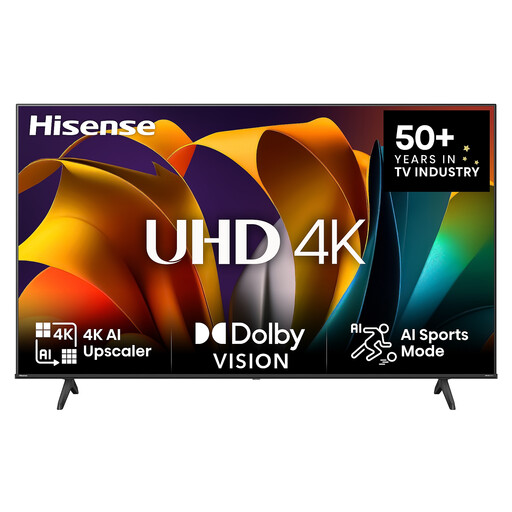 Image unavailable
Hisense 75E6NT 75-inch 4K UHD smart TV
The 75-inch version is worth considering if you’re after a large picture, but screen size alone tells you nothing about viewing angle.
Check the viewing distance and available space, and see how the specific model performs from the seats at either side.
View at Joybuy
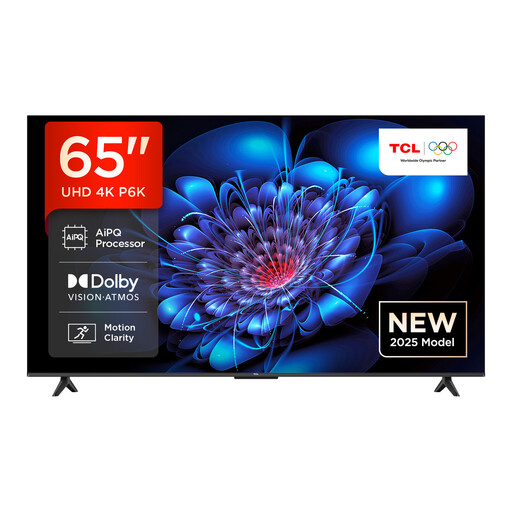 Image unavailable
TCL 65P6K 65-inch Direct LED 4K HDR smart TV with Google TV
This VA LCD option may suit a seating arrangement where most people are directly in front of the TV. If guests will be sitting to the side, check the viewing angle of the specific model.
If you want to stream wirelessly, check your source device against the Google Cast, AirPlay and Miracast options listed for this model.
View at Joybuy
 Image unavailable
LG OLED77G67LW OLED evo AI G6 77-inch 4K smart TV (2026)
This 77-inch OLED smart TV is worth considering for a larger seating area. Check the viewing angle from the seats you’ll actually use.
The product information lists AirPlay and Google Cast for compatible devices. A stand isn’t included; the supplied bracket is designed for wall mounting.
View at Joybuy
 Image unavailable
LG OLED83C67LA 83-inch OLED evo AI 4K smart TV
This 83-inch OLED version is worth considering if you have the space and viewing distance for such a large screen.
Check the viewing angle for the exact model variant and make sure its listed connection options work with your devices. The product information lists built-in Chromecast.
View at Joybuy
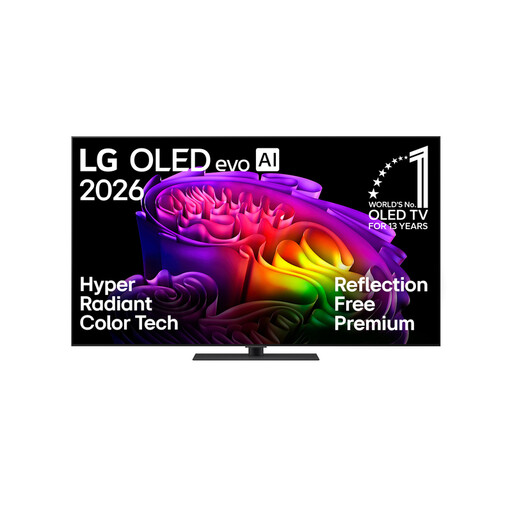 Image unavailable
LG OLED65G66LS OLED evo AI G6 65-inch 4K smart TV (2026), with stand
The 65-inch OLED version gives you another size to compare with your viewing distance and the width of your seating area.
The product information lists AirPlay and Google Cast for compatible devices. Also check the viewing angle and potential reflections where you plan to position the TV.
View at Joybuy
Frequently asked questions
How do I check whether my smartphone can stream videos to the TV?
Check which connection methods are supported by both your smartphone and the exact TV variant. LG says AirPlay requires a shared Wi-Fi network. Sony describes Google Cast and HDMI, as well as AirPlay on certain models.
Why won’t my TV play a video file from a USB stick?
The file extension and video and audio codecs must be compatible with the specific model. LG Germany recommends checking the requirements for the exact TV variant rather than assuming a USB port guarantees compatibility.
How do I compare energy use for SDR and HDR content?
Compare the energy figures for the specific model on its energy label and product information sheet. The European Commission notes that energy labels for electronic displays also include information about playing HDR content.


