Watching during the day in front of tall windows
You want to watch garden footage without having to close the curtains every time you show it. Reflections and picture quality in ambient light are key.


First, check how strongly the tall windows reflect on the screen and how clearly the picture shows up in daylight. A high peak brightness alone won’t eliminate direct reflections. Then choose a streaming method that works with your recording device, and measure your seating positions and available space before settling on a screen size.
You want to watch garden footage without having to close the curtains every time you show it. Reflections and picture quality in ambient light are key.
You want to show project clips from your iPhone or Android device on your TV, and check in advance that the streaming method and Wi-Fi work with your device.
You watch together from different positions. Screen size, sightlines and a safe setup matter more than a one-size-fits-all recommendation in inches.
Start by checking reflections and choosing a suitable streaming method. Then consider group viewing and placement, as well as the power consumption of the specific model.
| What matters when buying | What to look for | Who is it important to? |
|---|---|---|
| Visibility in daylight | Check reflection tests and brightness measurements for the same model and test mode. If possible, avoid placing the screen directly opposite a window. | When I show garden clips in daylight in front of tall windows, I want to spot reflections without having to darken the room every time. Around 36% of consumers say good daytime visibility is their top priority. |
| Streaming your own videos | Make a note of your recording device and preferred streaming method. Check AirPlay, Google Cast or USB playback, and which codecs the exact TV model supports. | When I want to share clips from my iPhone or Android device, I need a streaming method that works with my device and Wi-Fi. Around 29% of consumers prioritise reliable video streaming. |
| Viewing and placement for a group | Measure the viewing distance, side seating positions and available width. Compare the TV’s dimensions, including its stand, or check the VESA specifications if you plan to wall-mount it. | When several people are watching from different positions, I want a suitable sightline and enough space for the TV. Around 21% of consumers put group viewing and placement first. |
| Power consumption | Compare the energy information for specific models, including the figures for SDR and HDR. Take screen size and intended use into account when choosing. | When I use the TV regularly for a group, I want to balance power consumption against the screen size I need. Around 14% of consumers say ongoing power consumption is their main buying consideration. |
Direct reflections from a window can be distracting, even with a bright screen. Figures from different picture modes or suppliers aren’t necessarily comparable.
Assess reflections and brightness separately, and check that measurements refer to the same model and a specified test mode.
AirPlay, Google Cast and USB playback all have different requirements. A suitable filename or file extension doesn’t guarantee that the TV supports the codec used.
Before buying, choose a typical clip of your own and your recording device as a compatibility test. Depending on the file or streaming method, you may need an additional compatible playback device or a different connection.
A larger TV needs more space and may use more power. A large screen won’t help the group if the side seating positions have poor sightlines or the TV doesn’t fit the space.
Measure the available space and viewing distances, and compare the energy information for the specific models.
The BRAVIA 9 II K-65XR95M2 is a specific RGB-LED LCD model designed for bright rooms.
The Q7D Pro is a Mini LED option where screen size and daytime use should be considered together.
The S99H is an OLED option with a matte screen that may suit a room with windows.
The OLED evo G6 range is another OLED option if you want AirPlay for videos from an iPhone.
The Joybuy models below are Mini LED options in different screen sizes. Check your viewing distance, available space and reflections at the intended location before choosing a screen size.
 No image available
With this 98-inch version, make sure the viewing distance and available space suit your room. Also check for reflections from the window at the intended viewing position.
Features listed in the product name: 2.000 nits HDR, Anti-Reflection, 144 Hz and 1.152 local dimming zones.
 No image available
The 75-inch version is worth considering if your room has enough space for the TV and suitable viewing distances. Check the view from side seating positions.
Features listed in the product name: 760 local dimming zones, up to 2.000 nits HDR, Anti-Reflection and 144 Hz.
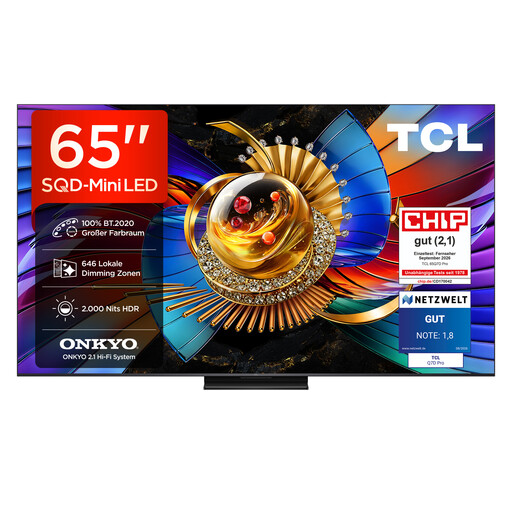 No image available
Compare the 65-inch version with the dimensions of your intended space and seating positions. Check for window reflections at the spot where you plan to place it.
Features listed in the product name: 646 local dimming zones, up to 2.000 nits HDR, Anti-Reflection and 144 Hz.
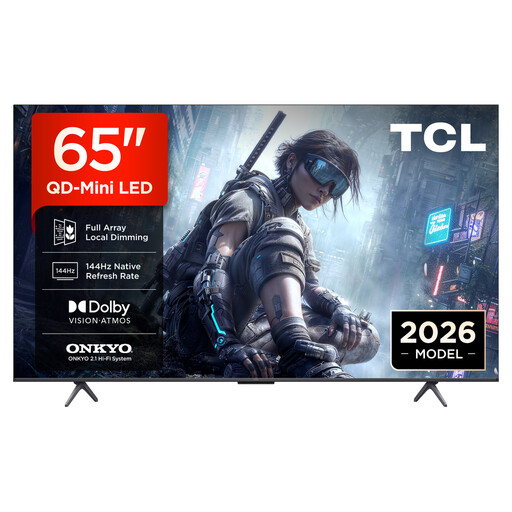 No image available
The 65-inch screen could work well for group viewing if the room has enough space and the viewing distance is right. Compare the view from each of the group’s seats.
Features listed in the product name: 4K HDR, Google TV and 144 Hz VRR.
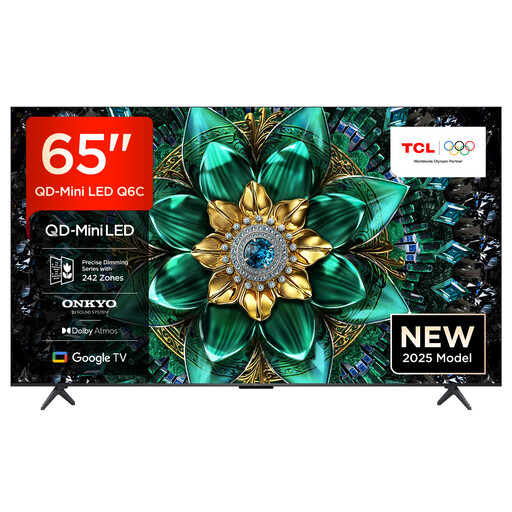 No image available
For group viewing, make sure the 65-inch screen works with your seating positions. Check that the streaming method you want is supported by the exact TV model.
Features listed in the product name: 4K HDR, 144 Hz, Google TV and AirPlay 2.
Yes, if the exact TV model supports AirPlay and your iPhone and TV are connected to the same Wi-Fi network. Apple Support explains how to stream individual videos and mirror your screen. Check the AirPlay information for the TV you’ve chosen.
If you’re using a Google Cast-compatible receiver, Google recommends checking that both devices are connected to the same Wi-Fi network. Client isolation enabled on the network can prevent the connection.
No. The connection, file system and video codec must be compatible with the specific model. Sony lists the USB file systems and codecs supported by the K-65XR95M2; these details don’t automatically apply to other models.
Check the EU energy label and product information for each model. The European Commission explains that the label for electronic displays includes information for SDR and HDR. Actual power consumption also depends on how you use the TV and its settings.
Measure the viewing distance and available space, and consider which angles the group will be watching from. The Verbraucherzentrale recommends measuring your usual viewing distance before buying a TV.