Those planning a USB slideshow
You want to show prepared costume photos directly from local storage. Sony Germany, LG Germany and TCL Germany all point out that file formats, file systems and USB functions vary by TV model.


If you want to show carnival photos without using a mobile phone or network, choose a TV whose manual confirms it can play your image files from the USB storage device you plan to use. For choosing photos as you go, consider wireless streaming or connecting a playback device via HDMI. The devices involved and the specific connection method will need to be compatible.
You want to show prepared costume photos directly from local storage. Sony Germany, LG Germany and TCL Germany all point out that file formats, file systems and USB functions vary by TV model.
You want everyone to be able to see the photos clearly. The consumer advice centre recommends factoring in your usual viewing distance when choosing a screen size.
You want to select photos from a phone or computer during the party. Sony Germany lists AirPlay and Chromecast built-in for the BRAVIA 3 K-55S3; the streaming function needs to be compatible with the device you’re using to play the photos.
| What you need | What to check before buying | Who is this particularly important for? |
|---|---|---|
| Playing local files | Check the model’s manual to see whether its USB port plays media and supports your storage device’s file system and image format. Test your photos beforehand; Sony Germany notes that not every file will necessarily play, even if its format is supported. | If you want to run the slideshow from your own storage without a phone or home network, compatibility with your specific files is particularly important. Around 36% of consumers prioritise local playback. |
| Making sure everyone can see | Compare the screen dimensions and stand with the space available, and take viewing distance into account. The consumer advice centre recommends considering your usual viewing distance. | If several guests need to make out costume details from their seats, the screen size and its position need to suit the room. Around 29% of consumers put visibility for the group first. |
| Streaming photos as you go | Check that the TV and your phone or computer support the same streaming method. If you’re using a computer that you’ve prepared in advance, HDMI is another option. | If you want to choose or add photos during the party, you’ll need a compatible connection between your playback device and TV. Around 21% of consumers prioritise flexible streaming. |
| Keeping overall costs in mind | Compare the energy label for the specific model and check whether delivery or installation will cost extra. Also distinguish between your statutory rights and a voluntary guarantee. | If your decision takes account of energy use and any installation costs as well as the purchase price, it’s worth looking at the total cost. Around 14% of consumers place the greatest emphasis on predictable ongoing costs. |
A USB port may be intended for other uses, and supported file systems and image formats vary by model. Even a file in a supported format may not necessarily play.
Before buying, check the manual for the specific model, then test your own photos.
If the TV won’t play your files, you may need an additional playback device. Converting files can also take extra time and effort.
The visible detail also depends on the resolution of the photo files. LG Germany notes that the quality of upscaled content depends on the resolution of the source material.
Check important costume details in the original files and choose a screen size that suits the room, viewing distance and available space.
Showing photos in a personal or family setting isn’t automatically the same as publishing them or sharing them with other people. The Federal Commissioner for Data Protection and Freedom of Information highlights this distinction.
Before sharing or publishing photos, check the rights relating to the specific images and the interests of the people shown.
An option to compare if you’re looking for specific details about USB photo playback and alternative ways to connect a playback device.
An option to compare if you’re interested in other smart TV features as well as photo viewing.
The Crystal UHD range, including the GU55U7099FUXZG, offers another model to compare.
The 50PUS8500/12 is a 50-inch option if you’re also considering Ambilight and Titan OS.
TCL is worth considering if you want to check that the USB port and storage device are compatible before choosing a model.
The models below are suited to viewing photos together on a large screen, with playback via USB, HDMI or wireless features. Always check that the specific model supports your chosen connection method and file types.
 No image available
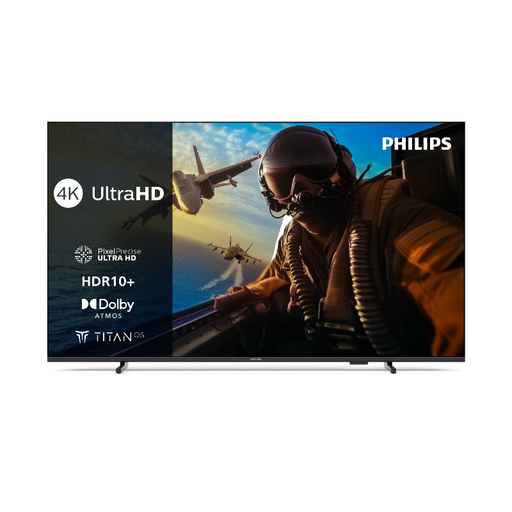
This 55-inch model could be a good choice for viewing photos together. Check the manual to see whether it supports your local photo files.
As stated in the product name: 4K LED, 55-inch screen and Titan OS.
 No image available
The 85-inch screen could work well for viewing photos together. Before buying, check that the connection method you need is compatible with your devices.
As stated in the product name: 85 inches, Dolby Vision and IMAX Enhanced.
 No image available
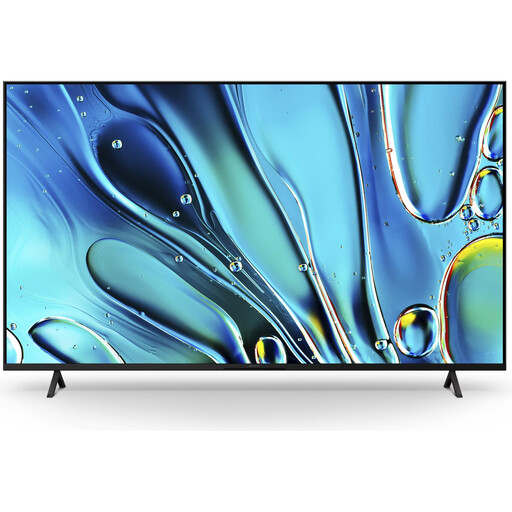
If you want to stream photos wirelessly from a compatible device, check that the streaming function works with this specific model and your playback device.
As stated in the product name: 75 inches, Google TV, Google Cast and Apple AirPlay 2.
No image available
If you want to show JPEG photos via USB, check the manual for the specific model and test your files. Sony notes that supported formats don’t guarantee that every individual file will play.
As stated in the product name: 55 inches, Google TV, Google Cast and Apple AirPlay 2.
No image available
For viewing photos together, consider the screen size and your viewing distance. Also check that the listed streaming features are compatible with your devices.
As stated in the product name: 43 inches, Google TV, Google Cast and Apple AirPlay 2.
No, the port alone doesn’t confirm that your photos will play. Check that it plays media and that the specific model supports your file system and image format. TCL Germany points out that some USB ports are for servicing only; Sony Germany warns that individual files may not play, even if their format is supported.
Follow the instructions for your TV model and test the actual image files you want to use. For the devices covered in its support guidance, LG Germany lists FAT32 or NTFS and recommends ejecting the storage device using the TV’s function before unplugging it. This advice doesn’t automatically apply to every TV model.
Compare the energy label for the specific model and, if needed, check whether delivery or installation will cost extra. When buying new goods as a consumer in Germany, statutory rights against the seller are separate from a voluntary guarantee. Online purchases generally come with a 14-day right to cancel; the consumer advice centre explains when it applies and the conditions involved.
Not automatically just because you’re allowed to show the photos on your TV. A private viewing and sharing or publishing photos are treated differently under data protection law. For the specific photos, people and intended use, check which rights and legal grounds apply; the Federal Commissioner for Data Protection and Freedom of Information highlights the importance of these circumstances.