Families with different film file types
If you want to show older digitised recordings with picture and sound, check whether your specific TV model supports the file formats and codecs they use. LG Germany and Sony Germany both highlight this.


For the occasional film night, USB playback is an obvious choice if your TV supports the specific film files. For a central archive, a compatible home network client may be suitable. If the TV’s built-in playback doesn’t work, you can connect a computer via HDMI to transmit picture and sound, provided the films play on the computer. LG Germany and Sony Germany point out that the file extension, codec and model all need to be compatible — a USB port alone doesn’t guarantee playback.
If you want to show older digitised recordings with picture and sound, check whether your specific TV model supports the file formats and codecs they use. LG Germany and Sony Germany both highlight this.
If you want to play films from a storage device you bring with you, without setting up a home server, check USB playback and the file system supported by the model. LG Germany and Sony Germany outline model-specific requirements.
If you store lots of recordings on a computer or network storage device, check that both the server and the TV support the home network playback you want. Sony Germany points out that not all devices are DLNA-compatible.
Suitable if: You want to show films from a storage device occasionally, without running a media server.
Consider: The storage device, file system, and video and audio codecs all need to be compatible with your TV model.
Suitable if: Your film collection is stored centrally on a computer or network storage device and you want to access it on your TV.
Consider: The server and TV need to be set up correctly and accessible while you’re watching.
Suitable if: The films play on a computer and you want to control playback from there.
Consider: The computer needs to be available while you watch. HDMI won’t automatically fix problems playing a file on the computer.
| Requirement | What to check before buying | Who is it important to? |
|---|---|---|
| File compatibility | Compare the video and audio codecs, file extension and resolution of a typical recording with the manual for the exact TV model. | If I want to show older films in different formats, I want to know in advance whether the picture and sound will work. Around 36 % of consumers put film file compatibility first. |
| Simple USB playback | Check USB playback and the file system supported by the specific model. | If I want to get a film night ready without running a media server, I want to be able to use a compatible storage device directly. Around 29 % of consumers prioritise simple USB playback. |
| Watching together | Compare the screen size and external dimensions with your seating arrangement and available space. | If several family members are watching together, the TV needs to suit the room and where you plan to put it. Around 21 % of consumers prioritise watching as a group. |
| Private film archive | Check the home network function, server compatibility, and access and update settings. | If my recordings are stored centrally, I want to control how the TV accesses the archive. Around 14 % of consumers prioritise private access to a central film archive. |
A file may show a recognisable extension but still have no picture or sound if the TV doesn’t support its codec or other file properties.
Compare a representative film file with the manual for the full TV model. If the file plays on a computer, HDMI may be an alternative way to transmit it.
If files need to be converted, you’ll have extra preparation to do. An alternative playback method may also require additional devices.
Manufacturers’ information about supported USB file systems may be limited to specific product ranges and model years.
Check the full model code and compare the information about your storage device with the relevant manual.
To play films over your home network, both the server and the TV need to support the required function. Sony Germany points out that not all devices are DLNA-compatible.
Check the network function of the specific TV model and its compatibility with your existing server before choosing this playback method.
LG models such as the OLED55C57LA are worth considering if you’re interested in this model’s features as well as local playback.
BRAVIA models such as the K-55XR5 are an option if you want to check USB or home network playback for the specific model.
The GQ55QN80FAUXZG is a 55-inch option if, alongside your film archive, the picture features listed on the manufacturer’s website are important to you.
The 55PUS8500/12 is a 55-inch option for families who want to consider Ambilight as well as playing their own films.
The following smart TVs are worth considering for watching digitised family films together. Their model details include screen sizes and features, but don’t guarantee that a specific film file will play.
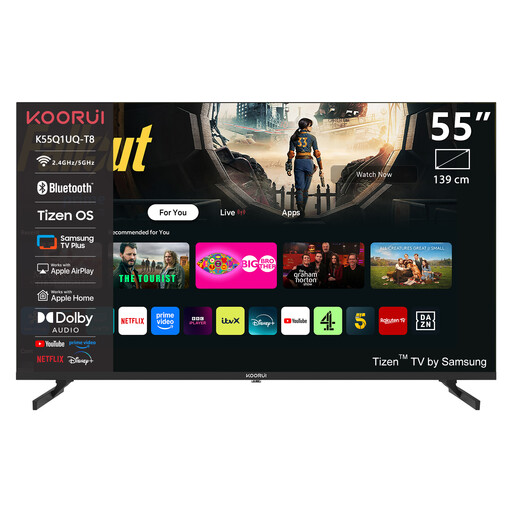 No image available
The 55-inch screen size may suit a room where watching together matters. Check that your specific film files will play before buying.
Listed in the product name: 4K UHD, QLED and Tizen OS.
 No image available
The 65-inch screen size may be worth considering for a bigger group viewing experience. Check the model and your film files against the manufacturer’s information before making a decision.
Listed in the product name: 4K UHD, QLED and Tizen OS.
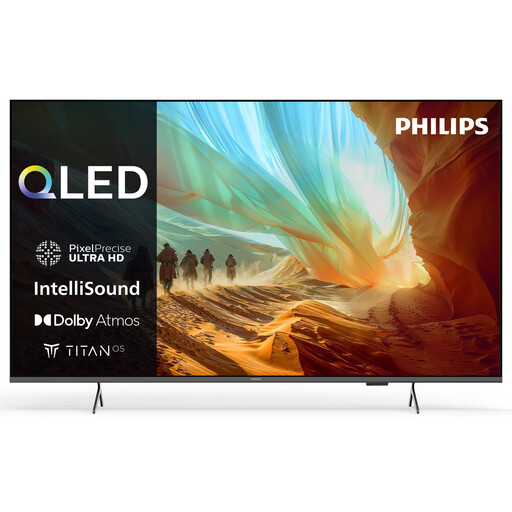 No image available
If you’re considering connecting a storage device directly for playback, check this model’s USB support and file compatibility in the manual.
Listed in the product name: Titan OS, Dolby Atmos and 3× HDMI.
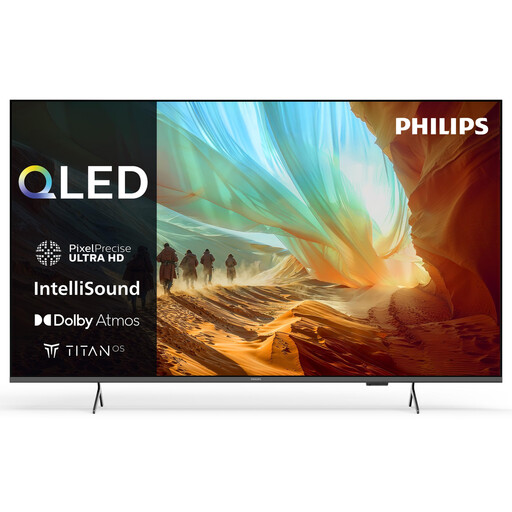 No image available
The 75-inch screen size may be a consideration for a larger group viewing experience. Check in advance that the dimensions will fit your chosen room.
Listed in the product name: Titan OS, Dolby Atmos and 3× HDMI.
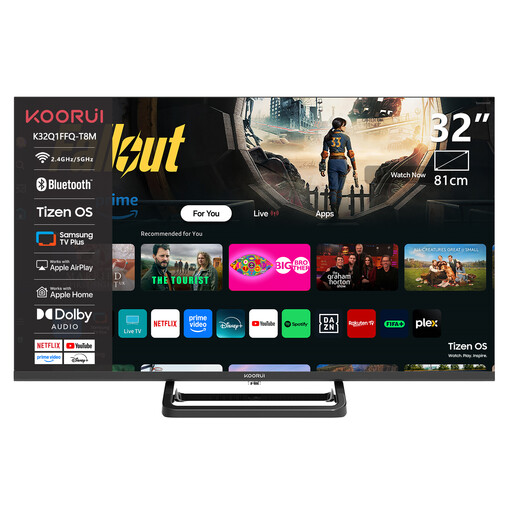 No image available
If you need a compact TV for a smaller space, check that the screen size and playback method suit the way you plan to watch your films.
Listed in the product name: HD resolution with 720p, plus HDMI, USB and Wi-Fi.
No. Also compare the video and audio codecs and other file properties with the manual for your specific TV model. LG Germany points out that the file extension alone isn’t enough.
First, check whether the file plays on a computer, then compare its properties with the TV’s requirements. If the computer can play the file, it can transmit picture and sound to the TV via HDMI. LG Germany describes this connection method.
Disconnect the storage device as instructed in your TV’s manual. For the models it describes, LG recommends using the eject function before removing the storage device.
No. It depends on the network function of the specific TV and the server. Sony Germany points out that not all devices are DLNA-compatible, so check that both devices are compatible and that the film files are supported.
Check update and access settings, and install any available security updates promptly. Germany’s Federal Office for Information Security recommends this for smart TVs; it doesn’t guarantee that a particular model will keep recordings confidential.