What to look for when buying
First, check the window position and how your own films play. Then make sure the size, picture format and energy consumption suit your room and how you’ll use the TV.
| What matters |
What to check before buying |
Who is this important to? |
| Picture in window light |
Take the window position and viewing times into account. Check reflections and dark scenes from the intended viewing spot. Compare brightness figures only when they use the same picture mode. |
If I show films during the day and large windows reflect on the screen, I want to judge the picture from the TV’s actual position. Around 36% of consumers put picture clarity in window light first. |
| Playing film files |
Check the file system and video and audio codecs used by your own files against the specifications for the exact model. Try a typical recording. |
If my collection includes different file types, it’s important that picture and sound work together. Around 29% of consumers give playing their own digitised films top priority. |
| Group viewing and picture format |
Measure viewing distances, screen width and stand; check the aspect ratio setting with an older recording. |
If several people watch from different seats and older films shouldn’t look distorted, getting the right size and picture format matters to me. Around 21% of consumers put this first. |
| Energy consumption and extra equipment |
Compare the energy label for the exact model variant and check whether you’ll need an external media player for your film files or extra mounting equipment for installation. |
If I need to consider running costs and any extra equipment, I want to know what’s required before choosing. Around 14% of consumers prioritise energy consumption and any additional equipment needed. |
Joybuy TVs for family films
This Joybuy selection includes smart TVs in different screen sizes, using LCD and Mini LED technologies. For each model, also check that your own film files will play and that the screen suits its position by the window.
 No image available
TCL 98Q7D PRO 98-inch 4K SQD Mini LED TV
This model could suit group viewing if you have enough space and the viewing distance works for a 98-inch screen.
The product title lists 4K, SQD Mini LED and Anti-Reflection. Even so, check for reflections from the intended viewing spot by the window.
Stated dimensions: 2,18 × 1,29 × 0,42 m. Measure the space where you plan to put it before choosing.
View at Joybuy
 No image available
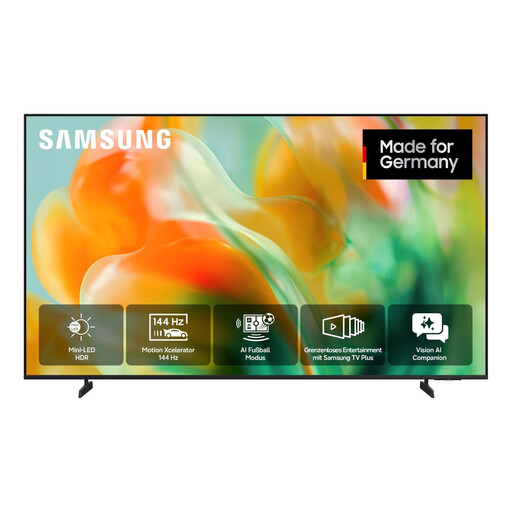
Samsung GU65M80H M80H 65-inch 4K Mini LED smart TV
This 65-inch model could make your shortlist if it suits your viewing distance and available space.
The product details list a 65-inch (163 cm) screen, UHD 4K and Mini LED. Check whether your film files play against the specifications for the exact model variant.
View at Joybuy
 No image available
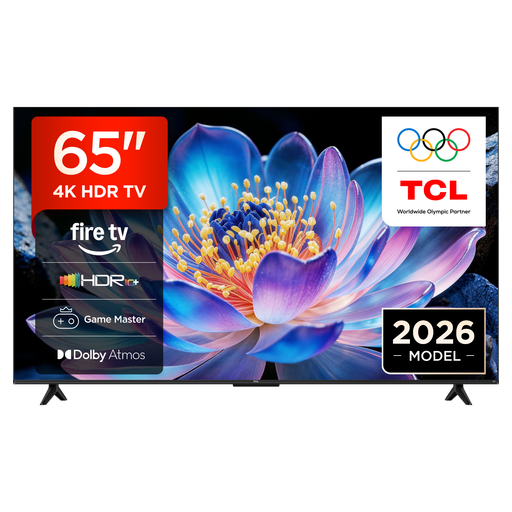
TCL 65V6D 65-inch 4K UHD smart TV
This 65-inch model is worth considering if its screen size suits your group’s seating arrangements.
The product title lists 4K UHD, Fire TV, HDR10+ and Dolby Atmos. Check the specific video and audio codecs used by your films against the playback specifications.
View at Joybuy
 No image available
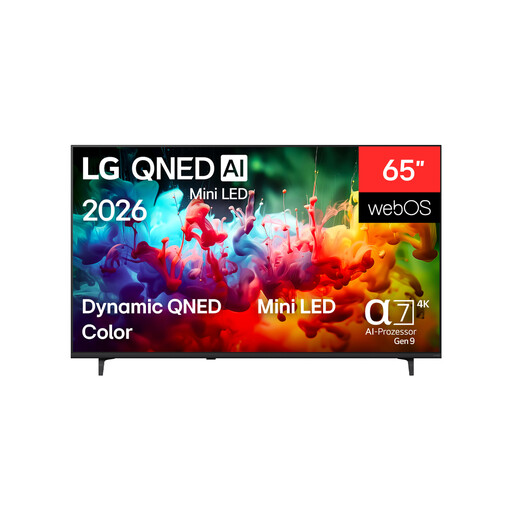
LG 65QNED72B6B 65-inch 4K QNED TV
Check whether a 65-inch screen suits your viewing distances and the space available for the TV.
The product title lists 4K and QNED. With older recordings, also check whether you can set the picture format to suit.
View at Joybuy
 No image available
TCL 75Q7C 75-inch 4K QLED Mini LED TV
This 75-inch model could work if the screen width and viewing distance suit your group viewing set-up.
The product title lists 4K, QLED Mini LED and Google TV. Check whether your specific film files will play, and assess reflections from the intended viewing spot.
View at Joybuy
Frequently asked questions
Can I simply play digitised films from a USB stick?
Only if the storage device’s file system and the picture and sound formats are compatible with your chosen model. For the Sony K-65XR70, Sony Germany lists supported file systems and codecs, but notes that some files may still not play. Try a typical recording, including its sound.
How can I stop older films looking distorted on a widescreen TV?
Check the original picture format and the aspect ratio setting on your TV or media player. An LG Support guide explains how to adjust this setting, although menus may vary by model.
What should I check before setting up or wall-mounting my TV?
Measure your viewing distance, available space and stand. For wall mounting, the dimensions of the exact model variant are important. Sony Germany publishes the dimensions of the K-65XR70, including the TV, stand and VESA measurements. The Verbraucherzentrale recommends planning delivery and installation in advance.
How do I compare the energy consumption of different TVs?
Compare the energy labels for the model variants you’re considering on the same basis. The Umweltbundesamt explains the A to G scale, introduced in 2021. The Verbraucherzentrale notes that larger TVs tend to use more electricity.


