Start by choosing how you’ll play your videos. For USB playback, the file system and video and audio codecs need to be compatible with the specific TV. If the files already play on a computer, HDMI could be an alternative. Wireless streaming requires compatible devices and, in some cases, a shared Wi-Fi network. Then choose a screen size and picture performance to suit your room, lighting and seating. An MP4 file extension alone doesn’t guarantee USB playback.
Which TV is right for you?
Families with videos on USB storage
If you want to open files directly on your TV, check the file system and video and audio codecs against the specifications for the exact model. LG Germany notes that supported file formats and codecs can vary by model.
Hosts with several seating areas
Plan your screen size and TV position around seating distances, seats at the sides of the room and lighting conditions. A bigger picture alone doesn’t tell you how well everyone will be able to see the screen.
Families with videos on a laptop or smartphone
If your files are on a device you already own, check for an HDMI connection or a shared wireless streaming feature before you buy. Sony Germany lists HDMI and options such as Google Cast and Apple AirPlay as possible ways to connect. Wireless streaming may require Wi-Fi.
What should you look for when buying?
First, work out how you’ll get your existing videos onto the TV. Then choose a screen size, picture performance and energy consumption to suit your room and how you’ll use it.
| Priority |
What to check before buying |
Who is it important to? |
| Playing local files |
Check the storage device’s file system, plus the container and video and audio codecs of a typical file, against the specifications for the exact model. |
If I want to show family videos directly from USB storage, the TV needs to be able to read both the storage device and the files. Around 33% of consumers put file compatibility first. |
| A picture everyone can see |
Measure the available space and seating distances. Consider how the specific model looks from side seats and in daylight. |
When we’re watching together, I want guests to be able to see the screen clearly from seats at the sides too. Around 27% of consumers prioritise a picture that works for a group. |
| Connections and ease of use |
Check your existing device, the TV’s HDMI inputs and any adapters you may need. Make sure both devices support the wireless features you want and meet any Wi-Fi requirements. |
If the video is on my laptop or smartphone, I want to show it on the TV without a complicated set-up. Around 20% of consumers prioritise an easy way to connect a device. |
| Purchase and running costs |
Compare the price and energy information for the specific models, and choose a screen size that suits your room. |
If the TV is on often, I want to consider its electricity consumption as well as the purchase price. Cost is the main consideration for around 20% of consumers. |
The percentages are rough guide figures for the main priorities when choosing a TV to show locally stored family videos. The German Environment Agency notes that screen size affects electricity consumption, so compare the energy information for the specific models.
Common misconceptions
-
“MP4” or a USB port means the video will play
The file extension, file system, and video and audio codecs are separate compatibility considerations. A TV may recognise a USB storage device but still be unable to play a file stored on it.
Before watching together, test a copy of a typical file on the specific model. Don’t reformat your only original just to test it.
Preparing a compatible copy of the file or finding another way to connect it may take extra time.
-
USB recording means you can play your own videos
Recording TV programmes and playing your own video files are two different features.
Check the specifications and manual for specific details of media playback and the files supported.
-
Screen size and purchase price are all you need to compare
A larger screen can take up more space and affect electricity consumption. Models of the same size can also have different energy ratings.
First decide what size will fit your space, then compare the energy information for the specific models. The German Environment Agency recommends taking electricity consumption into account when buying and using a TV.
TV brands to consider
Sony
For buyers who want to check the file systems and playback formats supported by a specific model.
- For the BRAVIA 9 II K-65XR95M2, Sony Germany lists FAT16, FAT32, exFAT and NTFS, as well as USB codecs specific to the model.
- This information doesn’t confirm that every file or other Sony models will be compatible.
LG
An option if you want to check screen technology and playback of your own files separately for each model.
- LG Germany provides guidance on USB playback and highlights the importance of file extensions and codecs.
- General guidance doesn’t guarantee that a particular file or storage capacity will work with every LG model.
TCL
The C7K range offers a Mini LED LCD option. Check picture performance and media playback for the model you’re interested in.
- TCL Germany lists the 55C7K as a QD-Mini LED TV. HIFI.DE gave the picture and sound positive reviews on the 65C7K it tested.
- Test results for the 65-inch model can’t automatically be applied to the 55C7K. The absence of a USB recording feature doesn’t prove that the TV can’t play your own files.
Hisense
The U7Q range is another option for screen technology and user interface.
- Hisense Germany lists a 55-inch screen and VIDAA for the 55U7Q.
- These model details alone don’t confirm that it will play your personal family videos.
Samsung
An OLED screen could be an option if you’ve already worked out how you’ll connect your device.
- Samsung Germany lists the GQ55S82HAEXZG as a 55-inch OLED model.
- The model details alone don’t confirm playback of specific local file formats.
TV models at Joybuy
These models offer a range of screen sizes and ways to connect devices. Check USB file compatibility for the specific model; HDMI or wireless streaming details don’t replace this check.
 No image available
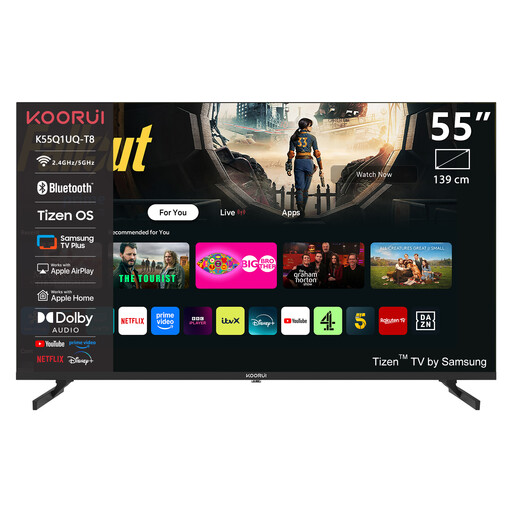
KOORUI K55Q1UQ-T8, 55-inch, 4K UHD, QLED, Tizen OS
The stated screen size can help you plan for group viewing. If you need USB playback, check which files are supported.
55 inches; 4K UHD; QLED; Tizen OS.
Joybuy
 No image available
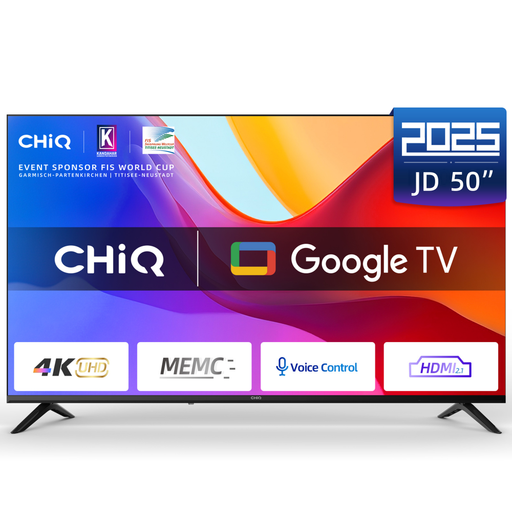
CHiQ U50JD, 50-inch, 4K UHD, QLED, Google TV
If you want to connect a device with a cable, check its connections against the TV’s inputs.
50 inches; 4K UHD; QLED; Google TV; HDR10; MEMC; HDMI 2.1; ALLM; Dolby Audio.
For freestanding or wall-mounted installation, make sure the TV is secure and protected against tipping.
Joybuy
 No image available
TCL 75Q7C, 75-inch, QLED Mini LED
The HDMI and AirPlay details listed offer possible ways to connect a device. Check in advance that they’ll work with your devices and files.
75 inches; 4K HDR Premium; Dolby Vision IQ; Dolby Atmos; Google TV; 144 Hz VRR; HDMI 2.1; AirPlay 2.
Make sure there’s enough space and a stable support for freestanding or wall-mounted installation.
Joybuy
 No image available
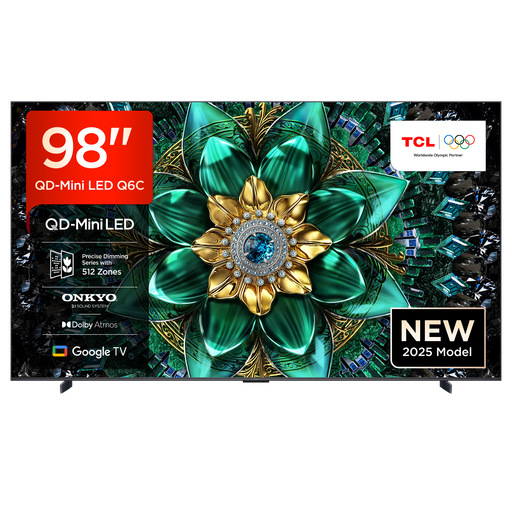
TCL 98Q6C, 98-inch, QD-Mini LED
HDMI 2.1 and AirPlay 2 are listed as connection options. Check they’re compatible with your computer or mobile device.
98 inches; 4K HDR Premium; Dolby Vision IQ; Dolby Atmos; Google TV; HDMI 2.1; AirPlay 2.
Allow enough space and make sure the TV is securely supported. You’ll need a suitable bracket for wall mounting.
Joybuy
 No image available
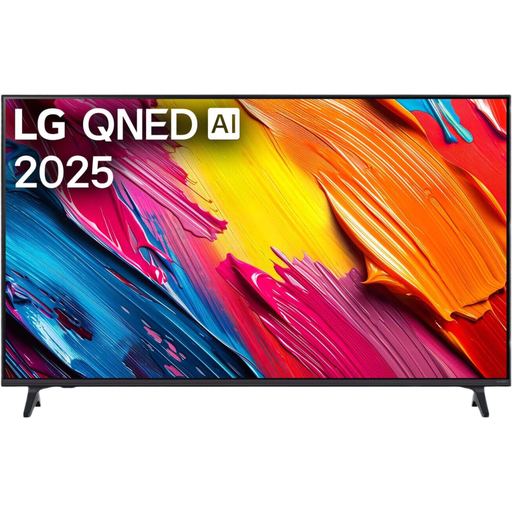
LG 50QNED70A6A, 50-inch, 4K UHD, webOS 25
The HDMI connections listed may be useful for playing videos from a computer. Also check that your device has the right output or that you have a suitable adapter.
50 inches; 4K UHD; QNED; webOS 25; 60 Hz; three HDMI ports.
Joybuy
Frequently asked questions
Is the .mp4 file extension enough to make my video play from a USB stick?
No. For the specific TV, also check the video and audio codecs and the storage device’s file system. LG Germany notes that supported file formats and codecs can vary by model.
What can I do if the TV won’t play my file directly?
If the file plays on your computer, HDMI could be an alternative, as long as the connections are compatible. Connect the computer to the TV, select the HDMI input and adjust the picture and sound on your computer. Sony Germany describes this way of connecting a device.
How do I stream wirelessly from my smartphone?
It depends on the features available on the TV and the device you’re streaming from. Check that both support the same streaming feature and meet any Wi-Fi requirements. Sony Germany lists Google Cast and Apple AirPlay among the available options.
Do you pay an extra broadcasting fee for a second TV in a German home?
In general, the broadcasting fee is charged per home, regardless of how many receiving devices you have. The contribution service lists possible exceptions for certain living arrangements or exemption circumstances.
What deadlines apply when buying online from a business seller?
For a distance contract, you generally have 14 days to cancel from the date of delivery. Goods are also covered by a legal guarantee of at least two years from receipt. This EU consumer information is subject to the applicable conditions and exceptions. A voluntary warranty is separate.


