What should you look for when buying?
First measure the viewing distance and check how much floor or wall space you have. Then compare the room’s lighting, seating positions and photo-sharing options. RTINGS offers guidance on screen size, while the German Environment Agency recommends taking energy use into account when choosing a TV.
| Consideration |
What to check when buying |
Who it matters most to |
| Seeing details from further away |
Compare the distance to the furthest seat you’d normally use, the TV’s width and its energy label. |
If I want to make out landscape details with guests sitting further back, the screen needs to be the right size while still fitting the room. Around 31% of consumers say this is their main consideration. |
| Sharing photos easily |
Check that your phone and TV model support the sharing option you want to use, such as Smart View or AirPlay. |
If I want to show photos straight from my phone without having to look for another way to share them, device compatibility is essential. Around 25% of consumers prioritise easy photo sharing. |
| Picture quality in daylight |
Consider where the windows are, when you’ll be watching and how reflective the specific model is. |
If I want to view photos during the day or in a room where reflections are distracting, I check how the TV performs in similar lighting. Around 19% of consumers put this consideration first. |
| Side-on seating |
Check the seats you’ll actually use and look for viewing-angle tests of the specific model. |
If guests won’t all be sitting directly in front of the screen, I want to know how the picture looks from the side too. Around 13% of consumers prioritise this. |
| Long photo displays and energy use |
Consider the difference between changing images and leaving a still image on screen for a long time; compare the details on the EU energy label. |
If I often leave the same photo on screen for a long time, I take potential OLED burn-in and ongoing electricity use into account. Around 12% of consumers give this consideration the greatest weight. |
Joybuy models for viewing photos on a large screen
The models below have 75- or 85-inch screens. Some product descriptions mention wireless sharing options; check that these are supported by your phone and the specific TV model.
 No image available
TCL 75Q7D PRO, 75-inch, 4K
The 75-inch screen is designed for viewing photos on a large scale. The product description lists AirPlay, Google Cast and Miracast, each of which may require compatible devices.
SQD Mini LED; 760 Local Dimming Zones; 144 Hz; stated width with stand: 166.6 cm.
View at Joybuy
 No image available
TCL 75T8D, 75-inch, 4K
The 75-inch screen is ideal for enjoying photos together on a large display. The product description lists Google TV and Chromecast.
QLED; QD Mini LED dimming; 4K.
View at Joybuy
 No image available
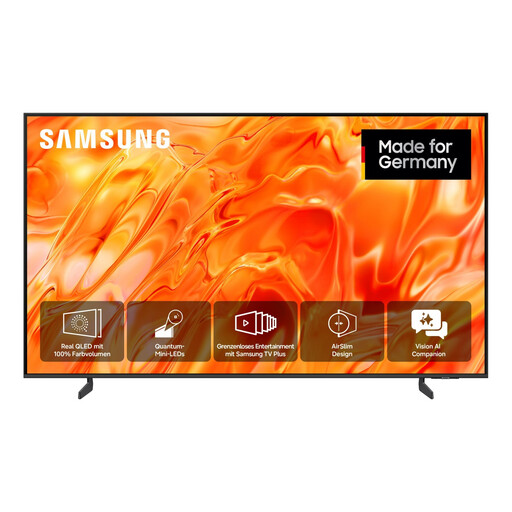
Samsung GQ75QN70H, 75-inch, 4K
The 75-inch screen is an option for photos you want to view together from further away.
Neo QLED; 4K; stated width without stand: 1,676.7 mm.
View at Joybuy
 No image available
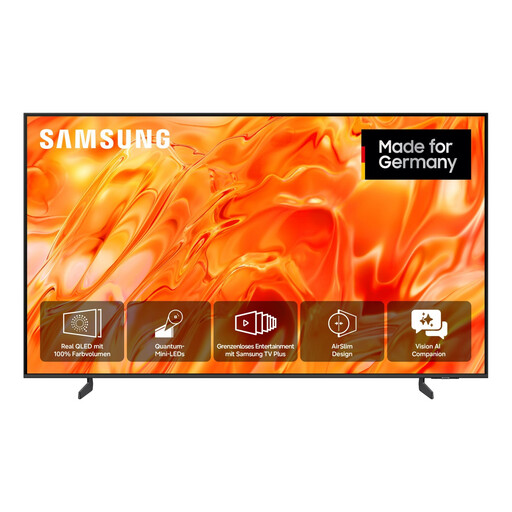
Samsung GQ85QN70H, 85-inch, 4K
The 85-inch screen could suit further-away seating, provided you have enough floor or wall space.
Neo QLED; 4K; stated width without stand: 1,900.9 mm.
View at Joybuy
 No image available
Hisense 75E8S, 75-inch, 4K
The 75-inch screen is designed for viewing photos on a large scale. The product description lists AirPlay 2 for compatible Apple devices.
Mini LED; 4K; VIDAA OS.
View at Joybuy
Frequently asked questions
How do I choose the right size if guests will be sitting a long way from the screen?
Measure the distance from the screen to the furthest seat you’d normally use, then compare it with a size calculator or size chart. Also check the TV’s width and the space available. RTINGS describes its calculator recommendation as a starting point, not a strict minimum size.
How can I show photos from my phone on the TV?
Samsung describes Smart View for compatible Samsung and Galaxy devices. LG lists AirPlay for supported Apple devices and says that the same Wi-Fi network is required for the screen-sharing feature it describes. Check the exact TV model and your phone rather than assuming they’re compatible based on the brand alone.
Can I leave a landscape photo on an OLED TV permanently?
A stress test doesn’t mean occasional photos that change over time will cause damage. However, if you often leave static images on screen for long periods, burn-in is a valid factor to consider: RTINGS observed it under prolonged static-image test conditions.
What should I check about installation, energy use and aftercare?
Measure the available floor or wall space and check what delivery and installation services are available before you buy. Compare the EU energy labels of similar TVs. The German Consumer Advice Centre distinguishes between your statutory rights against the seller and a voluntary guarantee.
How are TVs labelled, and what should I do with my old one?
TVs are covered by the EU energy label for electronic displays, which uses a scale from A to G. The German Environment Agency advises against putting electrical waste in household rubbish. When buying a replacement of the same type, you can also return a large appliance such as a TV free of charge when it’s delivered, including with online purchases. You can also take it to a recycling centre.


