What to look for when buying
First, check for reflections where you plan to put the TV. Then consider how you want to transfer photos and your viewing distance. Look at power consumption and optional content separately.
| Consideration |
What to look for when buying |
Who is this most important to? |
| Reflections in daylight |
View your own light and dark images in daylight; check the position of your windows, the screen angle and the anti-reflection claims for the specific model. |
If tall windows shine onto my screen, I want to see the details in landscape photos from my usual seats. Around 36% of consumers say reflections are their main buying consideration. |
| Displaying your own photos |
Decide in advance whether you want to display images from an iPhone, Google Photos or USB, then check that the specific TV supports your preferred method. |
If I want to show my own albums easily or use them as a gallery, the transfer method needs to work with my devices. Around 29% of consumers prioritise displaying their own photos. |
| Size and picture detail |
Measure your viewing distance, available wall or floor space, and viewing angles; look at your own photos from the positions you plan to sit in. |
If several guests are looking at photos together, I want them to see the details from their seats. This is the top priority for around 21% of consumers. |
| Power consumption and additional costs |
Compare the SDR and HDR figures on the EU energy label for the specific model; ask about installation and optional photo or art services. |
If the TV is often on to display a photo gallery, I want to take its energy use and any extra content into account. Around 14% of consumers focus on ongoing costs and potential add-on services. |
Joybuy product selection
This Joybuy selection includes smart TVs for sharing photos, including large Mini-LED models and TVs with listed photo or network features. Check for reflections where you plan to put the TV and confirm that the specific model supports your preferred photo transfer method.
 No image available
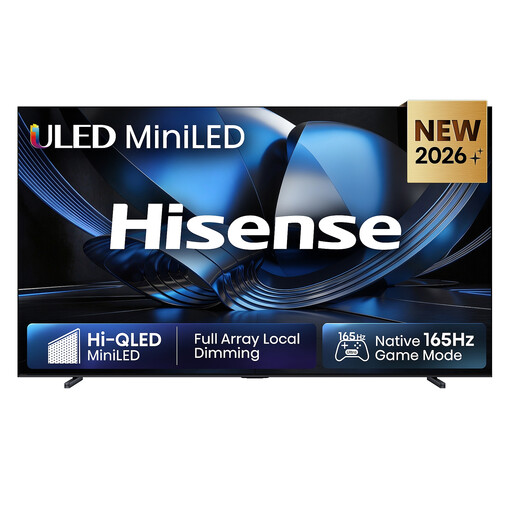
Hisense 100U7DSE, 100-inch ULED Mini LED 4K smart TV
The stated screen size may be worth considering for viewing photos together; check that it suits your room and viewing distance.
100-inch, 4K, ULED Mini LED, VIDAA Smart OS, 165Hz and Dolby Atmos.
The product description mentions automatic brightness adjustment. Even so, check for reflections where you plan to put the TV.
View at Joybuy
 No image available
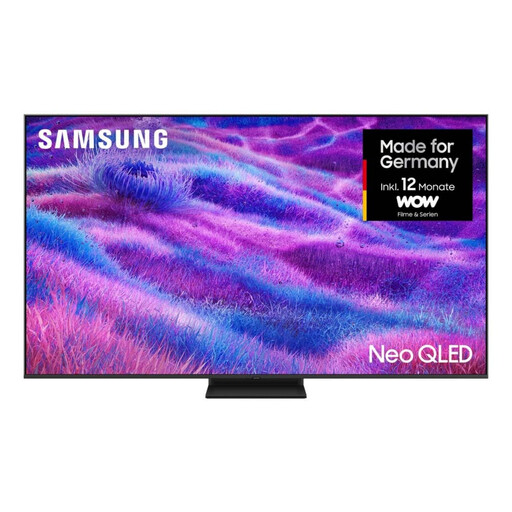
Samsung Neo QLED 4K QN80F, 85-inch
If you want several guests to view photos together, check that the screen size and the available wall or floor space suit your room.
85-inch, 4K and Mini LED. The product description also lists an Art Store.
The features listed don’t confirm that your preferred photo import method is supported, so check how you’ll transfer your photos.
View at Joybuy
 No image available
KOORUI K65N3UQ-T8, 65-inch 4K UHD QLED smart TV
If you’ll be viewing photos from several seats, compare the screen size and viewing angles with your room.
65-inch, 4K UHD, QLED, Tizen OS and LAN network support.
Check that the TV supports the photo transfer method you actually want to use.
View at Joybuy
 No image available
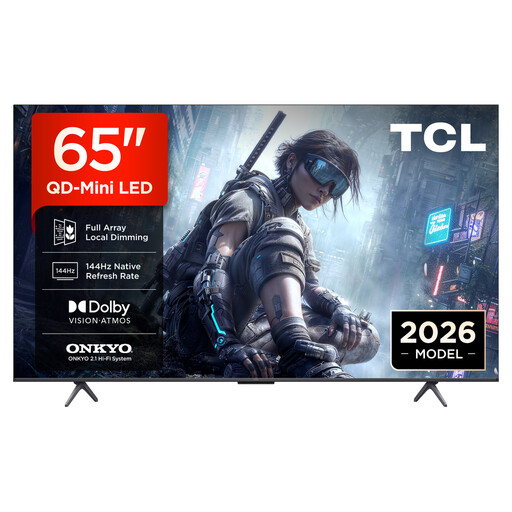
TCL 65T8D, 65-inch QD Mini LED 4K smart TV
If you plan to display photos from compatible devices or USB storage, check which transfer methods are listed for the specific model.
65-inch, QD Mini LED and 4K. The product description also mentions Chromecast and USB.
The listed connections and features alone don’t confirm that every photo workflow you want to use is supported.
View at Joybuy
 No image available
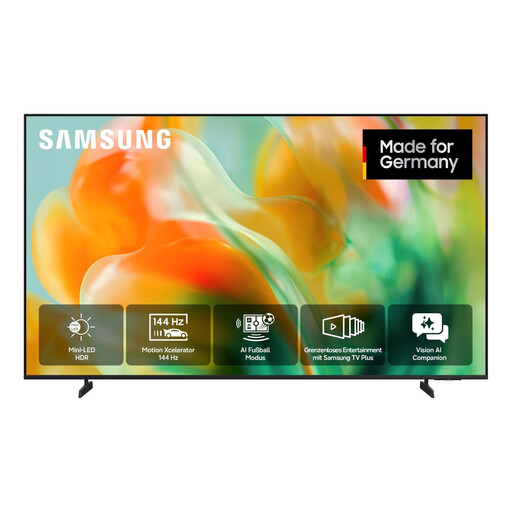
Samsung GU65M80H, 65-inch Mini LED 4K smart TV
For viewing together, check whether a 65-inch screen suits your viewing distance and room layout.
65-inch, Mini LED, 4K UHD and 144 Hz. The product description also lists DLNA.
Check whether DLNA or another supported method works with your photo source.
View at Joybuy
Frequently asked questions
Can I show iPhone photos wirelessly on a TV?
Yes, provided the specific TV supports AirPlay and your iPhone or iPad and TV are on the same Wi-Fi network. In Apple’s Photos app, tap ‘Share’ and then ‘AirPlay’. Don’t assume support based on the term ‘smart TV’ alone.
Will a Google Photos slideshow work automatically on any Google TV?
No. The voice-command method described by Google requires, among other things, a compatible Cast device, the specified link to a Google smart speaker or display, and setup through Google Home. Check that your devices meet these requirements.
How should I use an OLED TV if I often display landscape photos?
Don’t leave an image unchanged for longer than necessary: Samsung describes a risk of burn-in on OLED screens from static images displayed for extended periods. Change the images and use the protective features on the specific model.
What should I compare for power consumption and delivery?
Compare the SDR and HDR energy figures for the specific model; your electricity costs will also depend on how long you use it and your tariff. For delivery, connection or setup, Germany's consumer advice centre recommends asking the retailer about the relevant costs.
Do TVs covered by EU regulations have an energy label?
Yes. The European Commission includes TVs as electronic displays within the scope of energy labelling. The label shows, among other things, the energy efficiency class and consumption information for SDR and HDR. It doesn’t tell you about the photo quality or reflections of a particular device.


