For film discussions using local files, a Smart TV is only suitable if its specific player supports the video, audio, subtitles and USB storage you need. Check that combination before you buy, or plan to use a separate HDMI player if necessary. Sony and LG note that format limitations depend on the model or player. Good picture technology alone is no guarantee of file compatibility or clear dialogue. For group viewing, you should also consider viewing distance, viewing angles and dialogue playback from the intended listening position.
Who is this guide for?
Film collection on USB
If you want to play film or discussion files directly from USB storage, check the codecs, subtitles and file system supported by the specific TV model. Sony Germany and LG Germany point out that playback depends on the formats supported and the characteristics of the storage device.
Group discussions with subtitles
If everyone needs to follow the dialogue and read the subtitles, clear voices and the room layout matter just as much as the picture. LG Germany recommends checking the file name and subtitle format, among other things, if subtitles are missing.
Film night with several viewing positions
If you’re watching together from different seats, the screen size, viewing distance and viewing angles should suit the room. In addition to screen size, the Verbraucherzentrale (German consumer advice centre) also identifies lighting conditions and viewing angles as factors when choosing a size.
What should you look for when buying?
First, decide whether you want to play your files directly on the TV or through a separate player. Then check the dialogue and subtitles from the intended listening position, as well as the screen size and placement for everyone watching.
| Consideration |
What to check before buying |
Who is it important to? |
| Local files and storage |
Check the video and audio codecs, subtitles, USB file system and, if relevant, support for the network server on the intended player. |
If you want to play films directly from a USB stick or hard drive, the specific file should play without needing to switch playback methods. Around 37% of consumers rank file compatibility as their top priority. |
| Dialogue and subtitles |
Test with dialogue-heavy content; if using separate subtitles, check their format, file name and playback. Check which TV connections you need for additional audio output. |
If several people need to follow conversations and read subtitles, clarity from the shared listening position matters. Around 27% of consumers say dialogue and subtitles are their main concern. |
| Screen size and placement |
Check the viewing distance, viewing angles and lighting conditions, as well as the dimensions of the TV and stand at the intended location. |
If the group will be watching from several seats, the screen should suit the room and the group. Around 18% of consumers focus mainly on the group viewing experience and placement. |
| Purchase and running costs |
When comparing similar models, consider the EU energy label ratings for SDR and HDR, as well as any extra devices and connections you may need. |
If you want to keep an eye on the TV, potential extra devices and ongoing energy use, plan for every part of the setup. Around 18% of consumers give the greatest weight to total costs. |
Common misconceptions
-
An MKV or MP4 file extension guarantees playback
The video and audio codecs, along with other file characteristics, must also be compatible with the player you’re using. Sony Germany and LG Germany explain that format support depends on the model or player.
Check representative files, including their audio and subtitles, against the specifications for the specific model, or test them using your intended playback method.
-
A USB hard drive that isn’t recognised should be formatted straight away
LG Germany lists an incompatible file system or insufficient power supply as possible reasons why a TV might not recognise a storage device. Formatting can erase stored files.
Check the model specifications and power supply first. Back up your files before formatting a drive.
-
Picture features guarantee clear dialogue
Picture technology and advertised sound features alone don’t tell you how clearly voices will come through from your listening position.
If possible, listen to dialogue-heavy content from the intended seat and check whether a suitable external audio output is needed.
-
Only the purchase price matters when comparing TVs
Depending on your setup, energy use, installation and extra devices for playback and sound may also be relevant. The EU energy label also includes information about HDR operation.
Compare the energy labels and the overall setup you’re planning for the specific models, rather than basing your choice on just one picture technology or figure.
Key brands to consider
Sony
Sony BRAVIA 3 is a Google TV range. Sony Germany documents the formats supported by the built-in player for the S30 model group.
- The format specifications can help you shortlist TVs for playing files from USB.
- They don’t guarantee support for every combination of container, audio and subtitles; according to Sony, the built-in player in the model group mentioned does not support a home network server.
LG
For the OLED55C56LB, LG Germany lists an OLED display and Filmmaker Mode. The brand also provides general help with USB playback.
- The model-specific picture features offer a useful reference if they’re important for your film night.
- LG notes that file extensions and codecs vary by model; general USB guidance is not a guarantee for this TV or every file.
TCL
For the 55V6C, TCL Germany lists 4K and HDR10. The Q6C range adds QD-Mini-LED and an ONKYO 2.1 system.
- The product specifications let you compare the listed features.
- These are manufacturer specifications, not independent picture or speech tests. The up-to-512-zone figure listed for the Q6C series is not a guaranteed zone count for the 55Q6C.
Philips
For the 55PUS8500/12, Philips lists QLED, Titan OS and Ambilight as features.
- Ambilight may be worth considering if the effect on the room is part of your decision.
- This feature is no guarantee of better file compatibility or clearer dialogue; check the specific local files separately.
Samsung
According to Samsung, the German Q7F is a QLED option with Tizen.
- The product specifications identify the model’s picture technology and user interface.
- If you’re playing local files, check the media formats supported by the specific TV separately.
Joybuy product options
This selection includes Smart TVs in a range of screen sizes for film nights, as well as models whose product details mention USB playback or HDMI. Before relying on your files to play, check the codecs, audio and subtitles for the specific TV and playback method.
 No image available
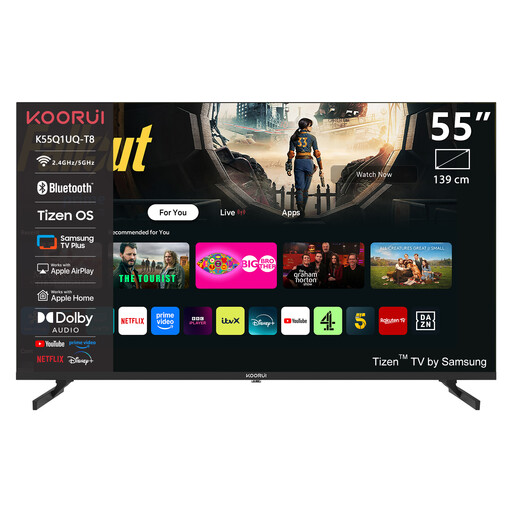
KOORUI K55Q1UQ-T8 55-inch 4K UHD QLED Smart TV
The 55-inch screen offers a larger option for group film nights; check the viewing distance and angles in your room.
Features listed in the product title: 4K UHD, QLED, Tizen OS and Dolby Audio.
View at Joybuy
 No image available
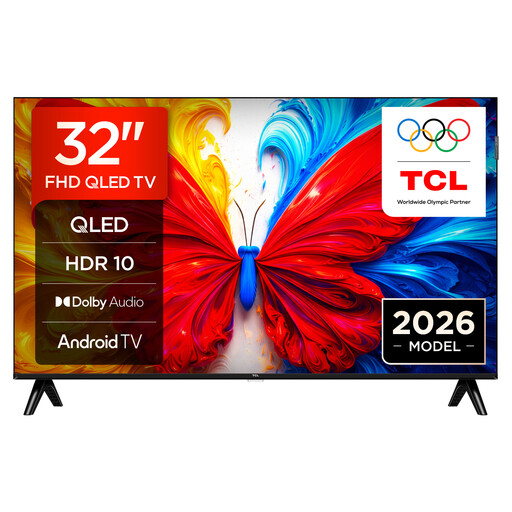
32S5L QLED TV with Full HD and Android TV
The product description mentions USB movie playback. Check that the specific model supports your video, audio and subtitle files.
32-inch, QLED, Full HD, Android TV and 60 Hz, according to the product title.
View at Joybuy
 No image available
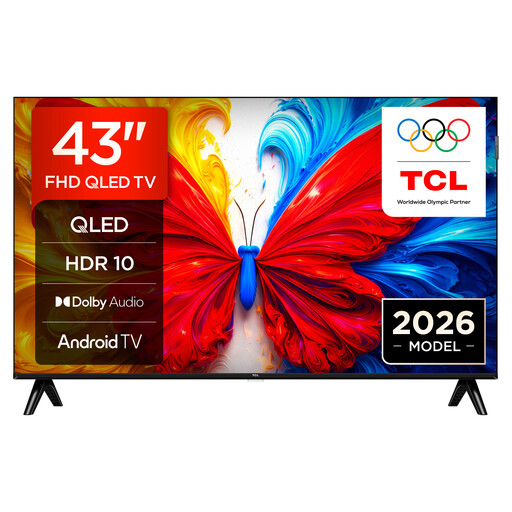
43S5L QLED TV with Full HD and Android TV
The product description mentions USB movie playback. Check that your film’s file formats, including audio and subtitles, are compatible with the specific player.
43-inch, QLED, Full HD, Android TV and 60 Hz, according to the product title.
View at Joybuy
 No image available
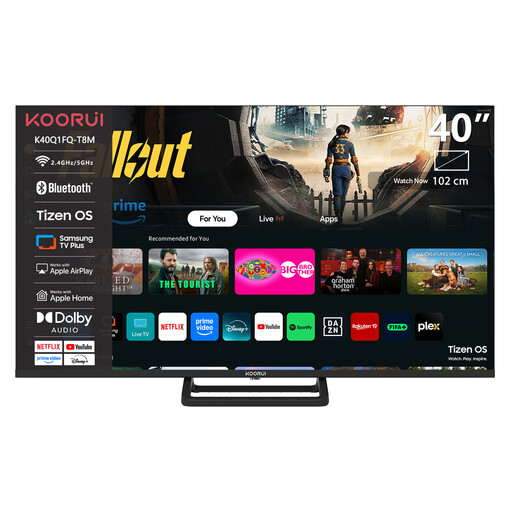
KOORUI K40Q1H-T8M 40-inch Full HD Smart TV
If you’re planning to use a separate player, the product title lists HDMI and USB. Check that the connections and player suit your setup.
40-inch and Full HD, according to the product title.
View at Joybuy
 No image available
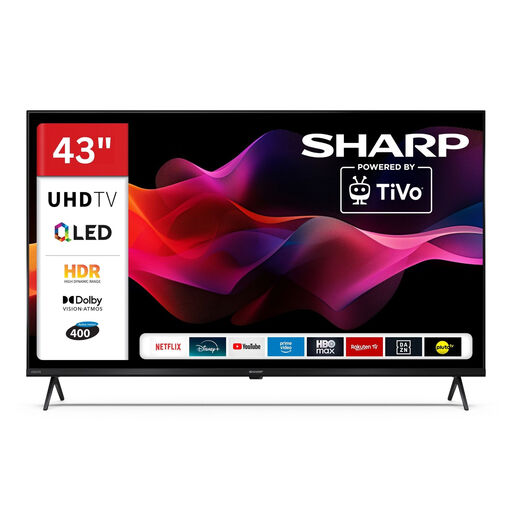
SHARP 43HM5745E QLED Smart TV with 4K UHD and Dolby Vision
The product description mentions USB and media playback via USB. Before buying, check whether the player supports your specific video, audio and subtitle formats.
43-inch, 4K UHD, QLED, Dolby Vision and TiVo, according to the product title.
View at Joybuy
Frequently asked questions
Can every Smart TV play an MKV or MP4 file from a USB stick?
No. The file extension alone isn’t enough: the video and audio codecs, along with other file characteristics, must be compatible with the player you’re using. Sony Germany and LG Germany recommend checking the specifications for the specific model against representative files.
What can I do if the USB stick is recognised but the subtitles are missing?
Check the subtitle format and file name, as well as the player you’re using. LG Germany mentions these points in its general guide, but this is not a guarantee for every model or file.
Can I open files from a home network server in the same way as USB files?
Not necessarily. According to Sony Germany, the built-in player in the BRAVIA 3 S30 model group does not support a home network server; any features offered by an additionally installed app should be checked separately.
What do the energy label and EPREL show when buying a TV?
The EU energy label rates TVs on a scale from A to G and also provides information about HDR operation. The European Commission directs consumers to EPREL for more information; compare the details for specific models rather than relying on picture technology alone.
What are my rights when buying a Smart TV online?
When you buy from a trader in the EU, you generally have a 14-day right to cancel from the date of delivery, provided the legal requirements are met. The two-year statutory guarantee is against the seller and is separate from any additional manufacturer’s warranty, as explained by the European Union’s Your Europe website.


