Joybuy products
This selection includes smart TVs for playing local series, with details of screen size, resolution or TV platform where these are stated in the product name. These features don’t confirm playback of any particular file format or subtitles.
 No image available
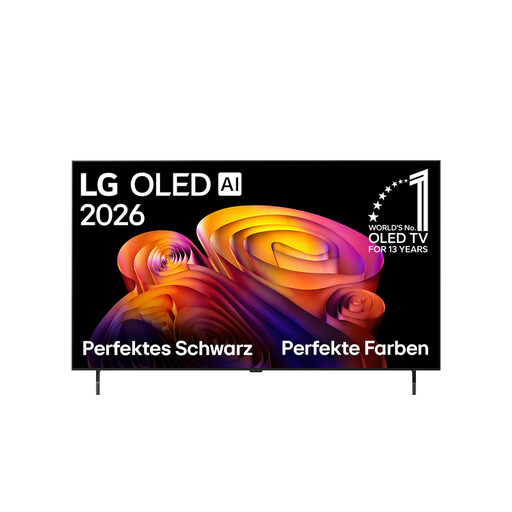
LG OLED48B68LA, 48-inch, 4K OLED
If you’re looking for a 48-inch TV with 4K resolution, these features are stated in the product name. Check separately whether it can play your files.
Features stated in the product name: 48 inches, 4K, OLED, webOS 26.
View at Joybuy
 No image available
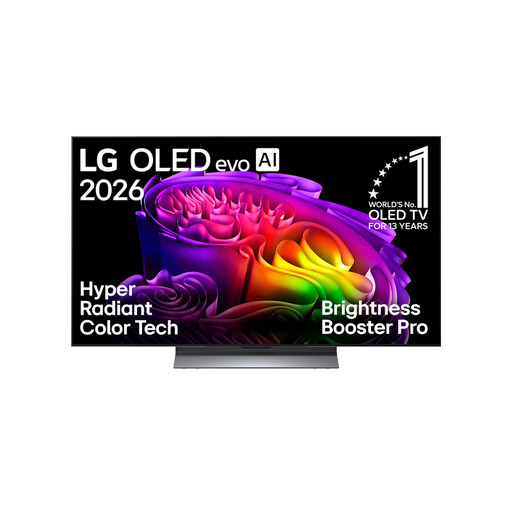
LG OLED48G66LS, 48-inch, 4K OLED evo
If you’re specifically looking for a 48-inch TV with 4K resolution, these features are stated in the product name. Subtitle and file compatibility are not confirmed by this.
Features stated in the product name: 48 inches, 4K, OLED evo, webOS 26.
View at Joybuy
 No image available
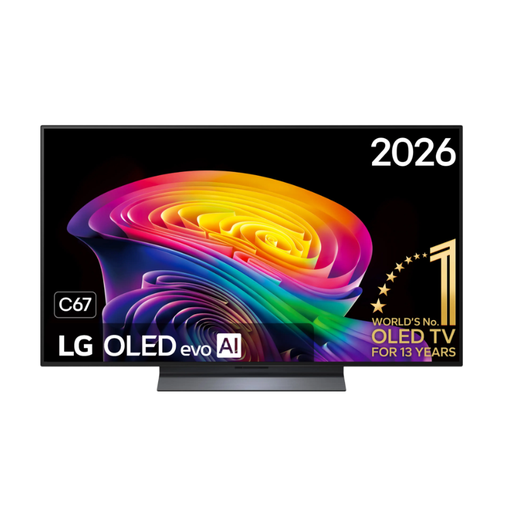
LG OLED48C67LA, 48-inch, 4K Smart TV
If you’re looking for a 48-inch TV with 4K resolution, these details are stated in the product name. Test your video and subtitle files separately.
Features stated in the product name: 48 inches, 4K, OLED, webOS.
View at Joybuy
 No image available
Sony BRAVIA 3, 85-inch, Direct LED
If you’re looking for an 85-inch TV, this screen size is stated in the product details. It doesn’t tell you whether your local files will play.
Features stated in the product details: 85 inches, 4K UHD, Direct LED, Google TV.
View at Joybuy
 No image available
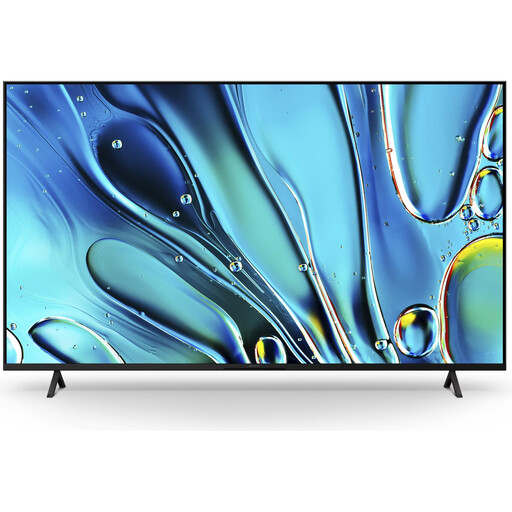
Sony BRAVIA 3 K75S32, 75-inch, Direct LED
If you’re looking for a 75-inch TV with Google TV, these features are stated in the product details. Check the intended player separately for file compatibility.
Features stated in the product details: 75 inches, 4K, Direct LED, Google TV (2025).
View at Joybuy
Frequently asked questions
Why isn’t my separate SRT file showing up?
As a test, put the video and subtitle files in the same folder and check that their file names match the player’s requirements. Sony Germany also recommends checking the file extension; LG Germany notes that codec or subtitle file issues may be the cause.
Will a Google TV device automatically play NAS files using its built-in player?
No. Access to a NAS isn’t automatically supported by the built-in player. VideoLAN describes how VLC on Android TV can access NAS devices and shared folders. Check whether the app you want is available on your specific TV and works with your files.
What should I check when setting up the TV and after installation?
Before setting up the TV, compare its dimensions with the space available. If you’re wall-mounting it, check the VESA measurement. Set up the TV according to the manufacturer’s instructions, then test one of your own episodes with its sound and subtitles.
How do I compare energy use, and what protections apply when buying?
Compare the EU energy label and product information sheet for the exact model. If you want to estimate your electricity costs, you’ll also need to consider how long you use the TV and your electricity tariff. According to Your Europe, consumer goods generally come with a minimum legal guarantee of two years. For eligible online distance purchases, you generally have a 14-day right to cancel from the date of delivery, subject to the applicable legal conditions.
Which labels and markings are relevant for a TV in Germany?
The German Federal Network Agency lists the CE marking and the required conformity and safety documents among the items it checks when monitoring the market. The relevant EU energy label is also required for TVs that need to carry one. None of this confirms that your local video and subtitle files will play.


