For a slideshow you can enjoy together, a TV that’s been confirmed to play your photos from USB is a sensible place to start. If you often want to show new pictures from your phone, check that the specific TV is compatible with your mobile device. A dedicated photo mode may suit pictures you want to leave on display for longer, while repeated or extended static images are an additional consideration with OLED. Before you buy, check the supported file formats, USB file system and transfer method for the exact model.
Which approach is right for you?
For people with photos on USB
If you want to show landscape photos stored as local files, without using the cloud, check that the specific model supports photo playback and the relevant image and storage formats. Sony Germany lists JPEG in the USB playback list for the BRAVIA K-55S3, along with FAT16, FAT32 and NTFS as supported USB file systems.
For people who use photos to style a room
If you’d like your own pictures to remain on display in your living space for longer, a dedicated photo mode could be a good fit. Samsung describes Art Mode on The Frame and how to import your own images via USB. You should also consider the screen technology if you plan to display static images for long periods.
For people who want to share photos from their phone on the spot
If you often want to show new photos, check that wireless transfer is compatible with your mobile device and the exact TV model. LG describes AirPlay photo sharing on compatible webOS TVs; for the screen-sharing method it outlines, your iPhone and TV must be on the same Wi-Fi network.
What should you look for when buying?
| What you need |
What to check before buying |
Who will find this especially important? |
| Opening local files |
Check photo playback, image format and file system against the full model code. For the K-55S3, Sony Germany lists JPEG as well as FAT16, FAT32 and NTFS. |
If I want to show a slideshow directly from USB storage, without using a phone or the cloud, file access comes first. Around 36% of consumers prioritise playing local files. |
| Displaying photos as room décor |
Check the photo mode, how to import your own images and what happens when you switch the TV off on the exact model. Samsung’s guide explains how to import your own images via USB on The Frame. |
If I want my landscape photos to be on display even when I’m not showing them to others, I look for a suitable photo mode. Around 29% of consumers prioritise displaying their own photos as room décor. |
| Sharing new photos from your phone |
Check that the transfer method you need works with the exact TV model and mobile device. For the LG screen-sharing method described, your iPhone and TV must be on the same Wi-Fi network. |
If I often show new photos from my phone and don’t want to update USB storage every time, wireless sharing matters to me. Around 21% of consumers prioritise sharing photos from a mobile device on the spot. |
| Weighing up energy use and static images |
Compare the EU energy label for the exact model and, with OLED, take note of the guidance on displaying static images for long periods or repeatedly. |
If I want to display photos for long periods, I consider both energy use and whether the screen technology is suitable for this purpose. Around 14% of consumers prioritise running costs and minimising the risk from static images. |
Common buying misconceptions
-
A USB port doesn’t mean every photo file will work
Supported image formats and file systems can vary by model. General file-system information for certain product ranges is no substitute for checking the details for the full model code.
Check some of your actual photos and the USB storage device you use against the specifications for that exact model.
If you need to convert files or use a different playback method, getting everything ready may take extra time.
-
Photo mode, slideshow and a switched-off TV aren’t the same thing
Samsung’s guide describes Art Mode as a separate operating mode and explains how to switch the TV off completely.
Before buying, decide whether you only want to look at photos together or keep them on display in the room for longer, then check the features of the exact model.
-
An OLED TV isn’t without caveats for repeated static images
Sony lists static photos as a possible cause of permanent image retention on OLED TVs.
If you plan to display landscape photos for long periods or repeatedly, factor in the screen technology and the protective features of the model you choose.
An overview of relevant brands
Sony
The BRAVIA K-55S3 is a clearly documented option for USB photos and several playback methods.
- For the K-55S3, Sony Germany lists JPEG in the USB playback list, FAT16, FAT32 and NTFS, as well as Apple AirPlay and built-in Chromecast.
- These details apply to the model named and don’t confirm support for other photo formats or other BRAVIA TVs.
Samsung
The Frame is designed for people who want to display their own landscape photos as part of their room décor.
- Samsung describes Art Mode and importing your own images via USB on The Frame. The German product page lists Art Mode for model GQ55LS03FAUXZG.
- The general import guide doesn’t automatically confirm that the menus or storage features are the same on every model variant. Art Mode also isn’t the same as switching the TV off completely.
LG
Compatible webOS TVs may be suitable for wireless photo sharing; the OLED55C57LA is an OLED model available in Germany.
- LG Germany describes AirPlay on compatible TVs and lists webOS 25 for the OLED55C57LA.
- If you plan to display static images for long periods or repeatedly, consider carefully whether OLED is suitable. The OLED55C57LA product page alone doesn’t confirm USB compatibility with your own photo files.
Philips
The 55PUS8500/12 could suit people who value an illuminated viewing experience as well as photo display.
- Philips Germany lists a 55-inch screen, 4K and Ambilight for this model.
- These features don’t confirm playback of a particular local photo format. Check that your files are compatible with the exact model.
Joybuy products
These models cover photo modes for room décor, USB playback of local media and sharing photos from a mobile device. The product details don’t automatically confirm playback of every photo format.
 No image available
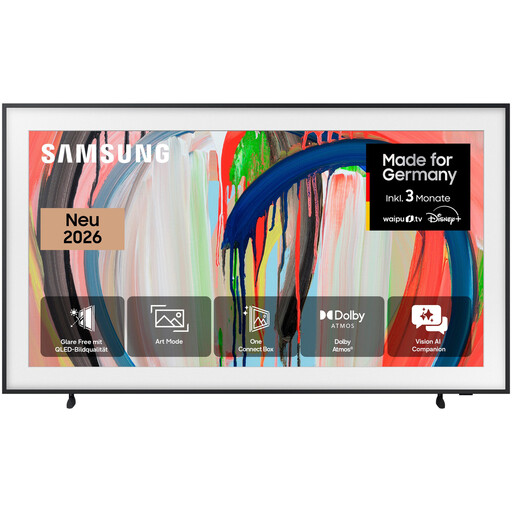
Samsung The Frame GQ55LS03HAU, 55-inch 4K QLED smart TV
If you want to display your own images as room décor, check Art Mode and USB import for this exact model variant.
The product name lists a 55-inch screen, 4K and QLED. Art Mode is a separate operating mode and isn’t the same as switching the TV off completely.
Joybuy
 No image available
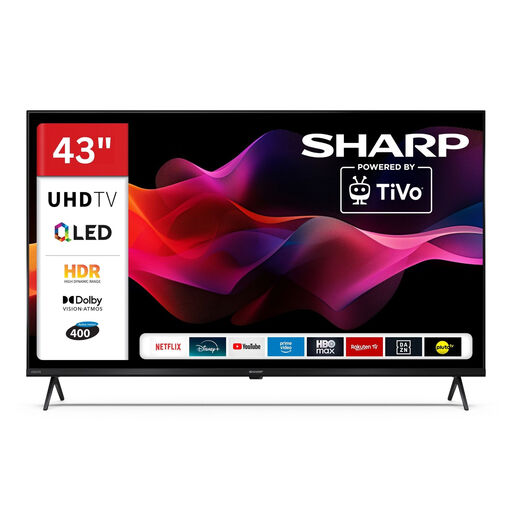
SHARP 43HM5745E, 43-inch QLED smart TV
If you want to play local media via USB, check the supported photo formats and storage device against the specifications for this model.
The product name lists a 43-inch screen and QLED. A USB specification alone doesn’t confirm that your particular photo files will play.
Joybuy
 No image available
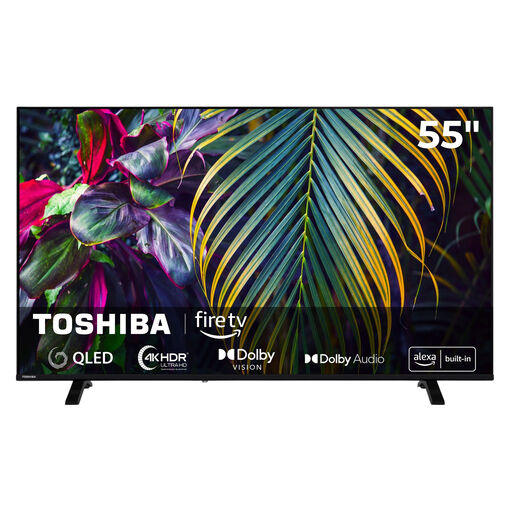
Toshiba 55QF2663DAZ, 55-inch QLED Fire TV
If you want to show photos using a USB media player, check that the TV supports your image files before buying.
The product name lists a 55-inch screen, QLED, Fire TV and 4K UHD. A USB media player alone doesn’t confirm support for a particular photo format.
Joybuy
 No image available
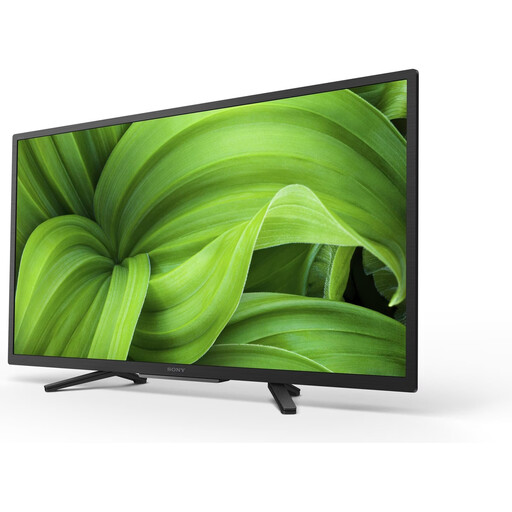
Sony BRAVIA KD-32W800, 32-inch LED smart TV
If you want to transfer photos from a mobile device, check that the Chromecast transfer method described is compatible with your device.
The product name lists a 32-inch screen, LED, 2K HDR and Android TV.
Joybuy
 No image available
CHiQ U43QM10E, 43-inch 4K QLED smart TV
If you want to share photos wirelessly from a mobile device, check that the transfer methods described work with your devices.
The product name lists a 43-inch screen, 4K, QLED and Google TV.
Joybuy
Frequently asked questions
Is a USB port enough to display my photos?
No. Check photo playback, file format and file system for the full model code. Sony Germany lists JPEG, FAT16, FAT32 and NTFS for the K-55S3; this doesn’t mean other files or other TVs are supported.
How can I share iPhone photos without a USB stick?
You can use AirPlay with a compatible TV. For screen sharing, LG Germany says your iPhone and TV must be on the same Wi-Fi network. Also check that your particular device supports AirPlay.
Can I leave a landscape photo on an OLED TV for a long time?
Take care when displaying the same static image for long periods or repeatedly. Sony lists static photos as a possible cause of permanent image retention on OLED; take the protective features and usage guidance for your chosen model into account.
How should I factor in energy use?
Compare the EU energy label for the exact TV, particularly if you plan to display photos often or for long periods. The Verbraucherzentrale recommends checking energy consumption when buying a TV.
Can I show other people’s landscape photos on a TV in public?
Having a private copy doesn’t automatically give you permission to show it publicly. German copyright law distinguishes between private use and public communication and provides a right of public exhibition for photographic works. Whether a particular event counts as public, and what usage rights apply, needs to be assessed on a case-by-case basis.


