What should you look for when buying?
First, check the picture from the furthest seat you plan to use. Then test a typical recording, including its sound, using the playback method you’ll actually use.
The figures below show how consumers rank their top buying priorities when watching their own amateur theatre recordings together.
| Buying priority |
What to check before buying |
Consumers who prioritise this |
| Picture quality from the side |
Check the side view on the specific model; watch dark and colourful scenes from a seat at the edge. |
If several people are sitting to the side, the stage colours shouldn’t look different just because of where they’re sitting. Around 36% of consumers put picture quality from the side first. |
| Playing your own files |
Check the video and audio codecs, as well as the USB file system or the connection to your playback device. |
If you want to play an existing recording with its sound, a compatible file extension isn’t enough. Around 29% of consumers prioritise playing their own theatre recordings. |
| Dark stage scenes |
Use one of your own dark scenes to check whether details remain visible from a seat to the side. |
In dimly lit scenes, costumes, positions and lighting details should remain easy to assess. Around 21% of consumers put detail in dark scenes first. |
| Space and running costs |
Measure the space available and your viewing distance; compare energy labels, delivery and installation. |
If the TV needs to fit a particular room, its footprint and ongoing or additional costs matter. Around 14% of consumers prioritise room requirements and running costs. |
RTINGS describes differences in viewing angles depending on the technology and model tested. The Verbraucherzentrale notes that larger screens and more extensive features generally use more electricity. For playback, LG and Sony refer to each model’s specifications for supported files.
Joybuy product selection
This selection includes LCD and OLED TVs for watching your own theatre recordings, with a range of screen sizes.
 No image available
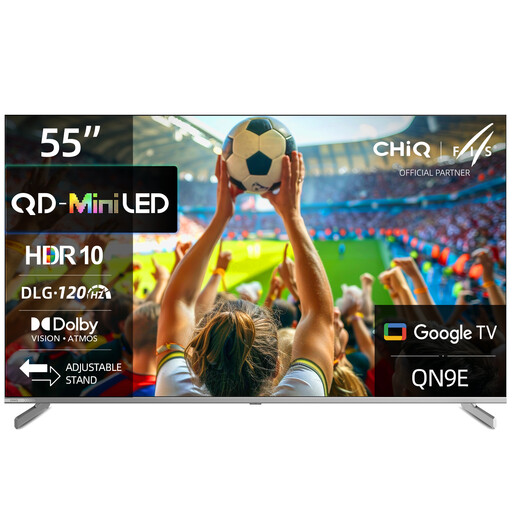
CHiQ M55QN9E, 55-inch 4K Mini-LED smart TV
This model is worth considering as an LCD option for group viewing. Pay particular attention to the picture from the furthest seat.
55 inches (139 cm); 4K; Mini LED; Dolby Vision; Dolby Atmos.
View at Joybuy
 No image available
TCL 55Q7D PRO, 55-inch 4K SQD Mini-LED TV
This LCD model may be suitable for watching dark and colourful scenes, but check picture quality from your actual seat.
55 inches; 4K; SQD Mini-LED; 480 local dimming zones; 2,000 nits HDR; 144 Hz.
View at Joybuy
 No image available
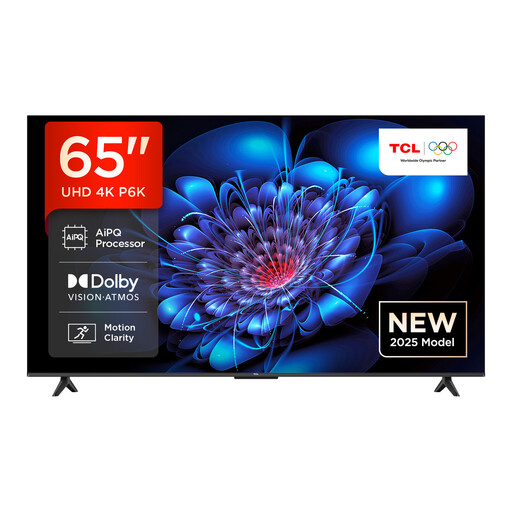
TCL 65P6K, 65-inch 4K HDR Direct LED smart TV
The larger screen may work well for group viewing if you have enough space and the right viewing distance. Check the picture from the side before choosing.
65 inches; 4K HDR; Direct LED; Google TV.
View at Joybuy
 No image available
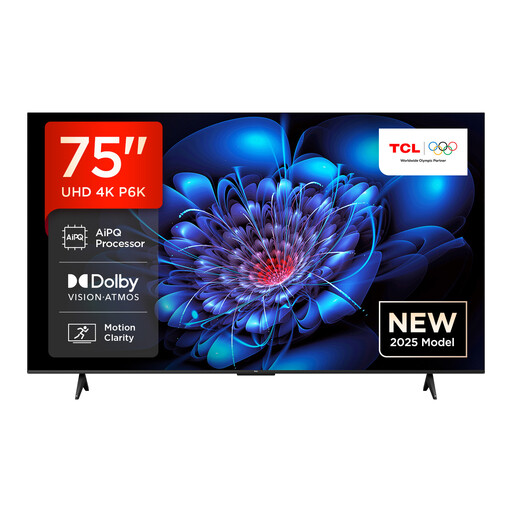
TCL 75P6K, 75-inch 4K HDR Direct LED smart TV
This larger LCD model may be suitable if your room and viewing distance can accommodate the screen size. Check the picture from a side seat separately.
75 inches; 4K HDR; Direct LED; Google TV.
View at Joybuy
 No image available
LG OLED77G67LW OLED evo AI G6, 77-inch 4K smart TV
OLED may suit dark stage scenes and a wide seating arrangement. Check the viewing angle on the specific model and follow LG’s guidance on long pauses on still images.
77 inches; 4K; OLED evo; webOS 26.
View at Joybuy
Frequently asked questions
Is an MP4 file enough to confirm that my theatre recording will play over USB?
No. For the specific model, check the video and audio codecs as well as the file extension, and test a typical file with sound. The supported file system may also matter for the USB drive.
How can I check the TV before installing it in its permanent position?
Measure the available space and your usual viewing distance, then assess one of your own recordings from both the centre of the screen and the furthest seat. With a wide seating arrangement, it’s particularly important to check whether the picture from the side is good enough for everyone to assess together.
What should I bear in mind if I often pause on still images on an OLED TV?
LG describes a possible risk of image retention if a still image is displayed for a long time. Avoid unnecessarily long pauses on still images and follow the guidance for your chosen model. This doesn’t mean that every TV will be damaged during normal use.
What costs and rights should I check in addition to the purchase price?
Compare electricity use using the energy label, and check for any delivery or installation costs. The Verbraucherzentrale distinguishes statutory consumer rights from a voluntary guarantee. Buying the TV also doesn’t give you the rights to use a recording.
Does buying a smart TV automatically allow me to screen or publish a theatre recording publicly?
No. Buying the device doesn’t clarify the rights to the play, music, performance or recording. The Federal Ministry of Justice and the Federal Office of Justice list the right to make a work available to the public as a separate exploitation right. Which rights apply to a specific project depends on the rights granted for it.


